

Turn Every Call Into A RepairShopr Customer And Ticket
Marlie AI answers shop calls, qualifies the issue, books repair drop-offs and on-site visits, and creates Customers and Tickets in RepairShopr automatically.
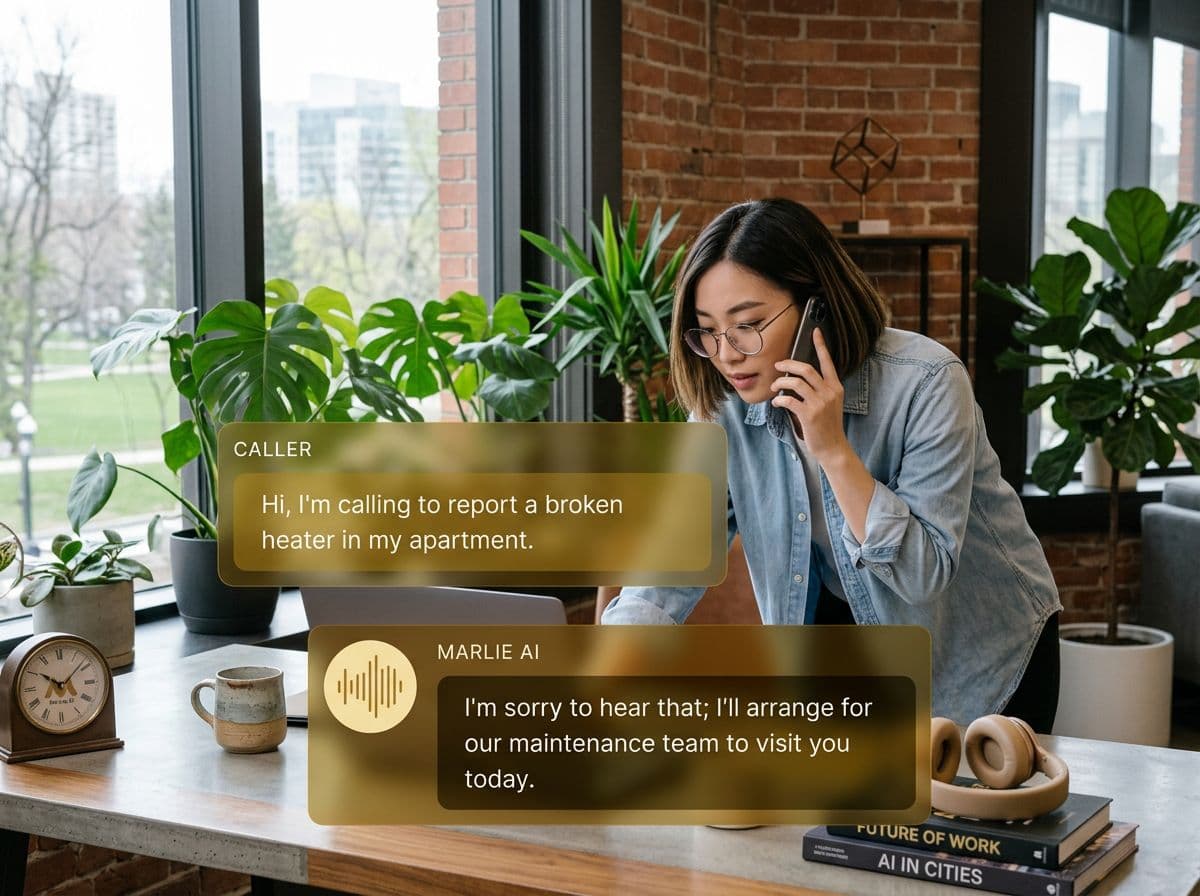
A 24/7 phone receptionist for shops running on RepairShopr
Repair shops and MSPs running on RepairShopr live in Tickets — but the front desk is often the bottleneck. Calls back up, walk-ins interrupt the workbench, and after-hours leads go to voicemail and never call back.
Marlie AI takes the load off the desk. Inbound calls are answered, callers are qualified, and Customers and Tickets are created in RepairShopr with the right device, issue, and priority. Drop-offs and on-site visits are booked into your schedule, and your team only walks back to the bench with a clean ticket queue.
Also useful: AI receptionist for HVAC and AI receptionist for plumbers.
What You Get with Marlie + RepairShopr
Everything you need to connect your phone calls with RepairShopr — fully automated, zero manual work.
Auto-Create Customers
Every inbound caller becomes a RepairShopr Customer with name, phone, email, and address pre-filled from the conversation.
Ticket Creation
Marlie creates a Ticket on the Customer with device type, reported issue, priority, and full call notes attached.
Drop-Off & On-Site Booking
Marlie checks tech and bench availability and books drop-offs or on-site visits straight into your RepairShopr calendar.
After-Hours Coverage
After-hours and overflow calls are answered, qualified, and queued as Tickets so urgent service requests land in front of your team first.
Smart Deduplication
Returning callers are matched to existing Customers and add a new Ticket on the existing record — no duplicate Customers.
Real-Time Sync
Customers, Tickets, and appointments appear in RepairShopr within seconds of the call ending so your queue is always live.
How It Works
Get up and running with RepairShopr in minutes — no coding required.
Connect RepairShopr
Paste your RepairShopr API key into the Marlie dashboard. Pick the location, default Ticket type, and assignee defaults.
Configure Triage Flow
Define how Marlie qualifies calls — device type, issue category, priority — and which Tickets route to which techs.
Marlie Answers Shop Calls
Inbound calls are answered 24/7. Marlie qualifies the issue, books drop-offs or on-site visits, and creates the Ticket.
RepairShopr Stays Current
Customers, Tickets, and bookings appear in RepairShopr in real time so your team works from one accurate queue.
Built for Real Scenarios
See how businesses use Marlie + RepairShopr to capture more leads and streamline operations.
Computer & Phone Repair Shops
A repair shop gets walk-in interruptions and phone calls all day, and the bench tech can't focus.
Marlie answers every call, books drop-offs into the schedule, and creates a clean Ticket in RepairShopr so the tech only opens RepairShopr when ready.
Managed Service Providers
An MSP needs after-hours coverage for client urgent service requests without paying for an overnight desk.
Marlie answers off-hours calls, qualifies severity, creates a high-priority Ticket in RepairShopr, and pages the on-call tech.
Mobile & On-Site Repair
A mobile repair business books on-site visits and needs the address and issue captured cleanly.
Marlie collects the full address, device, and issue, creates a Customer and on-site Ticket in RepairShopr, and books the appointment.
Frequently Asked Questions
Common questions about the Marlie AI + RepairShopr integration.
Which RepairShopr plans support the API?
Can Marlie create Tickets in the right location?
Will Marlie create duplicate Customers in RepairShopr?
Can Marlie book a specific tech or bench?
Does Marlie handle pricing or estimates on the call?
Are call recordings stored in RepairShopr?
Related Integrations
Marlie AI connects with more than just RepairShopr. Here are a few closely related tools, or browse the full integrations catalog.








Ready to connect Marlie AI with RepairShopr?
Eligible new customers get 14 days free. Add a card at checkout with $0 due today, then place your first real phone test minutes later.
What Our Customers Say

“Marlie has dramatically improved our reservation process, reducing missed calls by 40%.”

“Our takeout orders increased by 25% since implementing Marlie to handle busy call times.”

“Student enrollment is up 30% with Marlie handling after-hours inquiries about our programs.”

“Marlie has become an essential part of our customer service strategy across all our places.”

“The AI voice agents integrate seamlessly with our existing systems, creating a truly omnichannel experience.”
Get set up in minutes
Create your receptionist in 15 minutes and start receiving calls immediately. Try it for 2 weeks risk-free with our money-back guarantee.
