

Answer Calls, Book Jobs, and Dispatch — All on Autopilot
Marlie AI answers service calls, captures job details, and creates customers and jobs in Housecall Pro instantly. Your team stays in the field while your phone stays covered.
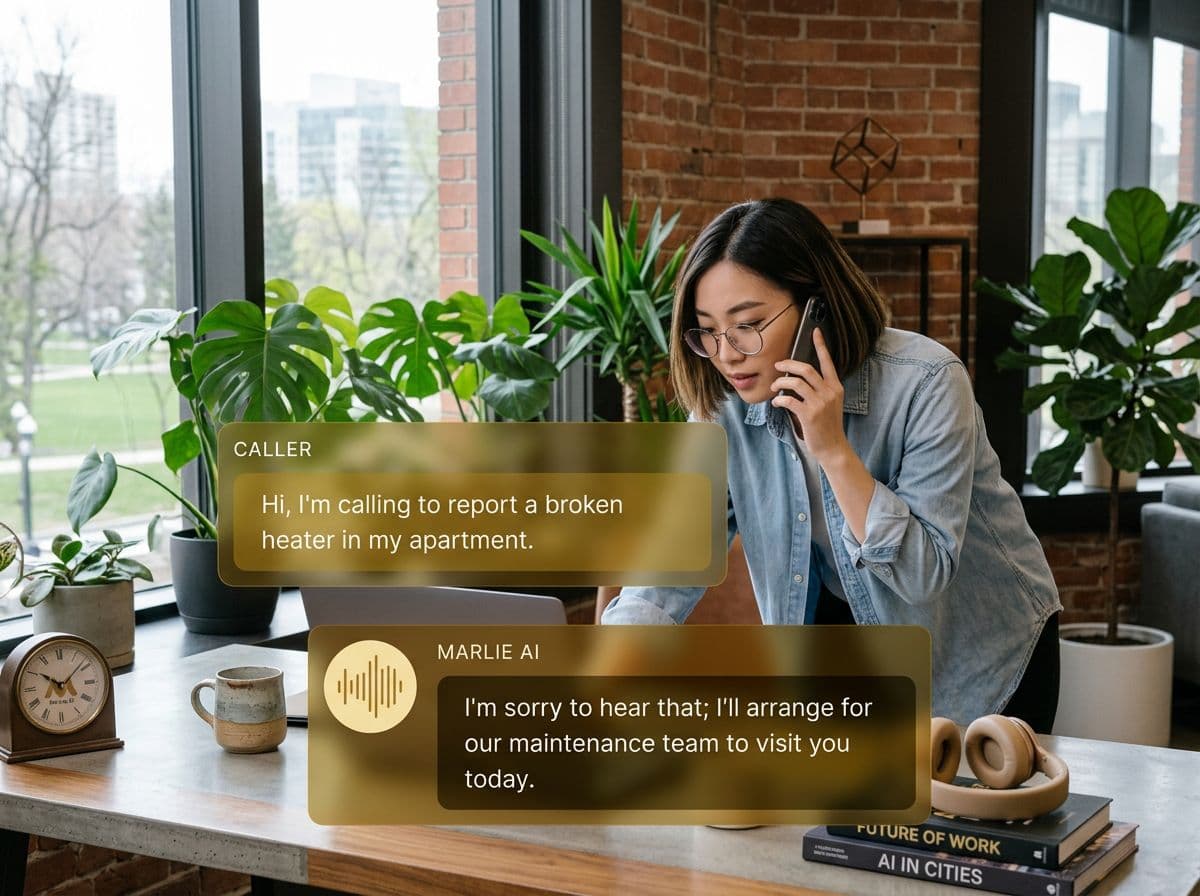
Stop losing jobs to missed calls
Home service businesses live and die by the phone. When a homeowner calls with a leaking pipe or a broken AC, they're not leaving a voicemail — they're calling the next company on the list. Every missed call is a lost job.
With Marlie AI + Housecall Pro, every call is answered on the first ring. Marlie captures the customer's info, service request, and preferred time — then creates the customer and job in Housecall Pro automatically. Your dispatcher sees the new job immediately and can assign a tech without ever picking up the phone.
Also useful: AI receptionist for HVAC and AI receptionist for plumbers.
What You Get with Marlie + Housecall Pro
Everything you need to connect your phone calls with Housecall Pro — fully automated, zero manual work.
Auto-Create Customers
New callers are added as Housecall Pro customers with name, address, phone, and email — no office staff needed.
Instant Job Creation
Service requests from calls are turned into Housecall Pro jobs with details, priority, and preferred scheduling window.
Smart Dispatch Ready
Jobs created by Marlie include location, service type, and urgency so your dispatcher can assign the right tech instantly.
After-Hours Coverage
Marlie answers calls 24/7, so emergency service requests at midnight get captured and queued just like daytime calls.
Returning Customer Recognition
Repeat callers are matched to their existing Housecall Pro profile, so service history and notes carry forward.
Call Notes & Context
Every call is summarized with the customer's exact words — problem description, access instructions, and special requests.
How It Works
Get up and running with Housecall Pro in minutes — no coding required.
Connect Housecall Pro
Link your Housecall Pro account through the Marlie dashboard. The setup takes under five minutes with guided instructions.
Set Your Service Categories
Tell Marlie what services you offer — plumbing, HVAC, electrical, cleaning — so it asks the right questions on every call.
Marlie Handles the Call
When a customer calls, Marlie answers naturally, gathers their info, identifies the service needed, and confirms scheduling preferences.
Job Appears in Housecall Pro
A new customer and job are created in Housecall Pro with all the details. Your team dispatches and completes the work.
Built for Real Scenarios
See how businesses use Marlie + Housecall Pro to capture more leads and streamline operations.
Emergency Service Calls
A homeowner calls at 10 PM about a burst pipe. Marlie AI answers, captures the address and urgency, and creates a high-priority job.
Your on-call tech gets dispatched immediately through Housecall Pro — the customer never had to wait or call a competitor.
Peak Season Overflow
During summer, your HVAC company gets 50+ calls a day. Office staff can't keep up, and calls go to voicemail.
Marlie handles the overflow, creating jobs in Housecall Pro for every call — so zero leads are lost during your busiest months.
Solo Operator Coverage
You're a one-person operation and can't answer calls while on a job site. Customers get voicemail and move on.
Marlie acts as your full-time receptionist, booking jobs into Housecall Pro while you focus on the work in front of you.
Frequently Asked Questions
Common questions about the Marlie AI + Housecall Pro integration.
How does Marlie AI connect to Housecall Pro?
Can Marlie book specific time slots in Housecall Pro?
What if a returning customer calls?
Does Marlie handle emergency vs. routine calls differently?
Can I customize what Marlie asks callers?
Does this work for multi-location businesses?
Related Integrations
Marlie AI connects with more than just Housecall Pro. Here are a few closely related tools, or browse the full integrations catalog.







Ready to connect Marlie AI with Housecall Pro?
Eligible new customers get 14 days free. Add a card at checkout with $0 due today, then place your first real phone test minutes later.
What Our Customers Say

“Marlie has dramatically improved our reservation process, reducing missed calls by 40%.”

“Our takeout orders increased by 25% since implementing Marlie to handle busy call times.”

“Student enrollment is up 30% with Marlie handling after-hours inquiries about our programs.”

“Marlie has become an essential part of our customer service strategy across all our places.”

“The AI voice agents integrate seamlessly with our existing systems, creating a truly omnichannel experience.”
Get set up in minutes
Create your receptionist in 15 minutes and start receiving calls immediately. Try it for 2 weeks risk-free with our money-back guarantee.
