

Never Miss A Roofing Lead — Direct To AccuLynx
Marlie AI answers every storm-chase, repair, and estimate call 24/7, qualifies the homeowner, and pushes the lead straight into AccuLynx with the right job type and notes attached.
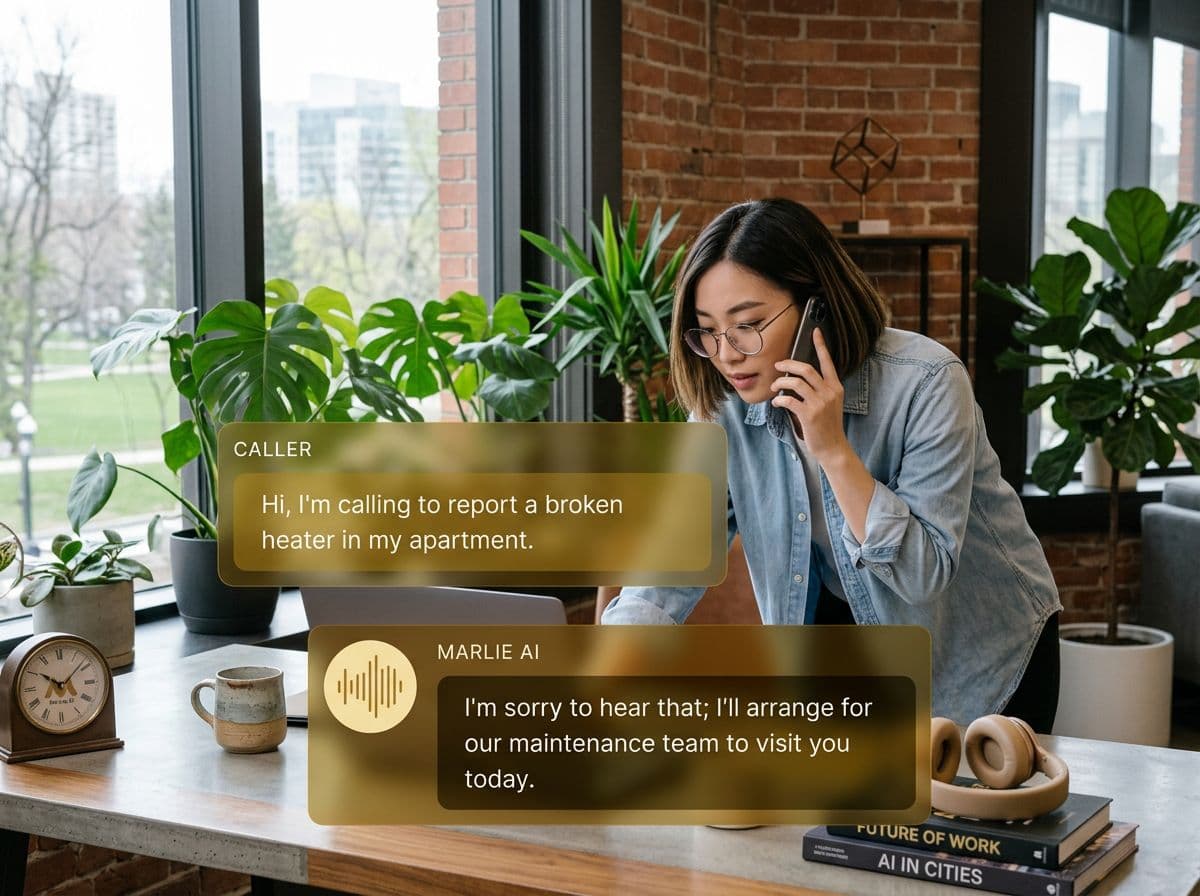
Purpose-built for roofers running on AccuLynx
In roofing, the contractor who calls back first usually wins the job. The problem is that estimators are on roofs, not by their phones — and after a hailstorm, the inbound call volume can spike past anything a single person can handle.
Marlie AI plugs straight into AccuLynx so every inbound call is answered, qualified, and turned into a lead in your CRM. Storm-chase calls, repair calls, and quote requests all land with the right job type, address, and notes — ready for the estimator to follow up the same day.
Also useful: AI receptionist for HVAC and AI receptionist for plumbers.
What You Get with Marlie + AccuLynx
Everything you need to connect your phone calls with AccuLynx — fully automated, zero manual work.
Auto-Create Leads & Jobs
Every inbound call creates a contact and lead in AccuLynx with homeowner name, address, job type, and lead source captured.
Job Type Routing
Marlie identifies repair, replacement, inspection, or insurance work and tags the AccuLynx job accordingly so the right estimator picks it up.
Address & Property Capture
Homeowner address, roof type, and damage details are captured on the call and pushed into AccuLynx for the field team.
Storm-Surge Coverage
After a hail or wind event, Marlie absorbs the call surge so no homeowner gives up and calls the next contractor on Google.
Call Notes On The Lead
Full call summary, transcript, and recording link are attached to the AccuLynx lead so the estimator is briefed before driving out.
Source Attribution
Different phone numbers map to different lead sources — door-knocking, ads, referrals — so your AccuLynx reporting stays clean.
How It Works
Get up and running with AccuLynx in minutes — no coding required.
Connect AccuLynx
Authenticate AccuLynx from the Marlie dashboard using their public API. Works with standard AccuLynx accounts.
Configure Job Types & Sources
Map call intents to AccuLynx job types and lead sources, and pick which estimator or queue new leads route to.
Marlie Answers 24/7
Inbound calls are answered immediately. Marlie captures address, damage type, and timeline from every homeowner.
AccuLynx Stays Current
New leads land in AccuLynx with full notes, the right job type, and source attribution — ready for the estimator to follow up.
Built for Real Scenarios
See how businesses use Marlie + AccuLynx to capture more leads and streamline operations.
Storm Response Surge
A hailstorm hits the service area and inbound call volume jumps 10x overnight.
Marlie absorbs the surge, qualifies every homeowner, and stages every lead in AccuLynx so estimators can hit roofs without missing calls.
After-Hours Repair Calls
A homeowner with a leaking roof calls at 8 PM and won't leave a voicemail.
Marlie answers, captures the urgency and address, creates an AccuLynx repair lead, and notifies the on-call estimator immediately.
Estimators On The Roof
A small roofing crew has estimators working roofs all day and missing 30% of inbound calls.
Marlie answers every call, qualifies the lead, and lands it in AccuLynx so estimators can call back warm leads at the end of the day.
Frequently Asked Questions
Common questions about the Marlie AI + AccuLynx integration.
Which AccuLynx accounts work with Marlie?
Can Marlie capture insurance claim details?
Will this duplicate leads already in AccuLynx?
Can different phone numbers route to different lead sources?
Does Marlie handle storm surges?
Are call recordings stored in AccuLynx?
Related Integrations
Marlie AI connects with more than just AccuLynx. Here are a few closely related tools, or browse the full integrations catalog.








Ready to connect Marlie AI with AccuLynx?
Eligible new customers get 14 days free. Add a card at checkout with $0 due today, then place your first real phone test minutes later.
What Our Customers Say

“Marlie has dramatically improved our reservation process, reducing missed calls by 40%.”

“Our takeout orders increased by 25% since implementing Marlie to handle busy call times.”

“Student enrollment is up 30% with Marlie handling after-hours inquiries about our programs.”

“Marlie has become an essential part of our customer service strategy across all our places.”

“The AI voice agents integrate seamlessly with our existing systems, creating a truly omnichannel experience.”
Get set up in minutes
Create your receptionist in 15 minutes and start receiving calls immediately. Try it for 2 weeks risk-free with our money-back guarantee.
