

Book Home Inspections Directly Into ISN
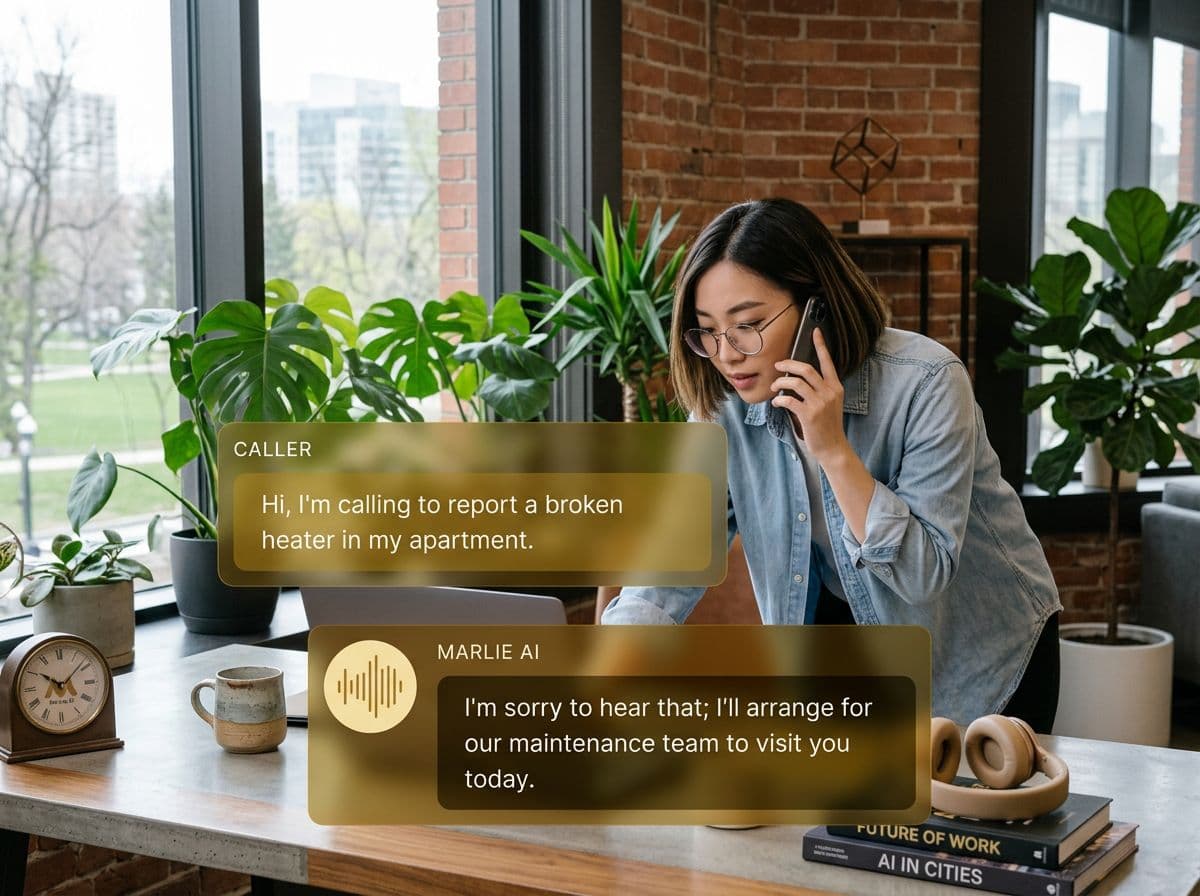
Marlie AI answers inspection calls, qualifies the caller, checks live ISN availability, and creates inspection orders with the right office, order type, and inspector.
Built for inspection teams running on ISN
Home inspectors lose revenue when scheduling calls land during an inspection, after hours, or while the office is handling another client. Callers expect a fast answer and a clear appointment time.
With Marlie AI + ISN, your phone agent can look up existing clients, check available inspection slots, collect the service address, and create an ISN order with the configured office, order type, inspector, duration, and notes.
Also useful: AI receptionist for home inspectors.
What You Get with Marlie + Inspection Support Network
Everything you need to connect your phone calls with Inspection Support Network — fully automated, zero manual work.
Client Lookup
Marlie searches ISN clients by phone or email and asks for clarification when multiple records match instead of guessing.
Live Availability
Available slots come from ISN inspectors and order types, then Marlie applies your lead-time, same-day, and booking-window policies.
Order Creation
Ready-to-book callers become ISN inspection orders with client details, address, selected inspector, duration, and call notes.
Inspector Defaults
Choose the ISN office, order type, and inspectors Marlie may book against so the agent only offers valid appointment options.
Cancel & Reschedule
Callers can request changes by order ID after lookup; Marlie uses the ISN order start time to respect your cutoff rules.
Scheduling Policies
Configure duration, no-same-day rules, minimum notice, future booking windows, and cancellation policy text from Marlie.
How It Works
Get up and running with Inspection Support Network in minutes — no coding required.
Connect ISN
Enter your ISN domain, company key, access key, and secret access key from Settings > My Access Keys.
Choose ISN Defaults
Select the office, order type, and inspectors Marlie should use for phone-based inspection bookings.
Set Scheduling Rules
Define appointment duration, advance notice, booking window, and cancellation cutoff so callers only hear valid options.
Marlie Answers and Books
When a caller is ready, Marlie checks availability, collects the details, and creates the inspection order in ISN.
Built for Real Scenarios
See how businesses use Marlie + Inspection Support Network to capture more leads and streamline operations.
Inspector in the Field
A home inspector is on site and cannot answer a buyer's scheduling call.
Marlie answers, finds an available slot in ISN, collects the property address, and creates the order before the caller shops around.
After-Hours Inspection Requests
A real estate agent calls at 8 PM to schedule an inspection for a pending contract.
Marlie captures the urgency, offers valid next-business-day slots, and leaves the order ready for the office to review.
Multi-Inspector Teams
Several inspectors share a phone line and callers need the earliest available appointment.
Marlie checks configured ISN inspectors, offers available slots, and assigns the selected inspector on the order.
Frequently Asked Questions
Common questions about the Marlie AI + Inspection Support Network integration.
How does Marlie connect to ISN?
Can Marlie check real ISN availability?
Can Marlie create ISN orders?
What if multiple ISN clients match the caller?
Can callers cancel or reschedule ISN orders?
Is this available for home inspection companies now?
Related Integrations
Marlie AI connects with more than just Inspection Support Network. Here are a few closely related tools, or browse the full integrations catalog.







Ready to connect Marlie AI with Inspection Support Network?
Eligible new customers get 14 days free. Add a card at checkout with $0 due today, then place your first real phone test minutes later.
What Our Customers Say

“Marlie has dramatically improved our reservation process, reducing missed calls by 40%.”

“Our takeout orders increased by 25% since implementing Marlie to handle busy call times.”

“Student enrollment is up 30% with Marlie handling after-hours inquiries about our programs.”

“Marlie has become an essential part of our customer service strategy across all our places.”

“The AI voice agents integrate seamlessly with our existing systems, creating a truly omnichannel experience.”
Get set up in minutes
Create your receptionist in 15 minutes and start receiving calls immediately. Try it for 2 weeks risk-free with our money-back guarantee.
