

Every Call Automatically Logged to Google Sheets
Marlie AI handles your calls and appends structured call data to Google Sheets in real time — build the custom reports and dashboards your business actually needs.
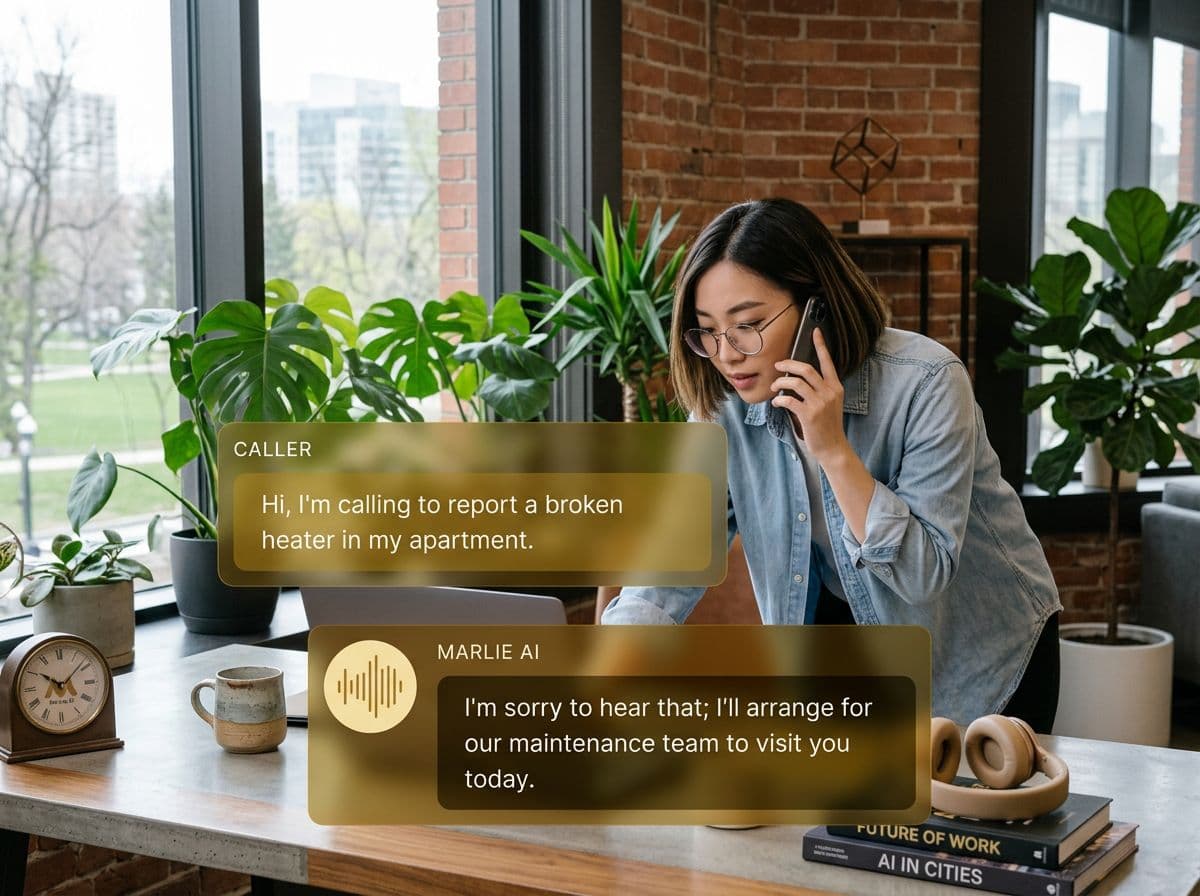
Your call data, exactly where you need it
Not every business needs a complex CRM. Many teams run efficiently on well-structured spreadsheets — and Google Sheets is the most flexible, shareable, and accessible option available.
Marlie AI integrates directly with Google Sheets to log every call automatically: caller name, number, time, intent, call summary, and outcome. Your sheet becomes a living call log that's always up to date without any manual data entry.
Also useful: CRM and Zapier integrations.
What You Get with Marlie + Google Sheets
Everything you need to connect your phone calls with Google Sheets — fully automated, zero manual work.
Automatic Row Appending
Every call adds a new row to your Google Sheet in real time — no manual entry, no copy-paste, no lost data.
Custom Column Mapping
Map any call data field to any column in your sheet — date, caller, intent, summary, duration, and more.
Multiple Sheet Support
Route different call types to different sheets within a workbook — leads, support, and general inquiries stay organized.
Real-Time Updates
Data appears in Google Sheets within seconds of each call ending — no batch sync or manual refresh needed.
Formula-Ready Data
Call data is structured for immediate use in VLOOKUP, SUMIF, pivot tables, and custom dashboards.
Team Sharing
Share your call log sheet with any team member instantly — no Marlie account required to view or analyze data.
How It Works
Get up and running with Google Sheets in minutes — no coding required.
Connect Google Sheets
Authorize Marlie to write to your Google Sheets in one click. Select an existing sheet or let Marlie create one.
Configure Your Columns
Map call data fields to your desired columns. Add headers and choose which information to capture for each call.
Marlie Handles the Calls
As calls come in, Marlie AI extracts all relevant information and prepares a structured row of data.
Rows Append Automatically
Each call appends a new row to your sheet in real time — your call log grows automatically without any effort.
Built for Real Scenarios
See how businesses use Marlie + Google Sheets to capture more leads and streamline operations.
Lead Tracking for Small Businesses
A landscaping company wants to track every inbound lead without paying for a CRM subscription.
Marlie logs every lead call to a Google Sheet with name, number, service requested, and follow-up status — a lightweight CRM at zero extra cost.
Marketing Attribution
A marketing agency wants to track which campaigns drive inbound calls and which convert.
Marlie logs call source, caller details, and outcomes to Sheets, enabling the team to build attribution reports in Google Data Studio.
Franchise Operations
A franchise owner wants to monitor call volume and service demand across multiple locations.
Each location's calls log to separate sheets within a master workbook, giving the owner a centralized view of all activity.
Frequently Asked Questions
Common questions about the Marlie AI + Google Sheets integration.
Does Marlie create a new Google Sheet or write to an existing one?
Which data fields can be logged to Google Sheets?
Can multiple team members edit the sheet while Marlie writes to it?
How quickly does data appear in Google Sheets?
Can I use the logged data with Google Data Studio or Looker Studio?
Related Integrations
Marlie AI connects with more than just Google Sheets. Here are a few closely related tools, or browse the full integrations catalog.








Ready to connect Marlie AI with Google Sheets?
Eligible new customers get 14 days free. Add a card at checkout with $0 due today, then place your first real phone test minutes later.
What Our Customers Say

“Marlie has dramatically improved our reservation process, reducing missed calls by 40%.”

“Our takeout orders increased by 25% since implementing Marlie to handle busy call times.”

“Student enrollment is up 30% with Marlie handling after-hours inquiries about our programs.”

“Marlie has become an essential part of our customer service strategy across all our places.”

“The AI voice agents integrate seamlessly with our existing systems, creating a truly omnichannel experience.”
Get set up in minutes
Create your receptionist in 15 minutes and start receiving calls immediately. Try it for 2 weeks risk-free with our money-back guarantee.
