

Every Customer Call, Synced To Vitally
Marlie AI answers calls from your customers, identifies the Account, and logs notes, tasks, and Playbook triggers into Vitally — so customer success has full context on every conversation.
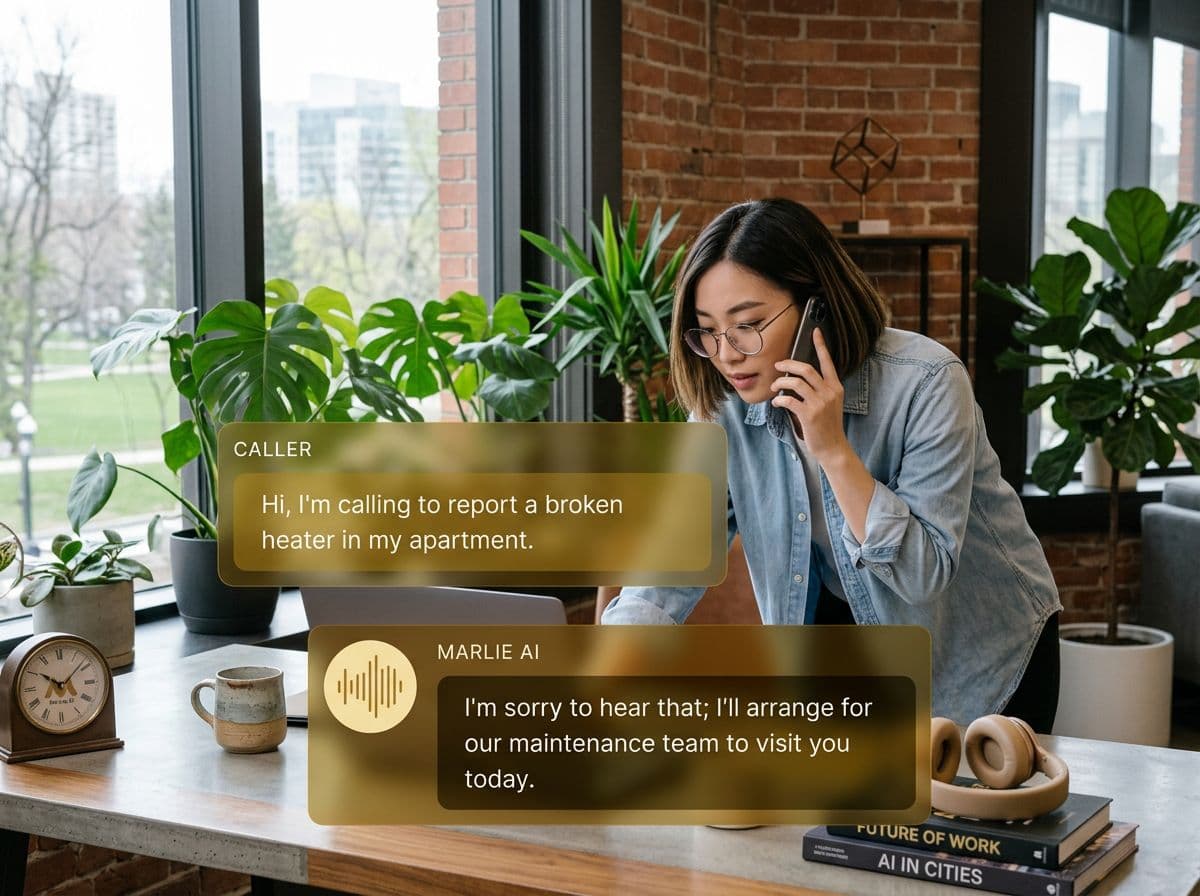
A phone front-door for customer success teams running on Vitally
Vitally is the customer health and CS workflow layer for SaaS teams. Health scores, Playbooks, and Notes give your CSMs a complete picture — but only if every customer interaction makes it into Vitally.
Marlie AI handles the phone side. Inbound calls from customers are answered, the right Vitally Account is identified, and the conversation is logged as a Note on the Account. Health-relevant signals (escalations, churn risk, expansion intent) can fire Vitally Playbooks automatically.
Also useful: CRM and Zapier integrations.
What You Get with Marlie + Vitally
Everything you need to connect your phone calls with Vitally — fully automated, zero manual work.
Account Identification
Marlie matches inbound calls to the right Vitally Account using phone, email, or domain.
Call Notes On The Account
Every call appears as a Note on the Vitally Account with the summary, transcript, and a recording link.
Playbook Triggers
Marlie can fire Vitally Playbooks based on call signals — escalation, churn risk, expansion, onboarding stuck.
Health Score Signals
Call sentiment and key call signals can be written into Vitally fields that feed customer health scores.
Task & Project Creation
Follow-up Tasks and Projects can be created on the right Vitally Account assigned to the right CSM.
Real-Time Sync
Notes and Playbook triggers land in Vitally within seconds of the call ending — CSMs see updates instantly.
How It Works
Get up and running with Vitally in minutes — no coding required.
Connect Vitally
Authenticate Vitally from the Marlie dashboard via API key. No developer work required.
Map Accounts & Playbooks
Pick how callers map to Vitally Accounts and which call signals fire which Playbooks or update which fields.
Marlie Handles The Call
Inbound customer calls are answered 24/7. Marlie identifies the Account and runs the right flow.
Vitally Stays Current
Notes, Tasks, and Playbook triggers land on the right Vitally Account so CSMs always have full context.
Built for Real Scenarios
See how businesses use Marlie + Vitally to capture more leads and streamline operations.
After-Hours Customer Coverage
Customers occasionally hit issues outside business hours and call the support line.
Marlie answers off-hours calls, logs the issue on the Vitally Account, and triggers an escalation Playbook so the CSM follows up first thing the next day.
Churn Risk Early Warning
A frustrated customer calls and mentions cancelling.
Marlie detects the churn signal, logs it on the Vitally Account, fires the Churn Risk Playbook, and alerts the CSM in Slack via Vitally.
Expansion Signal Capture
A customer calls asking about additional seats or higher tiers.
Marlie captures expansion intent, logs it as a Note on the Vitally Account, and creates a Task for the CSM to follow up with a quote.
Frequently Asked Questions
Common questions about the Marlie AI + Vitally integration.
Which Vitally plans are supported?
How does Marlie match a caller to a Vitally Account?
Can Marlie fire Vitally Playbooks automatically?
Will call data feed Vitally health scores?
Are call recordings stored in Vitally?
Can Marlie create Tasks for specific CSMs?
Related Integrations
Marlie AI connects with more than just Vitally. Here are a few closely related tools, or browse the full integrations catalog.







Ready to connect Marlie AI with Vitally?
Eligible new customers get 14 days free. Add a card at checkout with $0 due today, then place your first real phone test minutes later.
What Our Customers Say

“Marlie has dramatically improved our reservation process, reducing missed calls by 40%.”

“Our takeout orders increased by 25% since implementing Marlie to handle busy call times.”

“Student enrollment is up 30% with Marlie handling after-hours inquiries about our programs.”

“Marlie has become an essential part of our customer service strategy across all our places.”

“The AI voice agents integrate seamlessly with our existing systems, creating a truly omnichannel experience.”
Get set up in minutes
Create your receptionist in 15 minutes and start receiving calls immediately. Try it for 2 weeks risk-free with our money-back guarantee.
