
Capture Every Client Call Into vcita
Marlie AI answers your calls 24/7, qualifies inquiries, books appointments, and pushes new clients into vcita so your scheduling, billing, and client management all stay in sync.
Phone coverage for service pros running on vcita
vcita is the operating system for service-based small businesses — appointments, payments, client portal, and CRM in one platform. The challenge is that solo owners and small teams are usually busy with the work itself when the phone rings.
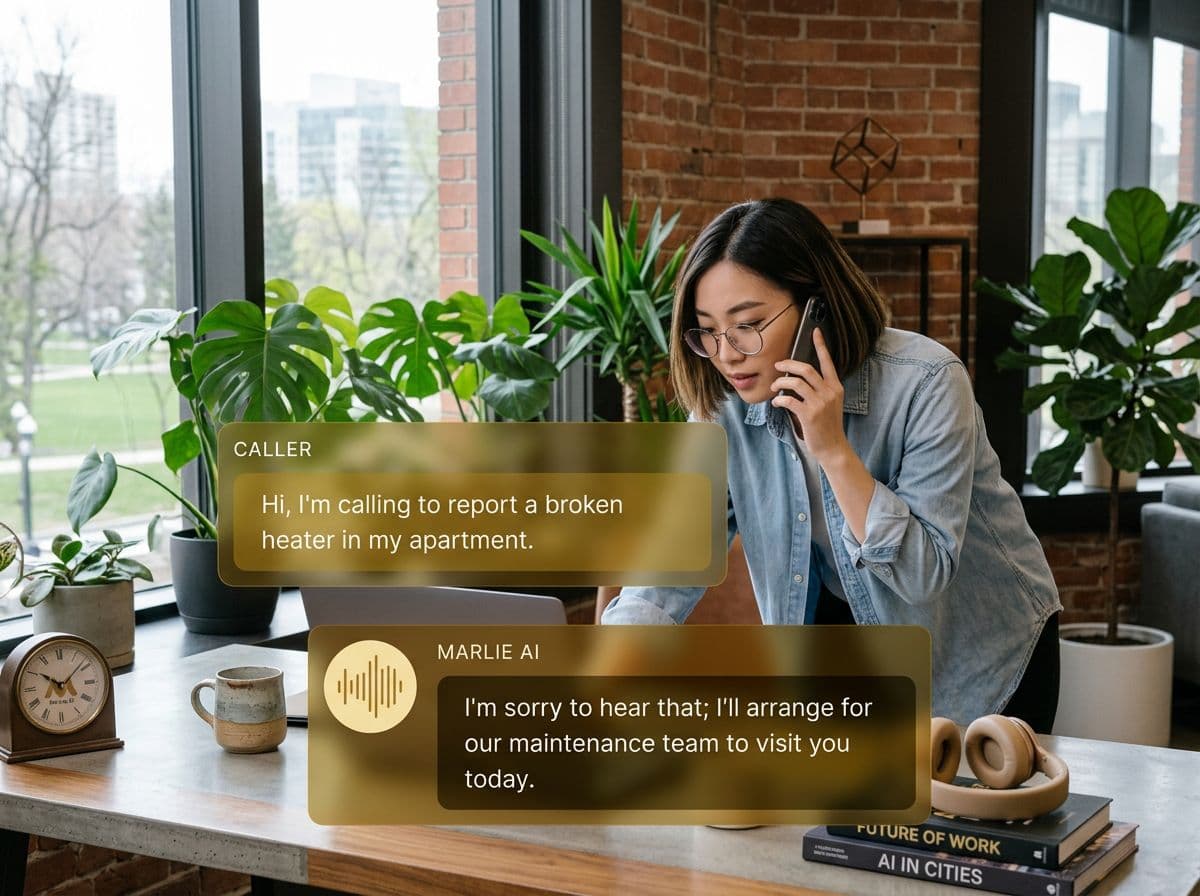
Marlie AI gives every vcita customer a 24/7 receptionist. Calls are answered, qualified, and turned into vcita clients with appointments booked and notes attached — so service pros can focus on delivery while their schedule and CRM keep filling themselves.
Also useful: CRM and Zapier integrations.
What You Get with Marlie + vcita
Everything you need to connect your phone calls with vcita — fully automated, zero manual work.
24/7 Call Answering
Inbound calls are answered any time of day so service pros don't lose clients while they're with another customer.
Appointment Booking
Marlie books, reschedules, and cancels appointments respecting your vcita services, durations, and availability.
New Client Capture
New callers become vcita clients with name, phone, email, service requested, and call notes captured.
Existing Client Lookup
Returning clients are recognized so Marlie can speak to them by name and update their existing vcita record.
Payment & Quote Handling
Marlie can answer pricing and package questions and direct callers to your vcita payment links when they're ready.
Webhook & Zapier Sync
Until a public vcita API is available, Marlie syncs through vcita webhooks, Zapier, and scheduled CSV import.
How It Works
Get up and running with vcita in minutes — no coding required.
Forward Your Business Line
Forward your existing business number to Marlie. Set business hours, after-hours rules, and overflow logic.
Configure Services & Hours
Load your vcita services, durations, providers, and pricing so Marlie books appointments using your real availability.
Marlie Books Clients
Inbound callers are qualified, booked, and walked through any prep questions. Returning clients are recognized.
vcita Stays Updated
New clients, appointments, and notes flow into vcita through Zapier, webhook, or CSV — no manual entry from your phone.
Built for Real Scenarios
See how businesses use Marlie + vcita to capture more leads and streamline operations.
Solo Service Pros
A massage therapist or coach is in session and can't take calls without breaking the appointment.
Marlie answers, books the next opening, captures intake notes, and lands the new client in vcita while the session continues.
Multi-Provider Practices
A small wellness practice with multiple providers needs to route calls to the right person without a front-desk receptionist.
Marlie qualifies the call, picks the right provider based on service, books on the matching vcita calendar, and notifies the team.
After-Hours Inquiries
Prospects call evenings and weekends to ask about pricing and availability, but the owner is off the clock.
Marlie answers questions using your service catalog, books a consult or appointment, and creates the vcita client so morning is already booked.
Frequently Asked Questions
Common questions about the Marlie AI + vcita integration.
Does vcita have a public API for direct integration?
Can Marlie book real appointments on my vcita calendar?
Will Marlie create duplicate clients in vcita?
Can Marlie quote my services on the phone?
How are after-hours calls handled?
Can Marlie hand off to a human if needed?
Related Integrations
Marlie AI connects with more than just vcita. Here are a few closely related tools, or browse the full integrations catalog.







Ready to connect Marlie AI with vcita?
Eligible new customers get 14 days free. Add a card at checkout with $0 due today, then place your first real phone test minutes later.
What Our Customers Say

“Marlie has dramatically improved our reservation process, reducing missed calls by 40%.”

“Our takeout orders increased by 25% since implementing Marlie to handle busy call times.”

“Student enrollment is up 30% with Marlie handling after-hours inquiries about our programs.”

“Marlie has become an essential part of our customer service strategy across all our places.”

“The AI voice agents integrate seamlessly with our existing systems, creating a truly omnichannel experience.”
Get set up in minutes
Create your receptionist in 15 minutes and start receiving calls immediately. Try it for 2 weeks risk-free with our money-back guarantee.
