

Turn Every Call Into A Streak Pipeline Box
Marlie AI answers your calls, qualifies the lead, and creates Streak Boxes in the right pipeline and stage — so the CRM that lives in your inbox actually reflects your phone activity.
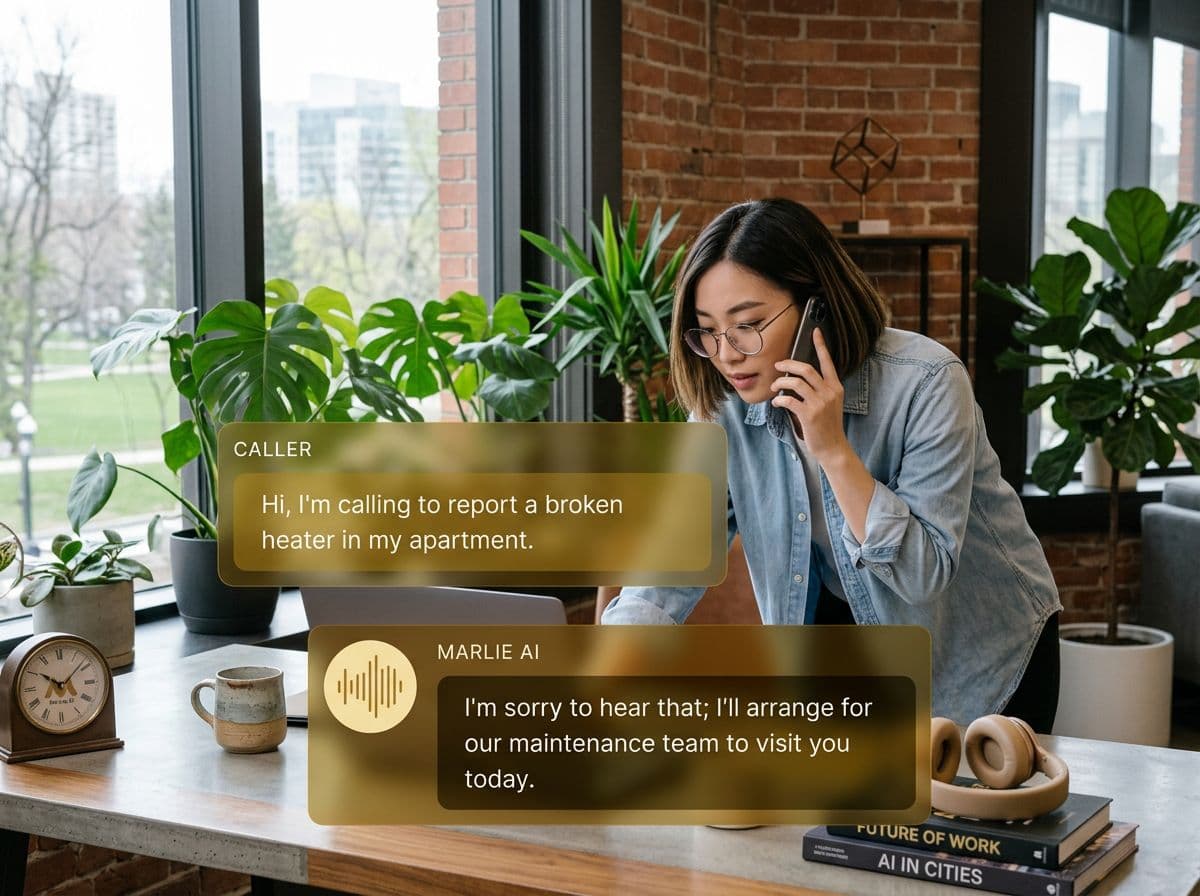
Phone coverage for teams running their CRM inside Gmail
Streak's superpower is that it lives where you already work — Gmail. The trade-off is that calls are usually a separate world. They happen on a phone, not in a thread, and most never make it into a Streak Box. Pipelines drift out of sync within a week.
Marlie AI fixes that. Every inbound call is answered, qualified, and pushed into Streak as a Box in the right pipeline and stage, with notes, transcript, and recording link attached. Your existing pipeline views, magic columns, and Streak workflows stay accurate without anyone leaving Gmail.
Also useful: CRM and Zapier integrations.
What You Get with Marlie + Streak
Everything you need to connect your phone calls with Streak — fully automated, zero manual work.
Auto-Create Streak Boxes
Every inbound caller creates a Streak Box in the right pipeline and stage with name, phone, email, and qualifying data pre-filled.
Pipeline & Stage Routing
Different call intents land in different Streak pipelines or stages — sales, hiring, support — based on your routing rules.
Call Notes On The Box
Every call is appended to the Streak Box as a comment with summary, transcript, and a link to the recording.
Custom Field Mapping
Map qualifying answers — service, budget, urgency — into Streak custom fields and magic columns for clean reporting.
Smart Deduplication
Returning callers update the existing Streak Box instead of creating duplicates, preserving pipeline history.
Real-Time Sync
New Boxes and updates appear in Streak within seconds of the call ending — your inbox CRM is always current.
How It Works
Get up and running with Streak in minutes — no coding required.
Connect Streak
Authenticate Streak from the Marlie dashboard with your API key. Works with Streak Pro, Enterprise, and team accounts.
Pick Pipeline & Stages
Choose which Streak pipeline new Boxes land in, the starting stage, and how custom fields map to call data.
Marlie Answers & Qualifies
Every inbound call is answered 24/7. Marlie runs your qualification flow and detects deal intent.
Streak Stays Current
New Boxes and call notes appear in Streak in real time. Your existing magic columns and workflows continue firing.
Built for Real Scenarios
See how businesses use Marlie + Streak to capture more leads and streamline operations.
Solo Founders Selling From Gmail
A founder runs sales from Streak in Gmail and can't take every inbound call.
Marlie answers, qualifies the lead, and creates a Streak Box so the founder opens Gmail to a clean pipeline of warm follow-ups.
Recruiting Pipelines
A recruiter manages candidates in a Streak pipeline and gets phone calls from applicants at all hours.
Marlie qualifies the candidate, captures basic info, and creates a Streak Box at the Screening stage with notes ready for review.
Agency Sales Pipelines
A consulting agency uses Streak to manage prospects from outreach through close.
Inbound discovery calls become Boxes in the right Streak stage with intent, budget, and timeline captured — partners see deal flow in real time.
Frequently Asked Questions
Common questions about the Marlie AI + Streak integration.
How does Marlie connect to Streak?
Which Streak plans are supported?
Can Marlie create Boxes in multiple Streak pipelines?
Will Marlie create duplicate Boxes?
Can Marlie populate Streak custom fields and magic columns?
Are call recordings stored in Streak?
Related Integrations
Marlie AI connects with more than just Streak. Here are a few closely related tools, or browse the full integrations catalog.







Ready to connect Marlie AI with Streak?
Eligible new customers get 14 days free. Add a card at checkout with $0 due today, then place your first real phone test minutes later.
What Our Customers Say

“Marlie has dramatically improved our reservation process, reducing missed calls by 40%.”

“Our takeout orders increased by 25% since implementing Marlie to handle busy call times.”

“Student enrollment is up 30% with Marlie handling after-hours inquiries about our programs.”

“Marlie has become an essential part of our customer service strategy across all our places.”

“The AI voice agents integrate seamlessly with our existing systems, creating a truly omnichannel experience.”
Get set up in minutes
Create your receptionist in 15 minutes and start receiving calls immediately. Try it for 2 weeks risk-free with our money-back guarantee.
