

Turn Every Call Into A PracticePanther Contact And Matter
Marlie AI handles new client intake 24/7, qualifies the matter, books the consultation, and pushes the contact and intake notes into PracticePanther — the front desk your firm has been understaffed for.
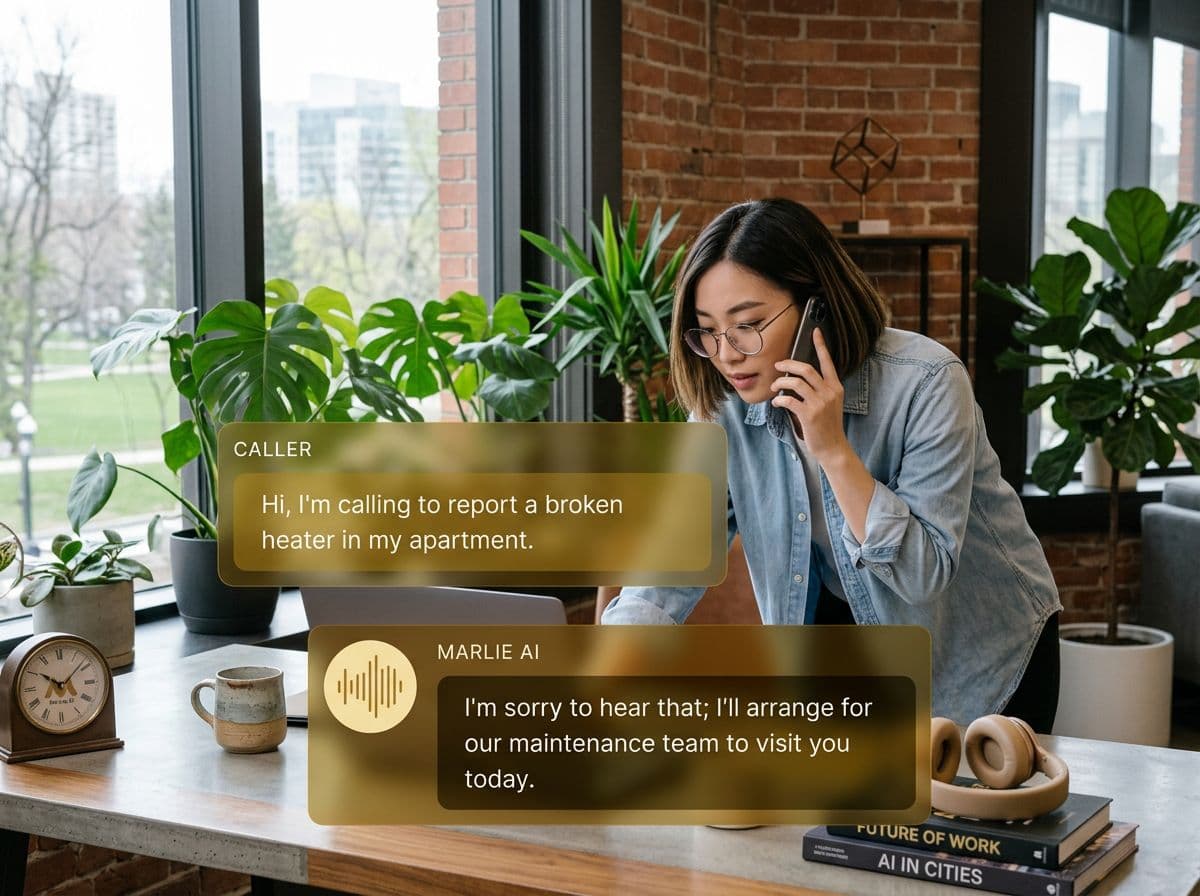
Always-on intake and client communications for law firms
PracticePanther runs the back office of your firm — matters, time and expenses, billing, intake, and trust accounting. The biggest revenue lever for most solo and small firms is still intake speed: callers who reach a real person within 60 seconds become clients far more often than the ones who hit voicemail.
Marlie AI handles intake 24/7 in a respectful, on-brand voice. Prospective clients are screened for conflicts and matter type, qualified on the case, and booked into a consultation; existing clients can ask billing or matter status questions; and every call lands in PracticePanther as a Contact, Matter intake, or Activity with full notes attached.
Also useful: AI receptionist for law firms.
What You Get with Marlie + PracticePanther
Everything you need to connect your phone calls with PracticePanther — fully automated, zero manual work.
Auto-Create Contacts & Matters
New client calls create a PracticePanther Contact and a draft Matter with practice area, intake notes, and qualifying answers populated.
Consultation Booking
Marlie checks attorney availability, books paid or free consultations during the call, and writes the appointment to PracticePanther.
Conflict Check Triage
Marlie collects opposing party names and key facts to route to your conflict-checker — no more incomplete intake calls.
Existing Client Lookup
Marlie identifies existing clients by phone or email and personalizes the call — billing questions, matter updates, and document follow-ups.
Practice Area Routing
Different inbound numbers or call topics route to the right practice group — family, immigration, PI, estate planning — with the matching intake script.
Call Notes On The Matter
Every call appears as a PracticePanther Activity on the Contact or Matter with a transcript, summary, and recording link.
How It Works
Get up and running with PracticePanther in minutes — no coding required.
Connect PracticePanther
Authenticate PracticePanther via OAuth from the Marlie dashboard. Map practice areas, attorneys, and consultation types.
Configure Intake By Practice Area
Set per-practice-area intake questions, fee structures, and conflict-check fields so Marlie collects the right information for each matter type.
Marlie Handles The Front Desk
Every inbound call is answered 24/7. Marlie qualifies prospective clients, books consultations, and triages existing client questions.
PracticePanther Stays Up To Date
Contacts, draft Matters, and call Activities land in PracticePanther in real time — your intake coordinator wakes up to qualified, booked consults.
Built for Real Scenarios
See how businesses use Marlie + PracticePanther to capture more leads and streamline operations.
Solo Practitioners
A solo attorney can't answer the phone during depositions or court — and loses prospective clients to firms with bigger front desks.
Marlie covers the line, qualifies new matters, books the consult, and the attorney walks out of court to a calendar of confirmed paid consultations.
Small Litigation Firms
A 4-attorney firm needs consistent intake across personal injury, family, and immigration matters.
Marlie runs different intake scripts per practice area, books the right attorney based on matter type, and creates Matters in PracticePanther with full notes.
After-Hours Client Calls
Clients call after-hours for matter status or document questions and the firm's voicemail backs up.
Marlie identifies the client, answers simple status questions, and routes urgent service requests to the on-call attorney with full call context.
Frequently Asked Questions
Common questions about the Marlie AI + PracticePanther integration.
Which PracticePanther plans work with Marlie?
Can Marlie run a real conflict check during the call?
How does Marlie handle the unauthorized practice of law?
Will Marlie create duplicate Contacts or Matters?
Can Marlie route different practice areas to different attorneys?
Where do call recordings live?
Related Integrations
Marlie AI connects with more than just PracticePanther. Here are a few closely related tools, or browse the full integrations catalog.





Ready to connect Marlie AI with PracticePanther?
Eligible new customers get 14 days free. Add a card at checkout with $0 due today, then place your first real phone test minutes later.
What Our Customers Say

“Marlie has dramatically improved our reservation process, reducing missed calls by 40%.”

“Our takeout orders increased by 25% since implementing Marlie to handle busy call times.”

“Student enrollment is up 30% with Marlie handling after-hours inquiries about our programs.”

“Marlie has become an essential part of our customer service strategy across all our places.”

“The AI voice agents integrate seamlessly with our existing systems, creating a truly omnichannel experience.”
Get set up in minutes
Create your receptionist in 15 minutes and start receiving calls immediately. Try it for 2 weeks risk-free with our money-back guarantee.
