An AI Intake Specialist For Your Lawmatics Pipeline
Marlie AI answers every potential new client call, runs your intake script, captures conflict-check details, and pushes the matter into Lawmatics — 24/7, in seconds, without an extra hire.
Built for law firms running intake on Lawmatics
For most law firms, intake is the bottleneck. A potential new client (PNC) calls, the receptionist takes a message, and by the time someone calls back, the prospect has already retained another firm. Lawmatics is built for fast, structured intake — but only if every call actually makes it into the system.
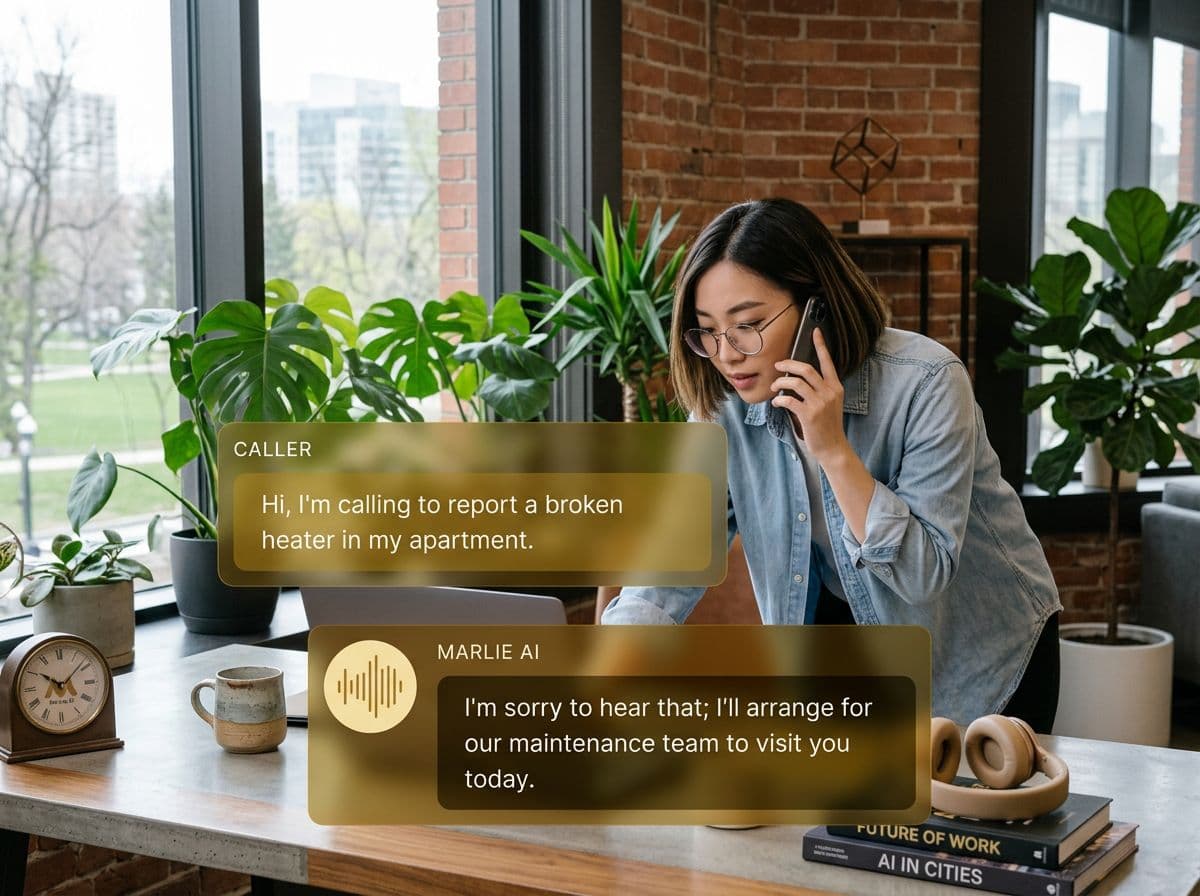
Marlie AI is the front door. Inbound PNC calls are answered, your intake script is run word-for-word, conflict-check fields are captured, and the matter is created in Lawmatics with the right practice area and pipeline stage. Your intake team and attorneys work warm, qualified matters instead of returning voicemails.
Also useful: AI receptionist for law firms.
What You Get with Marlie + Lawmatics
Everything you need to connect your phone calls with Lawmatics — fully automated, zero manual work.
Auto-Create Matters & Contacts
Every PNC call creates a contact and matter in Lawmatics with practice area, pipeline stage, and intake fields pre-populated.
Conflict-Check Capture
Marlie collects opposing party, related party, and venue details on the call so your conflict check can run before the callback.
Practice-Area Routing
Personal injury, family, criminal, estate — Marlie identifies practice area on the call and routes the matter to the right Lawmatics pipeline.
Intake Script Fidelity
Marlie runs your firm's intake script consistently on every single call — no skipped questions, no off-script tangents.
Call Notes On The Matter
Full transcript, summary, and recording link are attached to the Lawmatics matter so the attorney is briefed before the callback.
After-Hours PNC Capture
Calls at 8 PM, weekend calls, and lunch-hour calls all get answered and captured in Lawmatics so no PNC goes cold.
How It Works
Get up and running with Lawmatics in minutes — no coding required.
Connect Lawmatics
Once Lawmatics' public API is broadly available, Marlie connects directly. Today, intake flows into Lawmatics through Zapier and webhook automation.
Configure Intake & Pipelines
Pick the intake script Marlie runs, the Lawmatics fields each answer maps to, and the practice-area pipelines new matters land in.
Marlie Answers PNC Calls
Inbound calls are answered 24/7. Marlie runs intake, captures conflict-check details, and resolves common questions.
Lawmatics Pipeline Updates
New matters land in Lawmatics with full intake, the right practice-area pipeline, and the assigned intake specialist notified.
Built for Real Scenarios
See how businesses use Marlie + Lawmatics to capture more leads and streamline operations.
Personal Injury Intake
A PI firm gets PNC calls after auto accidents — often after hours and from people in distress.
Marlie runs the firm's intake script with empathy, captures accident details and injury info, and creates the matter in Lawmatics for same-day callback.
Family Law Consultations
A family law firm needs every consultation request qualified and conflict-checked before booking attorney time.
Marlie qualifies the matter, captures opposing party, and creates the Lawmatics record so the firm only books consultations that pass conflict.
Solo & Small-Firm Intake
A solo attorney can't take calls during depositions or court but loses PNCs to voicemail.
Marlie covers every missed call, runs intake, and stages the matter in Lawmatics so the attorney returns a fully prepped callback.
Frequently Asked Questions
Common questions about the Marlie AI + Lawmatics integration.
Does Lawmatics have a public API?
How does Marlie connect to Lawmatics today?
Can Marlie run our exact intake script?
Will Marlie capture conflict-check details?
Can Marlie give legal advice?
Are call recordings stored in Lawmatics?
Related Integrations
Marlie AI connects with more than just Lawmatics. Here are a few closely related tools, or browse the full integrations catalog.





Ready to connect Marlie AI with Lawmatics?
Eligible new customers get 14 days free. Add a card at checkout with $0 due today, then place your first real phone test minutes later.
What Our Customers Say

“Marlie has dramatically improved our reservation process, reducing missed calls by 40%.”

“Our takeout orders increased by 25% since implementing Marlie to handle busy call times.”

“Student enrollment is up 30% with Marlie handling after-hours inquiries about our programs.”

“Marlie has become an essential part of our customer service strategy across all our places.”

“The AI voice agents integrate seamlessly with our existing systems, creating a truly omnichannel experience.”
Get set up in minutes
Create your receptionist in 15 minutes and start receiving calls immediately. Try it for 2 weeks risk-free with our money-back guarantee.
