

Turn Every Call Into A Kommo Lead And Salesbot Trigger
Marlie AI answers your calls, qualifies prospects, and creates Leads and Contacts in Kommo with the right pipeline, stage, and tags — so your Salesbot picks up the conversation instantly.
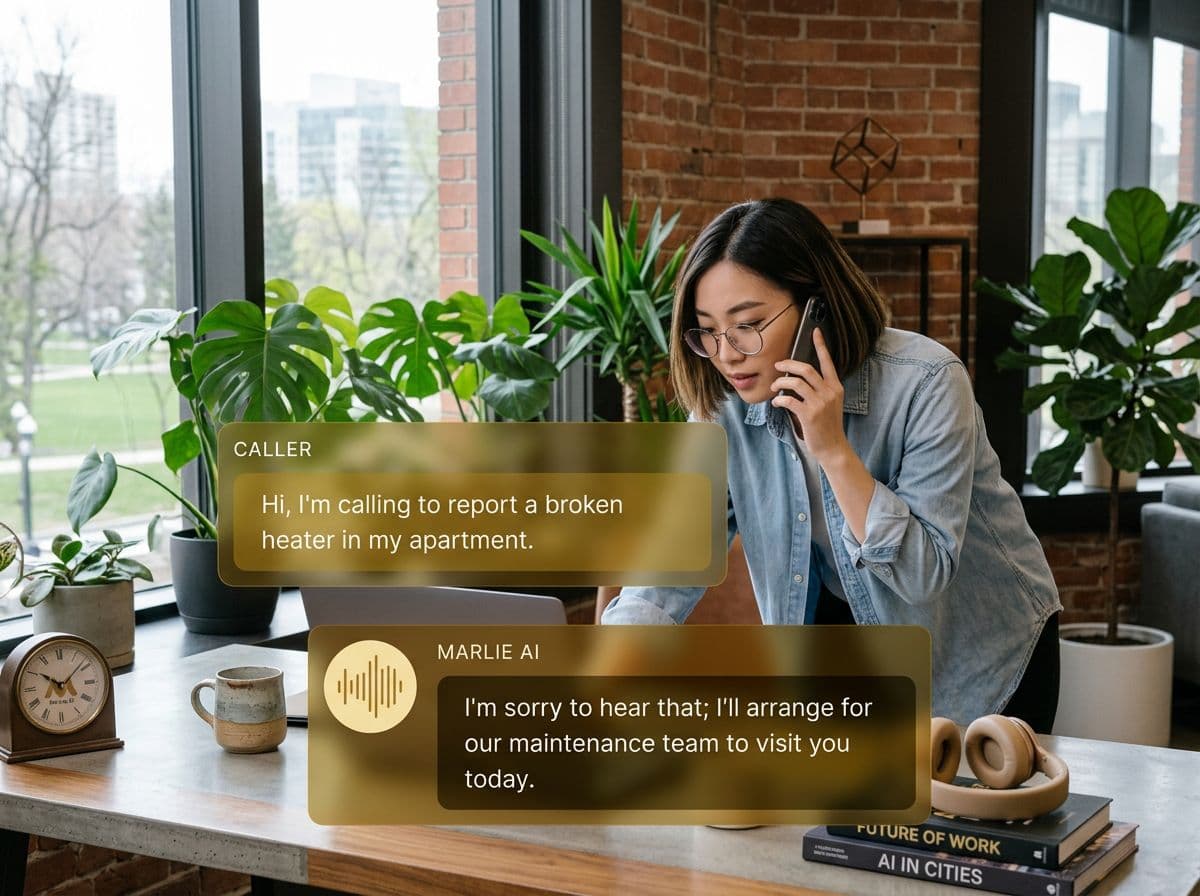
Phone calls, finally first-class citizens in your Kommo pipeline
Kommo is built around messenger-first selling — WhatsApp, Instagram, Telegram all flow into a single pipeline. The blind spot is the phone: calls get missed, pipelines stay stale, and Salesbot flows never fire because no Lead was created.
Marlie AI fixes that. Every inbound call is answered, qualified, and pushed into Kommo as a Lead and Contact in the right pipeline and stage. Tags are applied, custom fields are populated, and your existing Salesbot flow takes over the moment the call ends.
Also useful: CRM and Zapier integrations.
What You Get with Marlie + Kommo
Everything you need to connect your phone calls with Kommo — fully automated, zero manual work.
Auto-Create Leads & Contacts
Every inbound call creates a Kommo Lead and Contact with name, phone, email, and the qualifying data Marlie collected.
Pipeline & Stage Routing
Route Leads to the correct pipeline and starting stage based on call intent, source number, or qualifying answers.
Salesbot Trigger Tags
Marlie applies the tags your Salesbot listens for, so messenger follow-up flows fire automatically after the call.
Call Notes On The Lead
Every call appears on the Kommo Lead with a full summary, transcript, and link to the recording.
Custom Field Mapping
Map any qualifying answer — service, budget, urgency, language — into a Kommo custom field for clean segmentation.
Real-Time Sync
Leads and Contacts are created in Kommo within seconds of the call ending — no batch jobs, no gaps in your pipeline.
How It Works
Get up and running with Kommo in minutes — no coding required.
Connect Kommo
Authenticate Kommo from the Marlie dashboard via OAuth. Works with Kommo accounts that have API access enabled.
Map Pipelines, Tags & Fields
Choose which pipeline and stage Marlie writes to, which tags fire your Salesbot, and which Kommo fields receive call data.
Marlie Answers & Qualifies
Inbound calls are answered 24/7. Marlie qualifies the caller using your custom flow and detects intent.
Salesbot Picks Up The Conversation
New Leads hit Kommo with the right tags, your Salesbot fires its messenger sequence, and the prospect is nurtured without manual work.
Built for Real Scenarios
See how businesses use Marlie + Kommo to capture more leads and streamline operations.
Messenger-First Sales Teams
A sales team runs everything through WhatsApp and Instagram inside Kommo, but still gets phone leads from ads.
Marlie qualifies the call, creates a Kommo Lead with the right tag, and the Salesbot continues the conversation on WhatsApp seconds later.
Multi-Pipeline Agencies
An agency runs separate Kommo pipelines for inbound, outbound, and partner channels.
Marlie routes each call into the correct pipeline based on the inbound number and intent, keeping reporting clean and follow-up assigned.
After-Hours Lead Capture
A growth-stage business runs ads 24/7 but reps only work 9–6.
Marlie answers off-hours calls, creates Leads in Kommo overnight, and reps wake up to a pipeline of qualified, tagged opportunities.
Frequently Asked Questions
Common questions about the Marlie AI + Kommo integration.
Which Kommo plans work with Marlie?
Can Marlie trigger Salesbot flows directly?
Will Marlie create duplicate Leads in Kommo?
Can Marlie write to specific pipelines and stages?
Can Marlie populate Kommo custom fields?
Are call recordings stored in Kommo?
Related Integrations
Marlie AI connects with more than just Kommo. Here are a few closely related tools, or browse the full integrations catalog.







Ready to connect Marlie AI with Kommo?
Eligible new customers get 14 days free. Add a card at checkout with $0 due today, then place your first real phone test minutes later.
What Our Customers Say

“Marlie has dramatically improved our reservation process, reducing missed calls by 40%.”

“Our takeout orders increased by 25% since implementing Marlie to handle busy call times.”

“Student enrollment is up 30% with Marlie handling after-hours inquiries about our programs.”

“Marlie has become an essential part of our customer service strategy across all our places.”
“The AI voice agents integrate seamlessly with our existing systems, creating a truly omnichannel experience.”
Get set up in minutes
Create your receptionist in 15 minutes and start receiving calls immediately. Try it for 2 weeks risk-free with our money-back guarantee.
