

Capture Every IDX Lead From Your iHomefinder Site
Marlie AI answers every call your iHomefinder IDX site drives 24/7, qualifies the buyer or seller, and pushes the lead into your real estate workflow with full call notes.
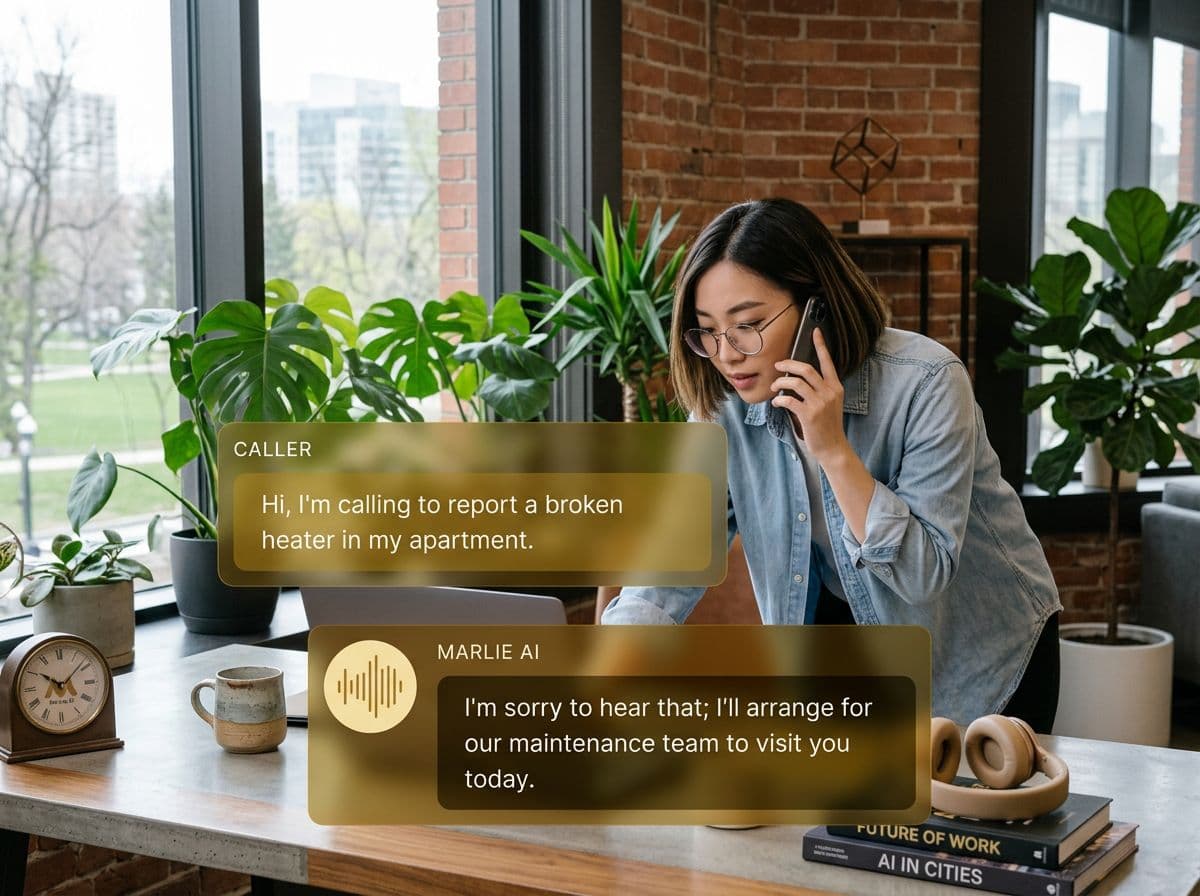
Phone coverage for real estate teams running iHomefinder IDX
iHomefinder is the IDX engine behind your real estate website — search, listings, saved searches, and lead capture forms. The leak isn't the form fills, it's the calls: a buyer searching at 10 PM picks up the phone, no one answers, and they call the next agent on Zillow.
Marlie AI answers those calls 24/7 with knowledge of your active listings. Buyers get qualified on price range, location, and timeline; sellers get qualified on motivation; and every call lands in your real estate workflow via Zapier or email so your iHomefinder leads stay synced with your CRM.
Also useful: AI receptionist for real estate agents.
What You Get with Marlie + iHomefinder
Everything you need to connect your phone calls with iHomefinder — fully automated, zero manual work.
24/7 IDX Call Coverage
Every buyer who clicks-to-call from your iHomefinder site gets a live answer, even at 11 PM on a Sunday.
Listing Q&A
Marlie is trained on your active listings — addresses, price points, beds and baths — so it can answer buyer questions intelligently.
Buyer & Seller Qualification
Marlie qualifies price range, timeline, location, and motivation so the lead is sales-ready before you call back.
Showing Booking
Marlie checks your calendar, books showings, and texts the property details to the buyer — with the appointment on your schedule.
Zapier & Email Sync
Call summaries flow into your CRM via Zapier or webhook, keeping iHomefinder lead activity synced with the rest of your stack.
Source Attribution
Map your iHomefinder click-to-call numbers to the right marketing source so attribution stays accurate in your CRM.
How It Works
Get up and running with iHomefinder in minutes — no coding required.
Set Up Marlie For Your Market
Configure Marlie with your service area, listing inventory, qualification questions, and showing availability rules.
Connect To Your CRM Workflow
Use Zapier, webhooks, or email parsing to push Marlie call summaries from iHomefinder leads into Follow Up Boss, kvCORE, Lofty, or any CRM.
Marlie Answers IDX Calls
Inbound calls from your iHomefinder click-to-call buttons are answered 24/7, qualified, and bookings or callbacks are scheduled.
Your CRM Stays Current
Each call shows up in your CRM as a new contact or activity with full notes, source, and a recording link.
Built for Real Scenarios
See how businesses use Marlie + iHomefinder to capture more leads and streamline operations.
Solo Agents Running iHomefinder
A solo agent uses iHomefinder for their IDX site but loses calls during showings or after hours.
Marlie answers every call, qualifies the lead, books a callback or showing, and the agent walks out of every showing to a list of warm leads.
Real Estate Teams
A team uses iHomefinder for a multi-agent IDX site and needs fair lead routing on phone calls.
Marlie qualifies every caller and routes by ZIP code or property type to the right team agent, with each lead synced to the team CRM.
After-Hours Listing Calls
Buyers searching iHomefinder listings at night and on weekends call the listing agent and hit voicemail.
Marlie answers, gives accurate listing details, and books a showing — converting a late-night search into a booked appointment.
Frequently Asked Questions
Common questions about the Marlie AI + iHomefinder integration.
Does iHomefinder have a public API?
Can Marlie answer questions about specific listings?
How does Marlie sync new leads into my CRM?
Can Marlie book showings on my calendar?
What happens to seller calls?
Where are call recordings stored?
Related Integrations
Marlie AI connects with more than just iHomefinder. Here are a few closely related tools, or browse the full integrations catalog.






Ready to connect Marlie AI with iHomefinder?
Eligible new customers get 14 days free. Add a card at checkout with $0 due today, then place your first real phone test minutes later.
What Our Customers Say

“Marlie has dramatically improved our reservation process, reducing missed calls by 40%.”

“Our takeout orders increased by 25% since implementing Marlie to handle busy call times.”

“Student enrollment is up 30% with Marlie handling after-hours inquiries about our programs.”

“Marlie has become an essential part of our customer service strategy across all our places.”

“The AI voice agents integrate seamlessly with our existing systems, creating a truly omnichannel experience.”
Get set up in minutes
Create your receptionist in 15 minutes and start receiving calls immediately. Try it for 2 weeks risk-free with our money-back guarantee.
