

Every Call, Logged In Daylite
Marlie AI answers inbound calls, qualifies prospects, and creates People, Companies, Opportunities, and Tasks in Daylite — so your Mac-first business never loses a call to voicemail.
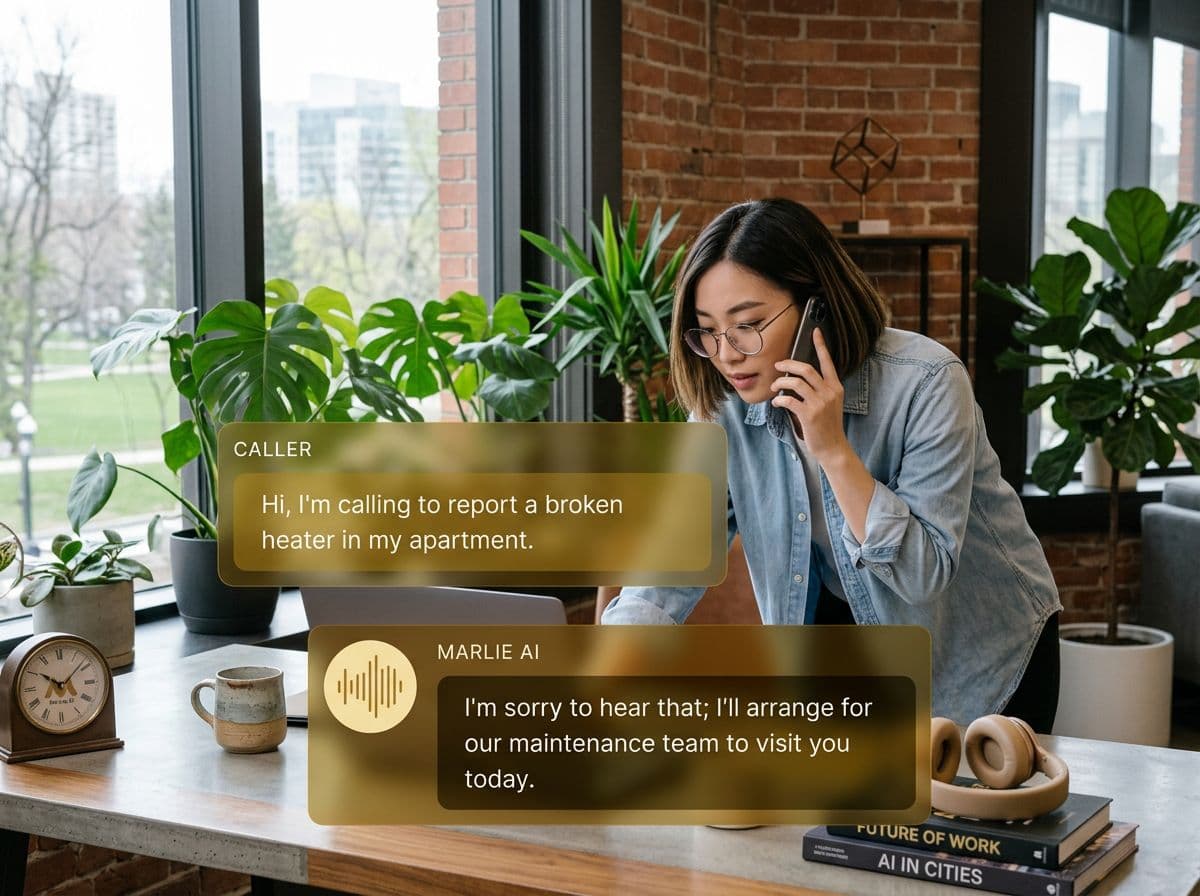
An AI receptionist purpose-built for Daylite-running businesses
Daylite from Marketcircle is the CRM and project tool of choice for Apple-first small businesses — agencies, consultants, attorneys, and creative studios. Everything lives on the Mac and iPhone, but phone leads still slip through the cracks when nobody's at the desk.
Marlie AI fills that gap. Every inbound call is answered, qualified, and pushed into Daylite. New callers become People (and Companies), qualified prospects become Opportunities in the right pipeline, and follow-up Tasks land on the right user — all without anyone touching the keyboard.
Also useful: CRM and Zapier integrations.
What You Get with Marlie + Daylite
Everything you need to connect your phone calls with Daylite — fully automated, zero manual work.
Auto-Create People & Companies
New callers are added to Daylite as People with linked Companies, pre-filled from the call.
Opportunity Creation
Qualified calls create Opportunities in the right Daylite pipeline and stage with estimated value and timeline.
Call Notes On The Record
Every call appears as a Daylite note on the Person or Company with the full summary, transcript, and recording link.
Auto-Task Creation
Marlie creates follow-up Tasks on the right user based on call intent so nothing slips between calls.
Smart Deduplication
Returning callers are matched to existing Daylite records so your CRM doesn't fill up with duplicates.
Real-Time Sync
Records appear in Daylite within seconds of the call ending — Mac and iOS apps stay in sync instantly.
How It Works
Get up and running with Daylite in minutes — no coding required.
Connect Daylite
Authenticate Daylite from the Marlie dashboard using the Marketcircle API. No developer required.
Map Pipelines, Users & Tasks
Pick which Daylite pipeline Marlie creates Opportunities in, which user receives Tasks, and how call data maps to fields.
Marlie Answers & Qualifies
Inbound calls are answered 24/7. Marlie qualifies the caller using your custom flow.
Daylite Stays Current
New People, Companies, Opportunities, and Tasks land in Daylite instantly — your Mac and iPhone are always up to date.
Built for Real Scenarios
See how businesses use Marlie + Daylite to capture more leads and streamline operations.
Apple-First Agencies
A creative agency runs entirely on Macs and uses Daylite to track projects and prospects.
Marlie qualifies every inbound call, creates a Daylite Opportunity, and adds a Task on the producer — no one switches off the Mac to log a call.
Solo Consultants
A consultant uses Daylite for everything but can't take every prospect call live.
Marlie handles the discovery, qualifies fit, books the next step, and creates a Daylite Opportunity ready for follow-up.
Small Professional Practices
A boutique practice runs Daylite across Mac and iPad and gets calls during meetings.
Marlie answers, qualifies the caller, and creates a Daylite Person and Task — the partner sees a fresh, qualified lead the moment they're free.
Frequently Asked Questions
Common questions about the Marlie AI + Daylite integration.
Does Daylite have a public API?
Will Marlie create duplicate records in Daylite?
Can Marlie create Opportunities in specific pipelines?
Can Marlie populate Daylite custom fields?
Are call recordings stored in Daylite?
Can Marlie assign Tasks to specific Daylite users?
Related Integrations
Marlie AI connects with more than just Daylite. Here are a few closely related tools, or browse the full integrations catalog.







Ready to connect Marlie AI with Daylite?
Eligible new customers get 14 days free. Add a card at checkout with $0 due today, then place your first real phone test minutes later.
What Our Customers Say

“Marlie has dramatically improved our reservation process, reducing missed calls by 40%.”

“Our takeout orders increased by 25% since implementing Marlie to handle busy call times.”

“Student enrollment is up 30% with Marlie handling after-hours inquiries about our programs.”

“Marlie has become an essential part of our customer service strategy across all our places.”

“The AI voice agents integrate seamlessly with our existing systems, creating a truly omnichannel experience.”
Get set up in minutes
Create your receptionist in 15 minutes and start receiving calls immediately. Try it for 2 weeks risk-free with our money-back guarantee.
