

Instant Call Alerts in Your Slack Channels
Marlie AI handles your calls and posts real-time summaries directly to Slack — the right info in the right channel, the moment each call ends.
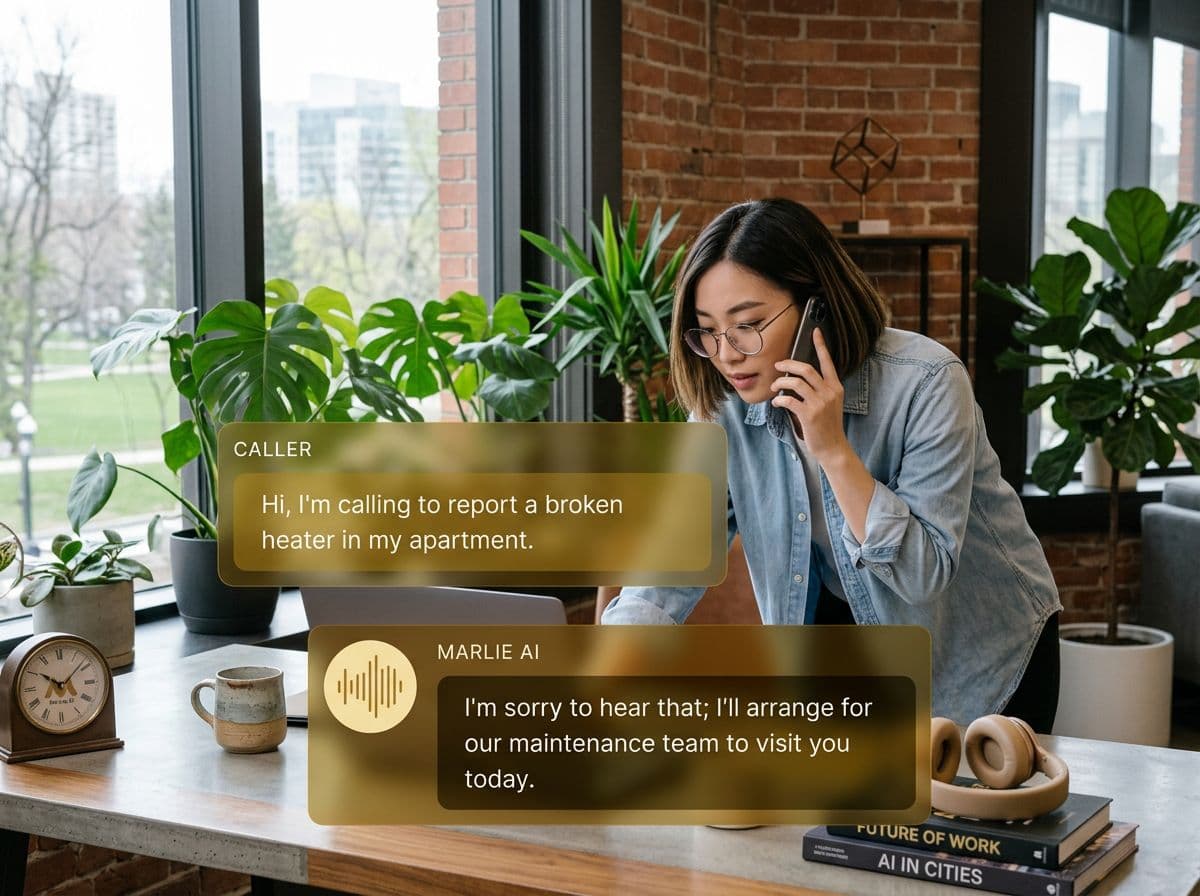
Your team stays informed without leaving Slack
Your team lives in Slack. But phone call details have always lived somewhere else — in voicemails, in email, or in someone's head. That gap costs you speed and context.
With Marlie AI and Slack, every call generates a structured notification posted directly to your Slack workspace. The right team members see the right call details instantly — in the channels they're already watching.
What You Get with Marlie + Slack
Everything you need to connect your phone calls with Slack — fully automated, zero manual work.
Instant Call Notifications
Get a Slack message the moment a call ends — caller name, number, intent, and key takeaways, all formatted clearly.
Channel Routing
Route different call types to different Slack channels — sales leads to #sales, support issues to #support, urgent calls to #alerts.
Priority Lead Pings
High-value leads trigger @mentions to the right sales rep so they respond within minutes, not hours.
Full Transcript Links
Every Slack notification includes a link to the full call transcript and recording in your Marlie dashboard.
Urgent Issue Escalation
Configure Marlie to ping an on-call channel when a caller describes an emergency — no escalation delay.
Daily Call Digests
Receive a morning Slack summary of all calls from the previous day — volume, common topics, and flagged items.
How It Works
Get up and running with Slack in minutes — no coding required.
Connect Slack to Marlie
Add the Marlie app to your Slack workspace in one click — no coding or Slack admin required.
Configure Your Channels
Map call types to Slack channels. Set routing rules for sales, support, urgent, and general call notifications.
Marlie Handles the Calls
When calls come in, Marlie AI answers, extracts the key details, and structures a notification for Slack.
Alerts Post Instantly
Seconds after a call ends, the notification appears in the right Slack channel — with all the context your team needs to act.
Built for Real Scenarios
See how businesses use Marlie + Slack to capture more leads and streamline operations.
Sales Teams
A warm lead calls after hours. The sales team is off but monitoring Slack on their phones.
Marlie posts a lead alert to #sales with the caller's details and buying signals. A rep follows up within minutes.
On-Call Engineering
A customer calls reporting a critical outage outside business hours.
Marlie identifies the urgency, posts to #oncall with full details, and @mentions the on-call engineer for immediate response.
Agency Account Management
A client calls their account manager who is in a client meeting.
Marlie takes a message and posts it to the account manager's dedicated Slack channel with full context and urgency level.
Frequently Asked Questions
Common questions about the Marlie AI + Slack integration.
Which Slack plans does this integration support?
Can I send different calls to different Slack channels?
Can I @mention specific team members in Slack notifications?
Is there a daily digest option instead of per-call notifications?
Does Marlie's Slack bot post transcripts?
Related Integrations
Marlie AI connects with more than just Slack. Here are a few closely related tools, or browse the full integrations catalog.







Ready to connect Marlie AI with Slack?
Eligible new customers get 14 days free. Add a card at checkout with $0 due today, then place your first real phone test minutes later.
What Our Customers Say

“Marlie has dramatically improved our reservation process, reducing missed calls by 40%.”

“Our takeout orders increased by 25% since implementing Marlie to handle busy call times.”

“Student enrollment is up 30% with Marlie handling after-hours inquiries about our programs.”

“Marlie has become an essential part of our customer service strategy across all our places.”

“The AI voice agents integrate seamlessly with our existing systems, creating a truly omnichannel experience.”
Get set up in minutes
Create your receptionist in 15 minutes and start receiving calls immediately. Try it for 2 weeks risk-free with our money-back guarantee.
