

In today’s competitive landscape, manual, repetitive tasks are a drain on your most valuable resource: your team’s time. From answering routine phone calls to shuffling data between apps, these small inefficiencies add up, costing you money and hindering growth. Workflow automation isn’t just a buzzword for large enterprises anymore; it’s an accessible strategy for businesses of all sizes to reclaim hours, reduce errors, and focus on what truly matters.
This guide cuts through the noise to analyze the 12 best workflow automation tools on the market. We go beyond generic feature lists to provide real-world use cases, honest limitations, and practical advice to help you choose the right platform. Whether you’re a small business owner in towing or HVAC needing an AI to answer calls while you’re on the job, a midsized company managing multiple locations, or a medical clinic looking to streamline patient scheduling, the right tool can fundamentally change how you operate.
Each entry in our list includes screenshots and direct links to help you evaluate your options efficiently. We’ll explore everything from user-friendly visual builders to powerful, code-first platforms. Many of these tools connect applications by leveraging their underlying architecture. To better understand the underlying technology that powers many workflow automation tools, learn more about What is a REST API?. Our goal is to equip you with a comprehensive understanding of each tool’s strengths and weaknesses, so you can select the perfect solution to streamline operations, improve customer experiences, and unlock new levels of productivity.
1. Marlie Ai
Marlie Ai offers a unique and powerful entry point into workflow automation by targeting a critical, often-overlooked bottleneck: inbound phone calls. Positioned as a 24/7 AI phone receptionist, it automates the entire front-end of customer communication for service-based businesses, ensuring no lead is missed and staff are freed from repetitive, time-consuming call handling. Unlike general-purpose automation platforms, Marlie specializes in voice interactions, providing a highly refined solution that directly impacts lead capture, customer satisfaction, and operational efficiency.
The system is engineered to answer calls in under two seconds with a natural, human-like voice, immediately setting a professional tone. It goes far beyond a simple answering service by managing end-to-end tasks like booking appointments, collecting job details, answering FAQs, and even processing payments. This makes it an indispensable tool for businesses where a missed call often means lost revenue.
Key Features & Use Cases
Marlie’s strength lies in its specialized, business-centric features. It’s not just about answering calls; it’s about converting them into tangible business outcomes.
- Intelligent Call Handling: The AI is trained on your specific business information, allowing it to handle routine inquiries accurately. It can book jobs directly, send confirmation texts, and provide links to resources.
- Smart Transfers: Callers can seamlessly connect to a human agent by pressing “0” or using a trigger keyword, ensuring urgent or complex issues are escalated appropriately.
- Cost-Effective Operations: At approximately $0.25 per minute, Marlie presents a significant cost reduction compared to traditional call centers, which often charge $2.00 per minute or more.
- Real-World Application: A law firm successfully converted inbound call leads into $20,000 of new business in just two months, showcasing its power as a revenue-generation tool. SoHo Driving School automated 70% of its call volume, allowing staff to focus on student management and growth.
Why It Stands Out
Marlie Ai distinguishes itself by solving a high-value problem with an accessible, dedicated solution. While many of the best workflow automation tools focus on internal digital processes, Marlie automates the primary customer entry point. The setup requires no extra hardware and can be completed in minutes, offering an almost immediate return on investment.
Pros & Cons:
| Pros | Cons |
|---|---|
| Instant 24/7 Coverage: Never miss a lead, even after hours. | Initial Oversight Needed: Complex or sensitive inquiries may require initial human review and AI tuning. |
| Significant Cost Savings: Customers report up to 80% savings on call-handling costs. | Potential for Added Costs: Advanced features like payment processing and high-volume usage can increase the monthly bill. |
| Frees Up Staff: Automates routine calls, allowing your team to focus on revenue-generating tasks. | |
| Proven ROI: Case studies show concrete results, including revenue increases and more booked jobs. |
Pricing & Access
Marlie’s pricing structure is designed for accessibility. The starter plan is $49/month, which includes a custom greeting, spam filtering, and instant notifications. Usage fees are a fraction of traditional answering services. A 14-day free trial is available, allowing businesses to test its capabilities risk-free.
Website: https://www.marlie.ai
2. Zapier
Zapier is arguably one of the most recognized names in the workflow automation space, serving as an excellent entry point for non-technical users. It acts as a powerful “if this, then that” (IFTTT) platform, connecting over 7,000 SaaS applications through simple, trigger-and-action workflows called “Zaps.” Its visual, no-code editor makes building automations incredibly intuitive, allowing small business owners and teams to link their essential tools in minutes without writing a single line of code.
The platform stands out due to its immense library of pre-built integrations and community-generated templates. For instance, a locksmith can automatically create a Google Calendar event for a new job whenever a client fills out a form on their website. This simplicity is a key reason it’s considered one of the best workflow automation tools for those just starting out. For more ideas on how to connect your business systems, you can learn more about how to automate business processes on Marlie.ai.
Key Features and Considerations
- Integrations: Access to over 7,000 apps, one of the largest directories available.
- Core Tools: Built-in logic like Filters and Paths allows for multi-step, conditional Zaps without consuming extra tasks. It also offers Tables for data storage and Interfaces for simple app/form building.
- User Experience: The interface is clean and guided, making it easy to discover and implement new automations.
- Pricing: Starts with a free forever plan. Paid plans are tiered based on task volume and access to premium features, which can become costly for high-volume operations.
| Pros | Cons |
|---|---|
| Easiest on-ramp for non-technical users | Task-based billing can get expensive at scale |
| Huge app directory and mature templates | Advanced governance requires higher-tier plans |
| Clear tiered pricing with annual discounts | Some multi-step Zaps can have a slight delay |
Best For: Individuals, freelancers, and small to mid-sized businesses looking for a user-friendly platform with the broadest possible app connectivity to automate routine tasks across their software stack.
Website: https://zapier.com/
3. Make (formerly Integromat)
Make, formerly known as Integromat, is a visually powerful automation platform that appeals to users who need to build more complex, multi-step workflows. Unlike simple trigger-and-action models, Make allows users to visually map out intricate “scenarios” with branching logic, routers, and filters, offering a level of control that feels closer to a developer’s toolkit without requiring deep coding knowledge. This visual, flow-chart-like interface makes it one of the best workflow automation tools for visualizing and managing sophisticated processes.
The platform’s strength lies in its fine-grained control and operational efficiency. For instance, a small HVAC company could build a scenario where a new job request not only creates a calendar event but also checks technician availability, calculates travel time via a Maps API, and then sends a customized confirmation SMS to the client, all within a single, cost-effective operation. Its advanced debugging tools provide clear visibility into each step of the execution, making it easier to troubleshoot complex automations.
Key Features and Considerations
- Integrations: Connects with over 2,000 applications, with strong support for webhooks and generic HTTP/API modules for custom connections.
- Core Tools: Features powerful routers for creating conditional branches, iterators for processing arrays, and aggregators for compiling data. It also includes a Code App for executing JavaScript or Python.
- User Experience: The visual “drag-and-drop” scenario builder is highly intuitive for mapping complex logic but has a steeper learning curve than simpler platforms.
- Pricing: Utilizes a credit-based model where each action (an “operation”) consumes a credit. This can be more cost-effective for multi-step workflows, though understanding credit consumption requires some initial effort.
| Pros | Cons |
|---|---|
| Cost-efficient for complex, multi-step flows | Credit accounting can be confusing initially |
| Strong debugging and execution visibility | Some AI and code features consume extra credits |
| Team collaboration options for Teams/Enterprise | Steeper learning curve than simpler IFTTT tools |
Best For: Tech-savvy businesses, developers, and teams that need to build complex, non-linear workflows with advanced logic, error handling, and direct API control at a predictable cost.
Website: https://www.make.com/
4. Microsoft Power Automate
Microsoft Power Automate is a robust, low-code automation platform deeply embedded within the Microsoft ecosystem, making it a natural choice for organizations invested in Office 365, Dynamics, and Azure. It goes beyond simple “if this, then that” logic, offering a comprehensive suite of tools for digital process automation (DPA), robotic process automation (RPA) for desktop tasks, and process mining. This powerful combination allows businesses to automate everything from simple document approvals in SharePoint to complex, multi-system data synchronization.
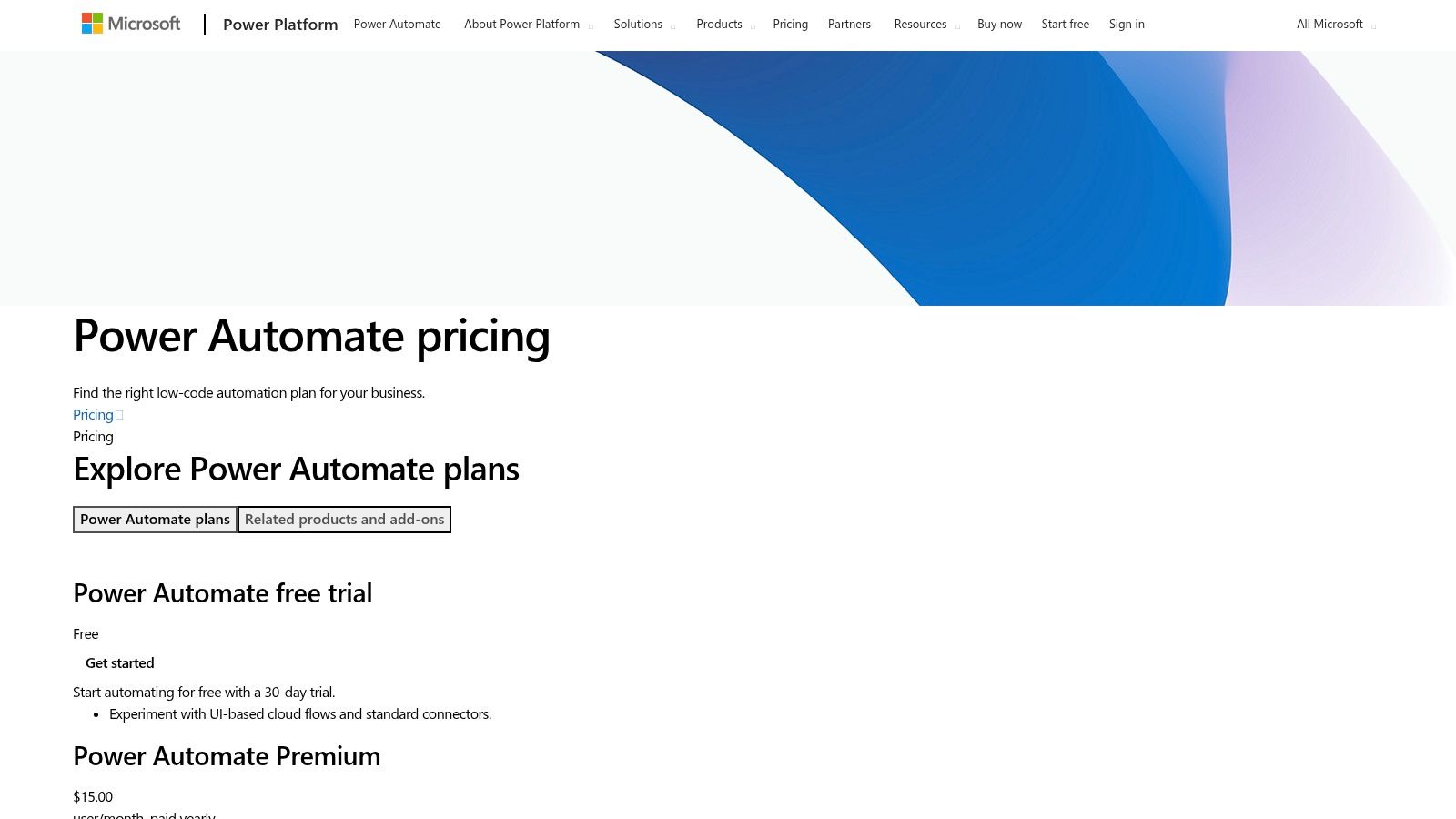
The platform’s key strength is its seamless integration with other Microsoft products like Teams, SharePoint, and Excel, enabling powerful in-context automations. For instance, a hotel manager can create a flow that automatically posts a daily operations summary to a specific Teams channel. This level of native connectivity makes it one of the best workflow automation tools for centralizing operations and understanding the end-to-end customer journey. To better understand how this applies to your operations, you can explore the concept of service automation on Marlie.ai.
Key Features and Considerations
- Integrations: Thousands of standard and premium connectors, with exceptional native support for Microsoft 365, Dynamics 365, and Azure services.
- Core Tools: Features low-code cloud flows, desktop-based RPA (both attended and unattended), and centralized governance controls via the Power Platform admin center.
- User Experience: The visual designer is intuitive for those familiar with Microsoft’s interface, but the licensing and environment management can be complex for newcomers.
- Pricing: Offers per-user plans, per-flow plans, and flexible pay-as-you-go options via Azure. Premium connectors are often required for non-Microsoft business apps, which impacts cost.
| Pros | Cons |
|---|---|
| Deep integration with Microsoft 365, Teams, and Azure | Licensing nuances can be complex to navigate |
| Powerful RPA and enterprise-grade governance | Premium connectors required for many business apps add to cost |
| Flexible per-user and pay-as-you-go pricing | Can have a steeper learning curve than simpler IFTTT tools |
Best For: Enterprises and mid-sized businesses heavily invested in the Microsoft software stack that require powerful, scalable automation with robust administrative control and governance over both cloud and desktop processes.
Website: https://www.microsoft.com/power-platform/products/power-automate/pricing
5. n8n
n8n is a powerful, open-source automation platform geared toward technical teams and developers seeking flexibility and control. It offers a “fair-code” model, meaning you can self-host the community edition for free or use their managed n8n Cloud service. This dual approach makes it a unique player among the best workflow automation tools, appealing to those who prioritize customization, data privacy, and cost efficiency at scale. Its visual, node-based editor provides a robust environment for building complex, multi-step workflows.
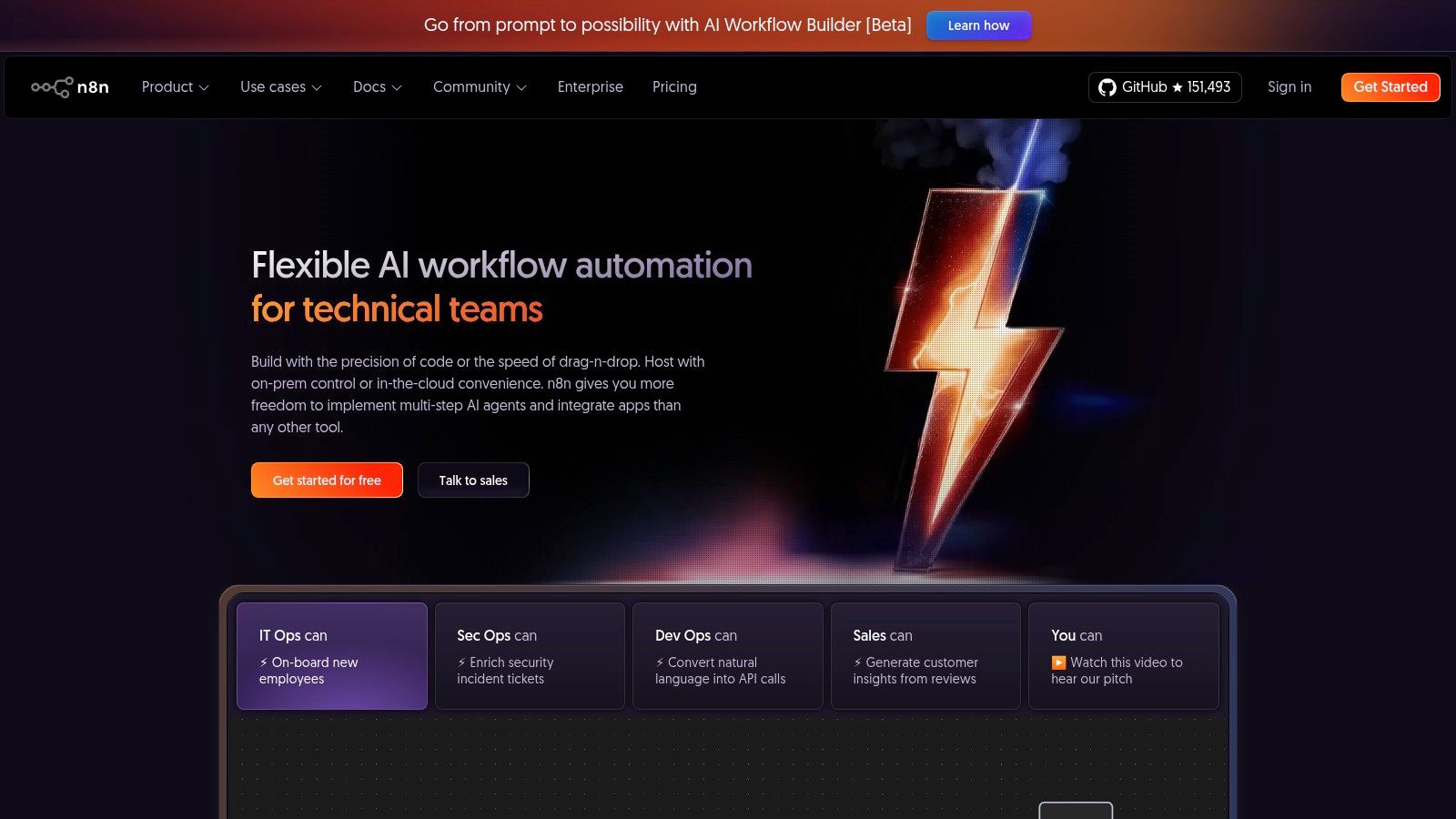
The platform’s extensibility is its core strength; users can create custom nodes with JavaScript or TypeScript to connect with any API, offering virtually limitless integration possibilities. This is ideal for businesses with unique in-house systems or specific data transformation needs. For instance, a pharmacy could build a custom workflow to sync prescription refill requests from their phone system directly into a proprietary patient management database. For more ideas on improving operational efficiency, you can learn how to automate customer service on Marlie.ai.
Key Features and Considerations
- Deployment Options: Can be self-hosted on your own infrastructure for maximum control or used via the fully managed n8n Cloud.
- Extensibility: Highly customizable through custom nodes, allowing developers to connect to any service with an API.
- Pricing Model: The cloud version bills based on workflow executions, not tasks or steps, and includes unlimited users and workflows. Self-hosting only incurs infrastructure costs.
- Enterprise Features: Business and Enterprise plans offer advanced features like SSO, role-based access control, and dedicated support for organizational governance.
| Pros | Cons |
|---|---|
| Lowest cost at scale when self-hosted | Cloud pricing can spike with high-frequency workflows |
| Highly flexible and developer-friendly | More technical setup if self-hosting |
| Active community and strong extensibility | Smaller native app library than some competitors |
Best For: Technical teams, developers, and businesses that require a highly customizable, low-cost automation solution and have the resources to manage a self-hosted environment or prefer a usage-based cloud model.
Website: https://n8n.io/
6. Workato
Workato is an enterprise-grade Integration Platform as a Service (iPaaS) designed for secure, large-scale automations and complex business process orchestration. Positioned for mid-market and enterprise clients, it moves beyond simple trigger-action workflows to handle sophisticated, multi-system processes. Its powerful “Recipes” allow organizations to build and manage intricate integrations that can connect cloud applications with on-premise systems, a crucial capability for larger businesses.
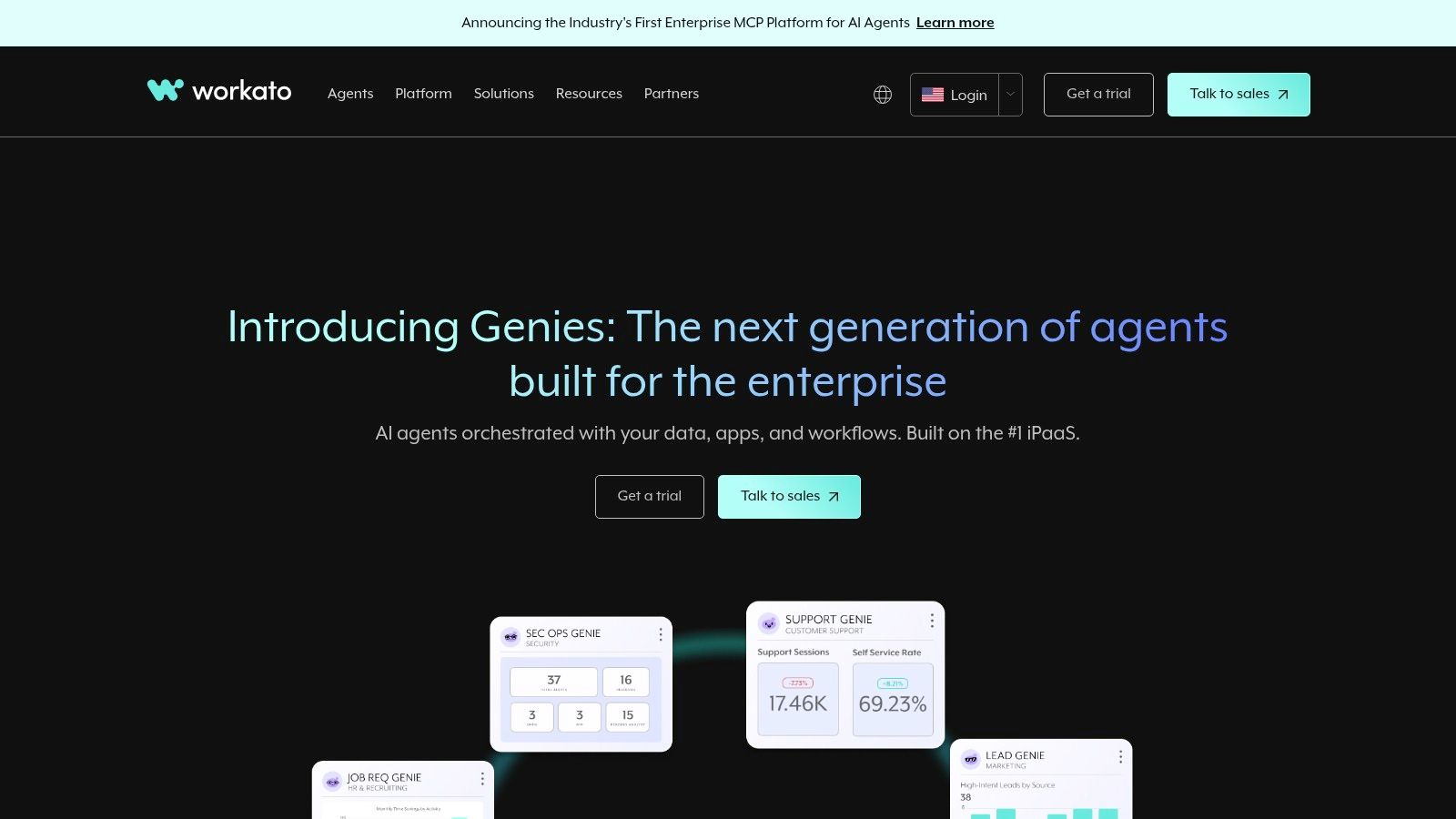
The platform emphasizes strong governance, security, and lifecycle management tooling, making it a reliable choice for mission-critical operations. For companies looking to connect legacy software or custom-built databases, Workato’s on-premise agents and SDK provide the necessary flexibility. The extensive business process automation benefits for a large organization, such as improved compliance and operational visibility, are where a tool like Workato truly shines. This focus on enterprise needs is why it’s considered one of the best workflow automation tools for complex environments.
Key Features and Considerations
- Integrations: Offers robust connectors for enterprise applications and provides on-prem agents and an SDK for custom or legacy system integrations.
- Core Tools: “Recipes” serve as the foundation for building complex, conditional workflows. It includes features for data governance, security, and full lifecycle management.
- User Experience: While powerful, the interface is designed for users with a more technical understanding of system architecture and business processes.
- Pricing: Does not offer transparent list pricing. Costs are determined through a sales engagement and are based on usage, making it a significant investment compared to SMB-focused tools.
| Pros | Cons |
|---|---|
| Powerful enterprise-grade capabilities and security | No transparent pricing; sales engagement is required |
| Excellent for complex, cross-system process automation | Higher total cost of ownership than SMB-focused tools |
| Flexible procurement via direct sales or marketplaces | Can have a steeper learning curve for non-technical users |
Best For: Mid-market to enterprise companies that require a secure, scalable, and governable platform to automate mission-critical business processes across both cloud and on-premise systems.
Website: https://www.workato.com/
7. IFTTT
IFTTT, which stands for “If This, Then That,” is the original consumer-focused automation platform and one of the best workflow automation tools for personal productivity and smart home management. It operates on a simple principle of connecting services through “Applets,” which are conditional statements that trigger an action in one app when something happens in another. Its simplicity and strong mobile integration make it a go-to for individuals looking to automate their digital lives and connected devices without any technical knowledge.
While not designed for complex business process automation, IFTTT excels in its niche. A small business owner, for instance, could use it to automatically save new iOS contacts to a Google Sheet or get a notification when a specific competitor tweets. Its strength lies in its vast support for consumer brands and IoT devices, connecting everyday apps and smart home gadgets in ways that more business-centric platforms often overlook. The platform offers a free tier, with inexpensive Pro and Pro+ plans for those needing multi-action Applets and faster execution.
Key Features and Considerations
- Integrations: Supports over 900 brands and services, with a heavy focus on consumer apps, social media, and IoT devices.
- Applet Model: Simple trigger-and-action recipes are easy to set up. Pro tiers unlock multi-action Applets, conditional logic with filters, and webhooks for more advanced connections.
- User Experience: Extremely user-friendly with intuitive mobile apps for iOS and Android, allowing users to create and manage automations on the go.
- Pricing: A free plan is available for simple Applets. Pro and Pro+ tiers offer unlimited Applets, multi-step actions, and faster performance at a very low cost.
| Pros | Cons |
|---|---|
| Very easy to use for basic cross-app tasks | Not a full iPaaS; limited for complex business workflows |
| Low entry price and unlimited Applets on Pro | Rate limits and execution speed vary by service and tier |
| Strong IoT and consumer brand ecosystem | Lacks advanced data manipulation and routing features |
Best For: Individuals, solopreneurs, and smart home enthusiasts seeking a simple, low-cost way to automate personal tasks and connect everyday applications and devices.
Website: https://ifttt.com/
8. Pipedream
Pipedream is a developer-centric automation platform designed for engineers who need more power and flexibility than typical no-code builders. It bridges the gap between simple IFTTT tools and complex custom code, allowing users to run workflows with steps in Node.js, Python, Go, or Bash. This code-forward approach makes it ideal for building sophisticated API integrations and data processing pipelines that require custom logic or access to specific libraries.
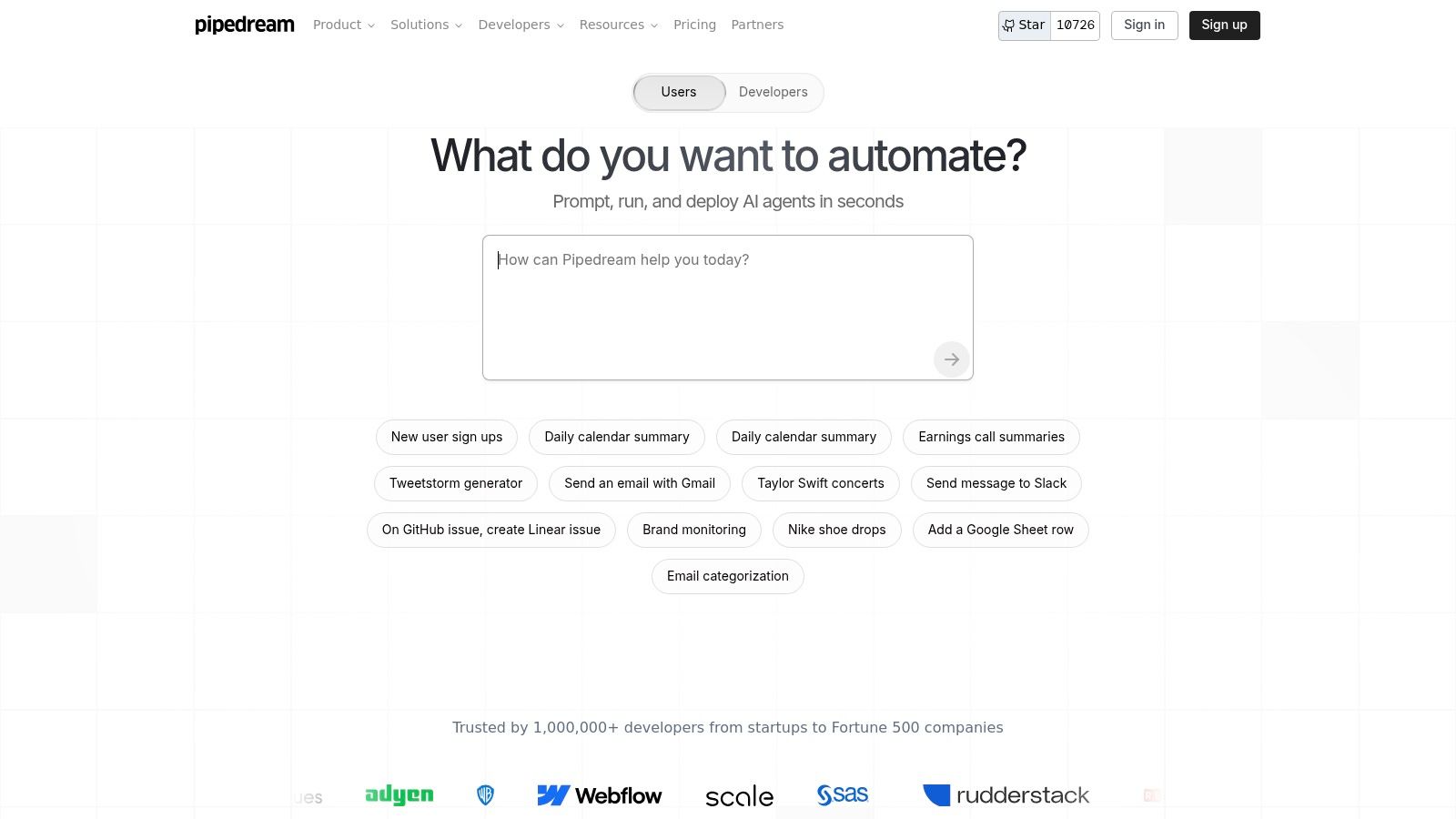
The platform stands out by giving developers fine-grained control over their automations while still leveraging a library of over 2,900 pre-built integrations. For example, a development team can create a workflow that triggers on a new GitHub commit, runs a custom Python script to validate the code, and then posts a detailed status update to a specific Slack channel. This level of customization makes it one of the best workflow automation tools for technical teams seeking a serverless environment to connect apps and run code.
Key Features and Considerations
- Integrations: Access to 2,900+ app connectors, with the ability to build any API integration using custom code.
- Core Tools: Supports multi-language code steps (Node.js, Python, Go, Bash) with npm and PyPI package support. Offers GitHub sync for source control and a “Connect” product for embedding integrations directly into applications.
- User Experience: The interface is built for developers, providing a streamlined environment for writing, testing, and deploying code-based workflows.
- Pricing: Utilizes a credit-based model tied to compute time, with a generous free tier for development and testing. Paid plans scale with usage and offer advanced features like HIPAA/SOC2 compliance.
| Pros | Cons |
|---|---|
| Extremely flexible and powerful for custom logic/API work | Requires coding knowledge; not for non-technical users |
| Transparent, compute-based credit model is cost-effective | Cost control requires tuning and monitoring workflows |
| Enterprise-grade features and source control integration | Steeper learning curve than no-code platforms |
Best For: Developers, engineers, and technical teams who need to build complex, custom-coded automations and API integrations in a scalable, serverless environment.
Website: https://pipedream.com/
9. Activepieces
Activepieces emerges as a powerful open-source alternative in the workflow automation landscape, appealing to developers, SMBs, and SaaS companies seeking more control and flexibility. It offers a familiar trigger-and-action, no-code builder similar to Zapier but with the unique advantage of being self-hostable. This allows users to run unlimited tasks and flows on their own infrastructure, eliminating the task-based pricing constraints common with other platforms.
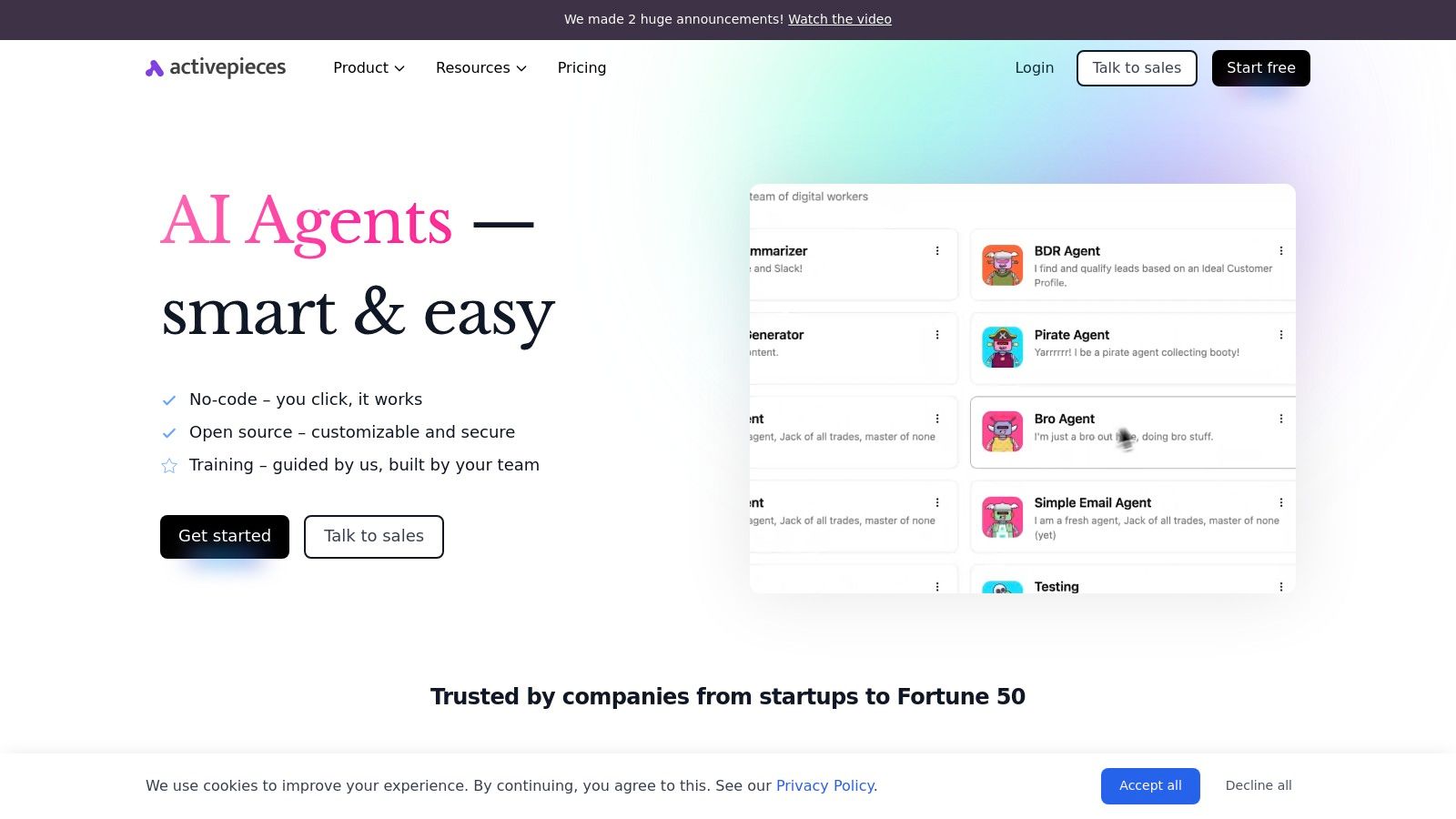
The platform is particularly compelling for SaaS vendors who can embed the Activepieces builder directly into their own products, offering white-labeled automation capabilities to their customers. Alongside its free, self-hosted community edition, it provides a managed cloud service with built-in AI steps and agents for more advanced use cases. This dual-offering makes it one of the best workflow automation tools for teams that value both ease of use and deep customization.
Key Features and Considerations
- Hosting Options: Choose between a fully managed cloud version or a free, open-source community edition that you can self-host for unlimited usage and complete data control.
- Embeddable SDK: A key differentiator allowing SaaS companies to embed the automation builder into their own applications, creating a native integration experience for their users.
- Core Tools: Supports custom code execution (TypeScript), AI-powered steps, and a growing library of connectors for popular business applications.
- Pricing: The self-hosted version is free. Cloud plans are competitively priced based on task volume, and business tiers offer enterprise features like SSO and audit logs.
| Pros | Cons |
|---|---|
| Very low cost of entry with self-hosted option | Smaller app/connector catalog compared to established players |
| Open-source flexibility and an active roadmap | Advanced business features require higher-priced plans |
| Embeddable SDK is a unique asset for SaaS vendors | Self-hosting requires some technical expertise to manage |
Best For: Tech-savvy SMBs, startups, and SaaS companies looking for a cost-effective, open-source, or embeddable automation solution that offers greater control and customization than traditional platforms.
Website: https://www.activepieces.com/
10. Tray.io
Tray.io is an enterprise-grade Integration Platform as a Service (iPaaS) designed for sophisticated automation needs. It bridges the gap between user-friendly workflow builders and powerful developer tooling, making it a strong contender for departmental and company-wide rollouts. The platform empowers both business and technical users to build complex, resilient integrations using a visual, drag-and-drop interface, but also provides a connector SDK for creating custom solutions.
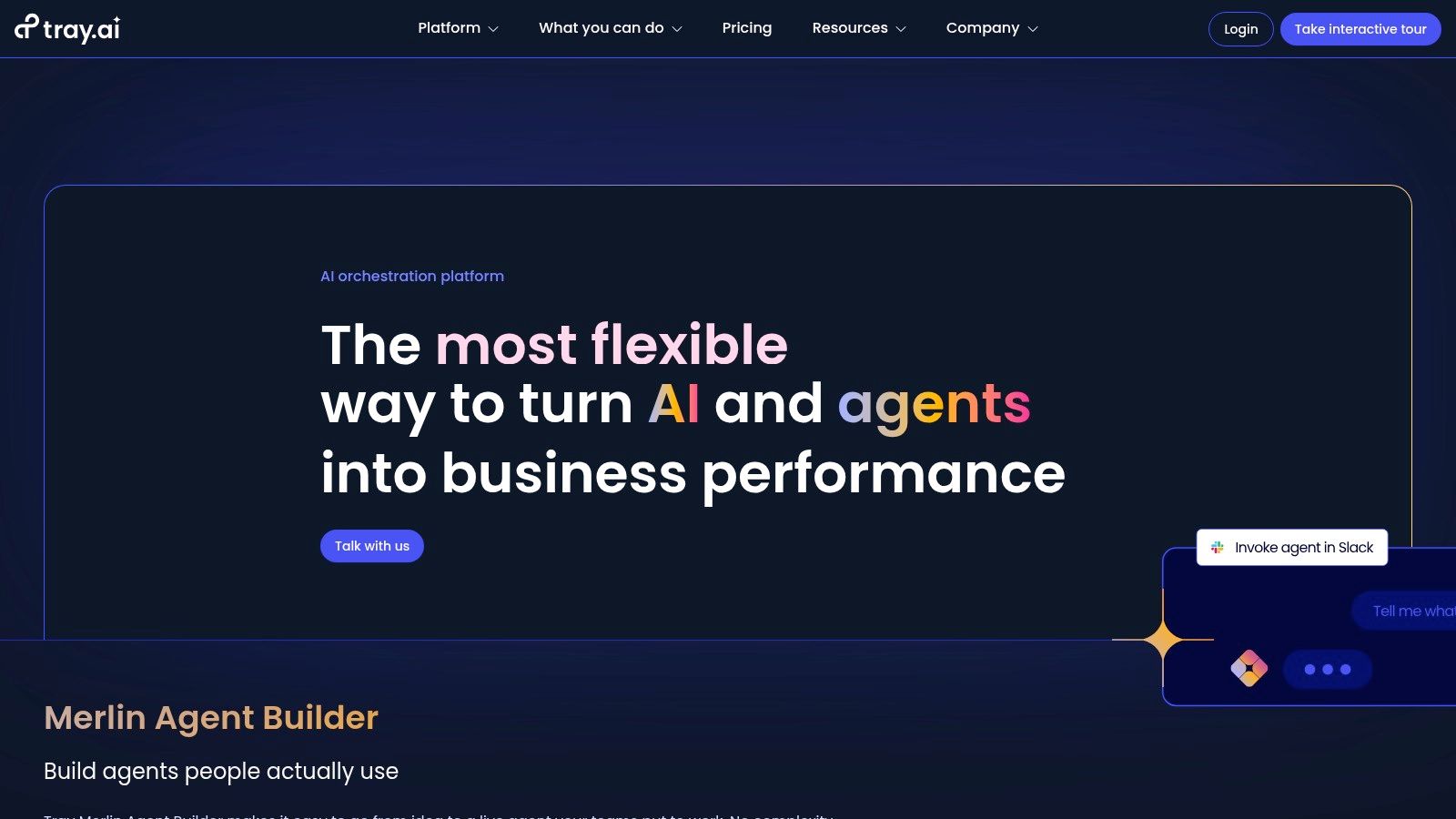
What sets Tray.io apart is its dual focus on internal process automation and embedded integrations for product teams. SaaS companies can use its “Embedded Bundle” to deliver native integrations to their customers quickly. Additionally, its Merlin AI agent builder helps orchestrate complex tasks, solidifying its position as one of the best workflow automation tools for organizations that require scalability, security, and flexibility for both internal and customer-facing automation.
Key Features and Considerations
- Integrations: Offers over 600 pre-built connectors and a robust Connector SDK for building custom integrations to any API.
- Core Tools: Provides powerful logic helpers, error handling, and full observability for monitoring workflow performance and security.
- User Experience: The visual builder is powerful and flexible, though it has a steeper learning curve than simpler IFTTT tools.
- Pricing: Pricing is not publicly listed and is quote-based. Packaging is typically based on workspaces and task or API call volume, which can be complex for smaller teams to predict.
| Pros | Cons |
|---|---|
| Robust platform for department and enterprise use | No public pricing; quotes vary by customer |
| Clear path to embedded integrations for products | Advanced add-ons and scale can raise total costs |
| Good observability and enterprise security options | Steeper learning curve than entry-level tools |
Best For: Mid-market to enterprise companies, tech-savvy teams, and SaaS vendors needing a scalable, secure, and highly customizable platform for both internal automation and embedded customer-facing integrations.
Website: https://tray.io/
11. Salesforce AppExchange – Einstein Automate collection
For organizations already embedded in the Salesforce ecosystem, the Einstein Automate collection on the AppExchange is a powerhouse. Rather than a standalone tool, it’s a curated marketplace of automation solutions designed to work natively within your Salesforce environment. It combines Salesforce’s own tools like Flow and Orchestrator with third-party applications, providing a one-stop shop for extending your CRM’s capabilities without complex integrations.
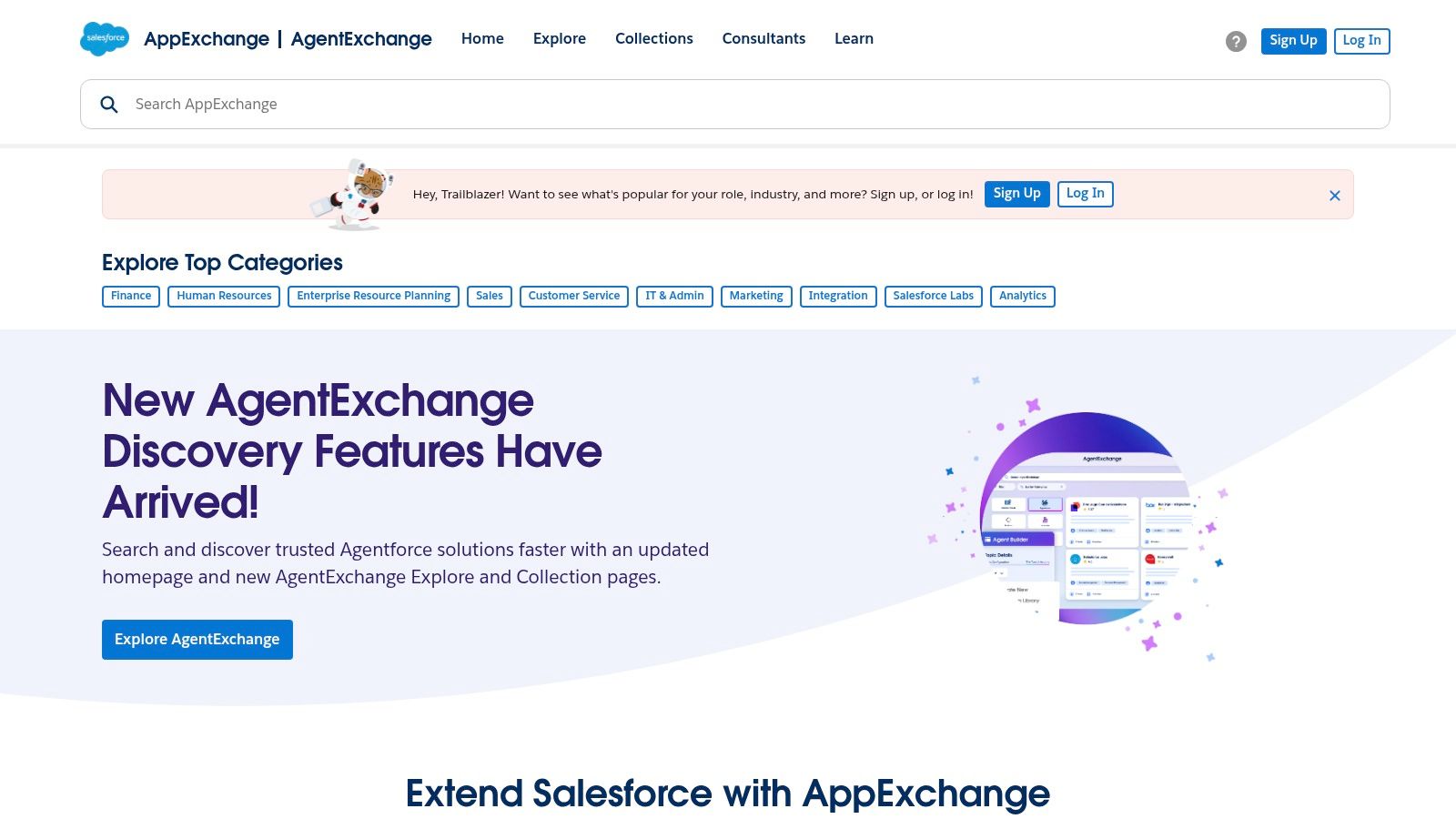
This platform excels at automating complex, industry-specific processes that live within Salesforce, such as sales-to-service handoffs or intricate customer onboarding sequences. For instance, a business could use a pre-built solution to automate approvals and resource allocation for a new project the moment a deal is marked “Closed-Won.” This makes it one of the best workflow automation tools for companies aiming to maximize their Salesforce investment. For more on this, you can learn about field service automation on Marlie.ai.
Key Features and Considerations
- Integrations: Deeply integrated with the Salesforce platform and features listings from major automation vendors like UiPath and Automation Anywhere.
- Core Tools: Offers a mix of clicks-not-code options (Flow, Orchestrator), RPA add-ins, and powerful MuleSoft connectors for system-level integrations.
- User Experience: As a marketplace, the experience varies by app, but installation and management are centralized within the familiar Salesforce setup.
- Pricing: Many listings are paid add-ons with vendor-specific pricing. Costs are in addition to existing Salesforce licensing fees.
| Pros | Cons |
|---|---|
| Deep native fit if you already run Salesforce | Best value primarily for organizations on the Salesforce Platform |
| Enterprise-grade listings with SLAs and support | Many marketplace listings are paid and pricing varies by vendor |
| Centralized billing and governance within the org | Can be complex to navigate without a Salesforce admin |
Best For: Mid-sized to enterprise-level businesses heavily invested in the Salesforce ecosystem that need to automate complex, data-centric processes directly within their CRM and connected systems.
Website: https://appexchange.salesforce.com/
12. AWS Marketplace – Workato Enterprise Automation Platform (example listing)
For enterprises deeply integrated with Amazon Web Services, the AWS Marketplace offers a powerful and streamlined procurement channel for acquiring workflow automation tools like Workato. Instead of being a standalone tool, it acts as a digital catalog where organizations can purchase software and have it billed directly through their existing AWS account. This approach simplifies vendor onboarding, consolidates billing, and often allows businesses to leverage their committed AWS spend for software purchases.
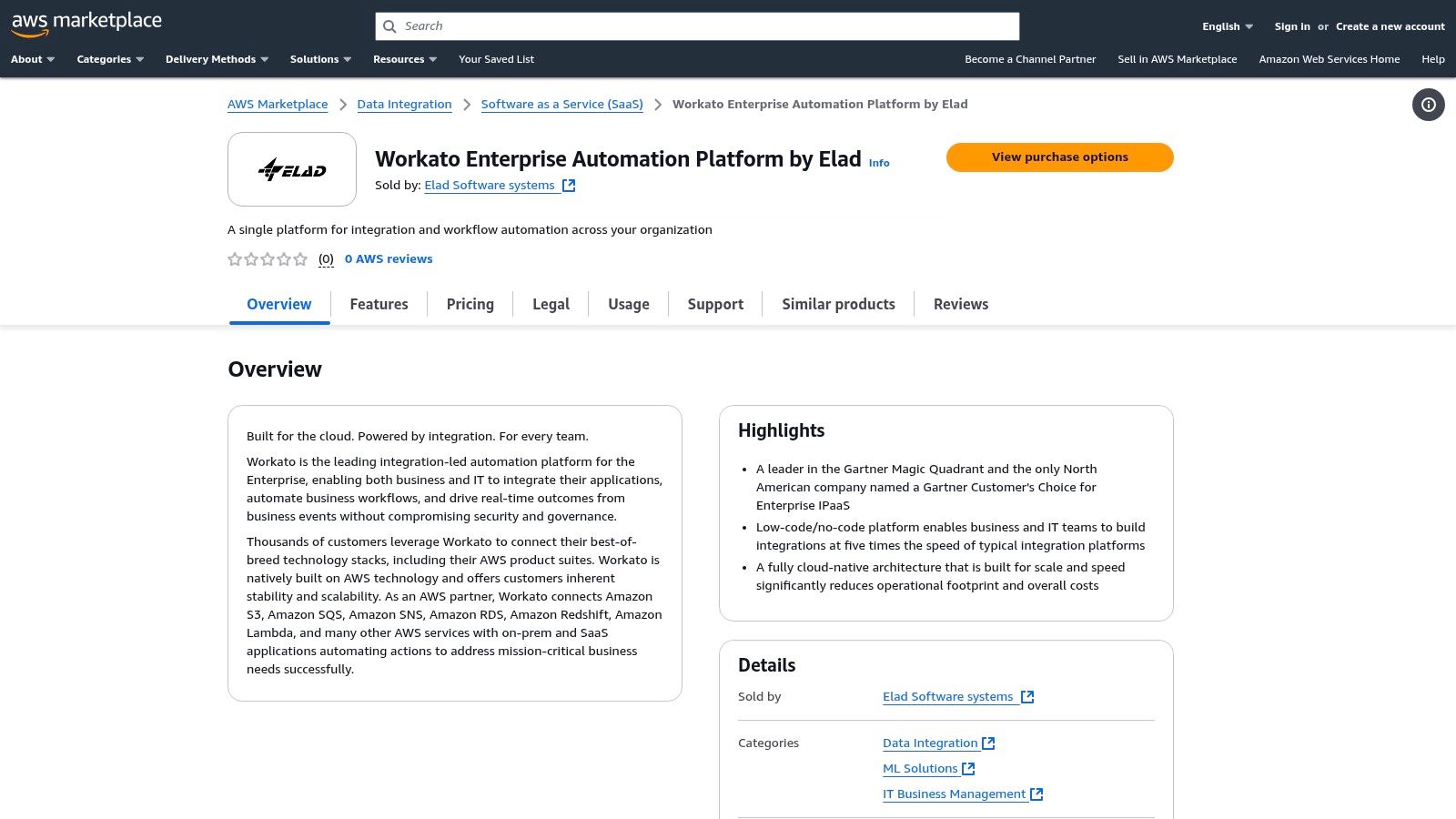
This method is particularly valuable for large companies with established procurement processes tied to major cloud providers. By using the AWS Marketplace, IT and finance teams can maintain governance and oversight while still providing developers and business units with access to best-in-class automation platforms. The ability to use private offers also allows for custom pricing and terms, which is a common requirement in enterprise-level deals.
Key Features and Considerations
- Procurement Channel: Simplifies the entire vendor lifecycle, from discovery and negotiation to billing and contract management, all within the AWS ecosystem.
- Consolidated Billing: Software charges appear on the standard AWS bill, streamlining accounts payable and potentially counting towards existing AWS Enterprise Discount Program (EDP) commitments.
- Security and Governance: Products listed on the marketplace undergo a security review process, providing a baseline of trust. Contracts and entitlements are clearly defined.
- Pricing: Often relies on “Private Offers,” meaning you must contact the seller for custom pricing, which is standard for enterprise software but lacks upfront transparency.
| Pros | Cons |
|---|---|
| Streamlined vendor onboarding via an existing AWS account | Pricing is often opaque and requires a private offer |
| Ability to use existing AWS commit or PO for procurement | Additional AWS infrastructure costs may apply |
| Clear entitlement terms and contracts via private offers | Limited to software vendors who have chosen to list on the platform |
Best For: Large enterprises and organizations heavily invested in the AWS ecosystem that want to simplify procurement, consolidate billing, and maintain strict governance over their software acquisitions.
Website: https://aws.amazon.com/marketplace/pp/prodview-znwytoju5ml44?utm_source=openai
Top 12 Workflow Automation Tools: Feature Comparison
| Product | Core Capabilities | UX & Quality | Pricing / Value | 👥 Target Audience | ✨ Unique Selling Point |
|---|---|---|---|---|---|
| Marlie Ai 🏆 | 24/7 AI phone receptionist — instant pickup <2s; bookings, payments, spam-block | ★★★★★ | 💰 $49/mo + ~$0.25/min — ~80% call-handling savings | 👥 Service businesses (locksmiths, HVAC, towing, law) | ✨ Live-call AI that books jobs, captures details & smart-transfers to humans |
| Zapier | No-code Zaps, 7,000+ apps, visual editor & templates | ★★★★ | 💰 Tiered, task-based — can be costly at scale | 👥 SMBs / non-technical users | ✨ Largest app directory + easy on-ramp |
| Make (Integromat) | Visual scenario builder, branching, code app, debugging | ★★★★ | 💰 Credit/operation pricing — cost-efficient for complex flows | 👥 Technical teams building multi-step workflows | ✨ Strong branching, mapping & dev tools |
| Microsoft Power Automate | Low-code flows, desktop RPA, Dataverse & Azure pay-as-you-go | ★★★★ | 💰 Per-user / per-bot / Azure consumption — licensing nuance | 👥 Enterprises in Microsoft ecosystem | ✨ Deep native MS365/Teams/SharePoint integration & governance |
| n8n | Open-source workflows, self-host or cloud, custom nodes | ★★★★ | 💰 Self-host = infra cost; cloud = executions billing | 👥 Dev teams & cost-conscious orgs | ✨ Unlimited workflows when self-hosted; highly extensible |
| Workato | Enterprise iPaaS, recipes, on‑prem agents, lifecycle tooling | ★★★ | ★★★★ | 💰 Quote-based — enterprise pricing, higher TCO | 👥 Mid-market & enterprise IT |
| IFTTT | Applet-based automations for IoT and simple workflows | ★★★ | 💰 Low entry (Pro/Pro+) — good for consumer use | 👥 Consumers, IoT, light business automations | ✨ Strong consumer/IoT brand ecosystem |
| Pipedream | Code-first workflows (Node/Python/Go/Bash), embed Connect | ★★★★ | 💰 Credit/compute pricing — transparent for devs | 👥 Engineers & product teams | ✨ Multi-language code steps + embed integrations |
| Activepieces | Open-source Zapier-style, self-host & cloud, embeddable | ★★★ | 💰 Free community self-host; paid cloud tiers | 👥 SMBs & SaaS builders | ✨ Embeddable builder + open-source freedom |
| Tray.io | Enterprise iPaaS, connector SDK, observability & AI builder | ★★★★ | 💰 Quote-based — enterprise-focused pricing | 👥 Enterprise & product integration teams | ✨ Embedded bundles, connector SDK & observability |
| Salesforce AppExchange — Einstein Automate | Marketplace of Flows, RPA add-ons & partner templates | ★★★★ | 💰 Vendor/ listing pricing varies — often paid | 👥 Organizations on Salesforce platform | ✨ Native Salesforce automations & partner templates |
| AWS Marketplace (Workato example) | Procurement channel for enterprise automation listings | ★★★ | 💰 Private offers & consolidated AWS billing | 👥 Enterprises using AWS procurement | ✨ Streamlined AWS procurement, private offers & consolidated billing |
Making Your Final Choice: From Automation to Transformation
Navigating the landscape of the best workflow automation tools can feel overwhelming, but the journey from manual processes to streamlined operations is a definitive game-changer for any business. We’ve explored a diverse set of platforms, from the intuitive, no-code powerhouses like Zapier and Make to the developer-centric flexibility of n8n and Pipedream. We’ve seen how enterprise-grade solutions like Workato and Tray.io can orchestrate complex, business-wide processes, and how specialized tools like Marlie Ai can solve a critical, often-overlooked bottleneck: frontline communication.
The core takeaway is that workflow automation is no longer a luxury reserved for large corporations with dedicated IT departments. It’s an accessible, scalable strategy for businesses of all sizes, from a local locksmith or HVAC company to a multi-location medical clinic or hotel chain. The right tool isn’t about having the most features; it’s about having the right features to solve your most pressing problems efficiently and cost-effectively.
Synthesizing Your Options: A Practical Framework
To move forward, shift your mindset from “which tool is best?” to “which tool is best for me right now?” Your decision should be guided by a clear understanding of your unique business context.
Consider these three primary vectors when making your choice:
Problem-Specific vs. General-Purpose: Are you trying to solve a single, high-impact problem or connect a wide array of disparate applications?
- For a specific pain point like missed calls and inconsistent customer service, a targeted solution like Marlie Ai offers the most direct path to ROI. It’s built to handle the nuances of voice-based interactions, from booking appointments to answering FAQs, without requiring you to build complex logic from scratch.
- For connecting multiple cloud-based apps (e.g., CRM to email marketing), a general-purpose connector like Zapier or Make is your ideal starting point. Their vast libraries of integrations make it easy to automate common digital marketing, sales, and administrative tasks.
Technical Skill and Resource Availability: Who will be building and maintaining these automations?
- For non-technical users and small business owners, no-code and low-code platforms are essential. Tools like IFTTT, Zapier, and even Microsoft Power Automate empower your team to build powerful workflows through simple, visual interfaces.
- For teams with development resources, platforms like n8n and Pipedream provide unparalleled flexibility, customization, and control, allowing you to write custom code and host the solution on your own infrastructure if needed.
Scalability and Future Needs: Where is your business headed?
- If you’re starting small but anticipate rapid growth, consider platforms like Make or Activepieces that offer generous free tiers but have the capacity to scale to handle complex, multi-step workflows as your needs evolve.
- For established enterprises requiring governance, security, and high-volume processing, solutions like Workato, Tray.io, and those found in the Salesforce AppExchange or AWS Marketplace are designed to meet stringent corporate requirements from day one.
Your Action Plan for Implementation
Choosing a tool is only the first step. Successful implementation is what drives real transformation. Don’t try to automate everything at once. Instead, start small, prove the value, and then expand.
Begin by identifying the single most repetitive, time-consuming, or error-prone task in your daily operations. Is it manually transferring customer information between systems? Is it the 40% of calls your team misses while on other jobs? Pinpoint that one major bottleneck. Select a tool from this list that directly addresses it, implement a single automated workflow, and carefully measure the impact. Once you see the return on investment, you’ll have the momentum and the insight to tackle the next challenge.
Ultimately, the goal isn’t just automation; it’s transformation. It’s about creating a more resilient, efficient, and customer-focused organization where your team can dedicate their valuable time to strategic work, not repetitive tasks. The journey starts with one workflow, but it paves the way for a smarter, more agile business.
Ready to solve the #1 automation challenge for service-based businesses? If missed calls, inconsistent phone service, and front-desk overload are costing you revenue, Marlie Ai provides a specialized AI voice agent that works 24/7 to answer calls, book appointments, and assist customers. Stop losing leads and start transforming your customer experience by visiting Marlie Ai to see how our focused automation solution can help your business thrive.
