

For any service-based business, from HVAC and plumbing to towing and locksmiths, efficiency isn't just a goal; it's the entire business model. Juggling customer calls, scheduling technicians, sending quotes, and tracking payments manually is a recipe for missed opportunities and frustrated clients. The right Customer Relationship Management (CRM) software acts as the central hub for your entire operation, transforming chaos into a streamlined, profitable workflow. But with countless options available, how do you find the best crm for service based business when each claims to be the ultimate solution?
This guide cuts through the noise. We have meticulously analyzed the leading platforms to help you make an informed decision without the guesswork. To begin your search for the best CRM for your service-based business, it's helpful to explore various top small business CRM solutions available, often offering tailored features for specific needs. Our comprehensive list builds on that foundation, focusing specifically on the unique demands of service-oriented companies like yours.
Inside, we'll break down 12 of the top CRMs, including all-in-one solutions like HubSpot and industry-specific powerhouses like Jobber and ServiceTitan. For each platform, you will find:
- Core features and real-world applications.
- Honest pros and cons based on user feedback.
- Clear pricing ranges and ideal business use cases.
- Crucial integration notes for scheduling, dispatch, and payments.
Each entry includes screenshots and direct links, giving you everything needed to find the perfect tool to manage relationships, book more jobs, and scale with confidence.
1. HubSpot
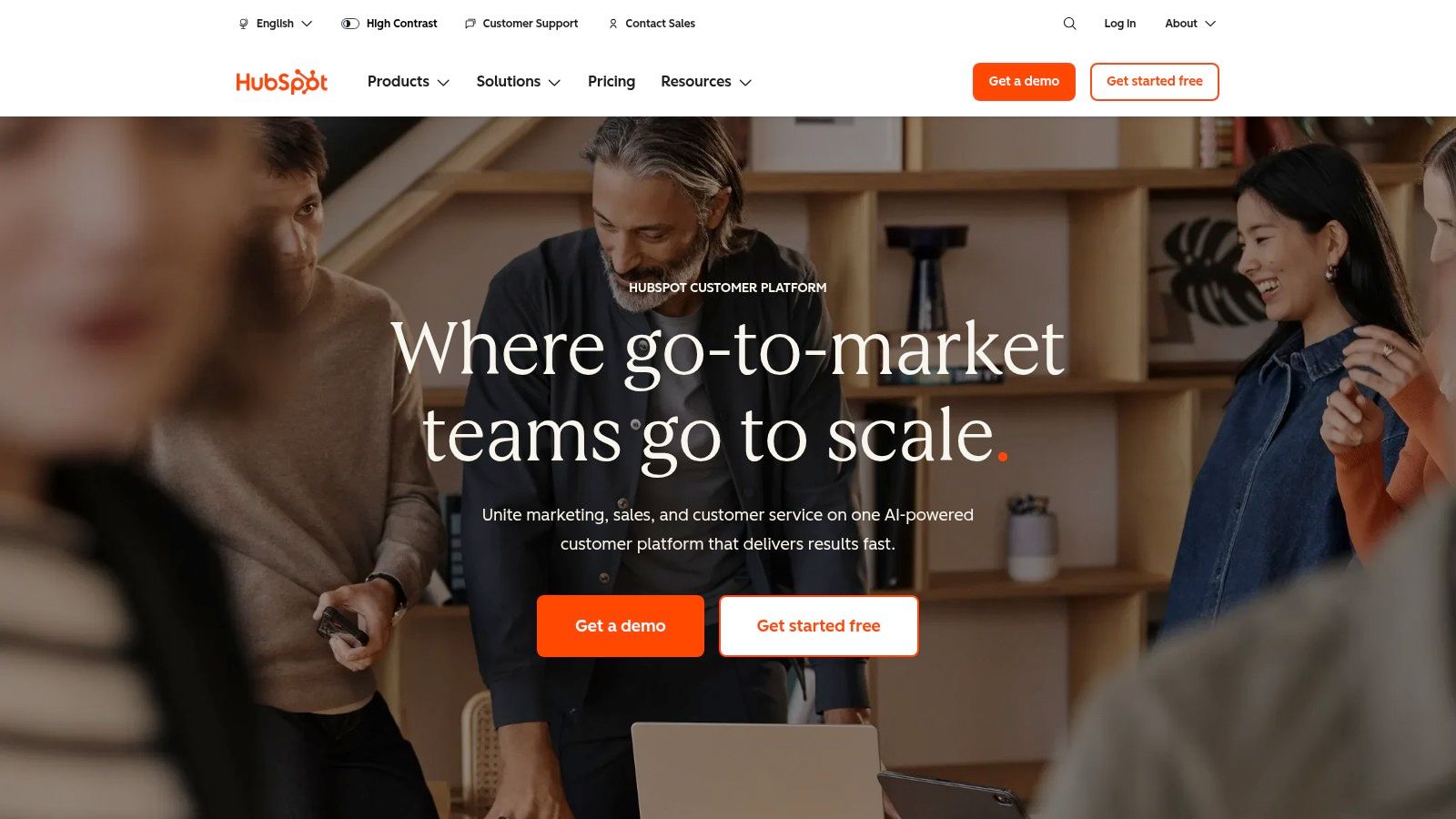
HubSpot stands out as an excellent starting point for service-based businesses seeking a robust, scalable customer platform. Its core offering is a powerful, perpetually free CRM that covers all the essentials: contact management, deal tracking, and service ticketing. This makes it one of the best CRM for service based business owners who are just beginning to formalize their client management processes and want to avoid initial costs.
The platform's true strength lies in its "grow-with-you" model. As your business expands, you can add paid "Hubs" for Sales, Service, and Marketing, layering on advanced automation and reporting capabilities as needed. For a locksmith or HVAC company, this could mean starting with the free CRM to log jobs and then upgrading to Service Hub to implement a shared inbox for dispatch and a ticketing system for follow-up repairs.
Key Features & Considerations
HubSpot's ecosystem is designed for integration and ease of use. The platform includes a shared team inbox, live chat functionality, and basic sales automation even in its free and lower-tier plans. For businesses that rely on phone calls, like towing companies or medical clinics, its extensive app marketplace is a major advantage. You can connect HubSpot to a wide range of VoIP and scheduling tools. For more complex workflows, you can explore advanced CRM integration possibilities using Zapier to link it with dispatch or payment systems.
- Pricing: Free CRM available. Paid Hubs (Sales, Service) start at around $15-$20 per seat/month (billed annually), with pricing scaling up based on features and number of seats.
- Best For: Solo technicians and small businesses wanting a free, professional CRM that can scale into an all-in-one platform for marketing, sales, and service management.
- Pros:
- Start completely free and scale across departments.
- Excellent documentation and free training via HubSpot Academy.
- No minimum seat requirements on most starter plans.
- Cons:
- Costs can escalate quickly when combining multiple Hubs or needing advanced features found only in higher tiers.
- May have more marketing-centric features than a purely field-service business requires.
2. Salesforce
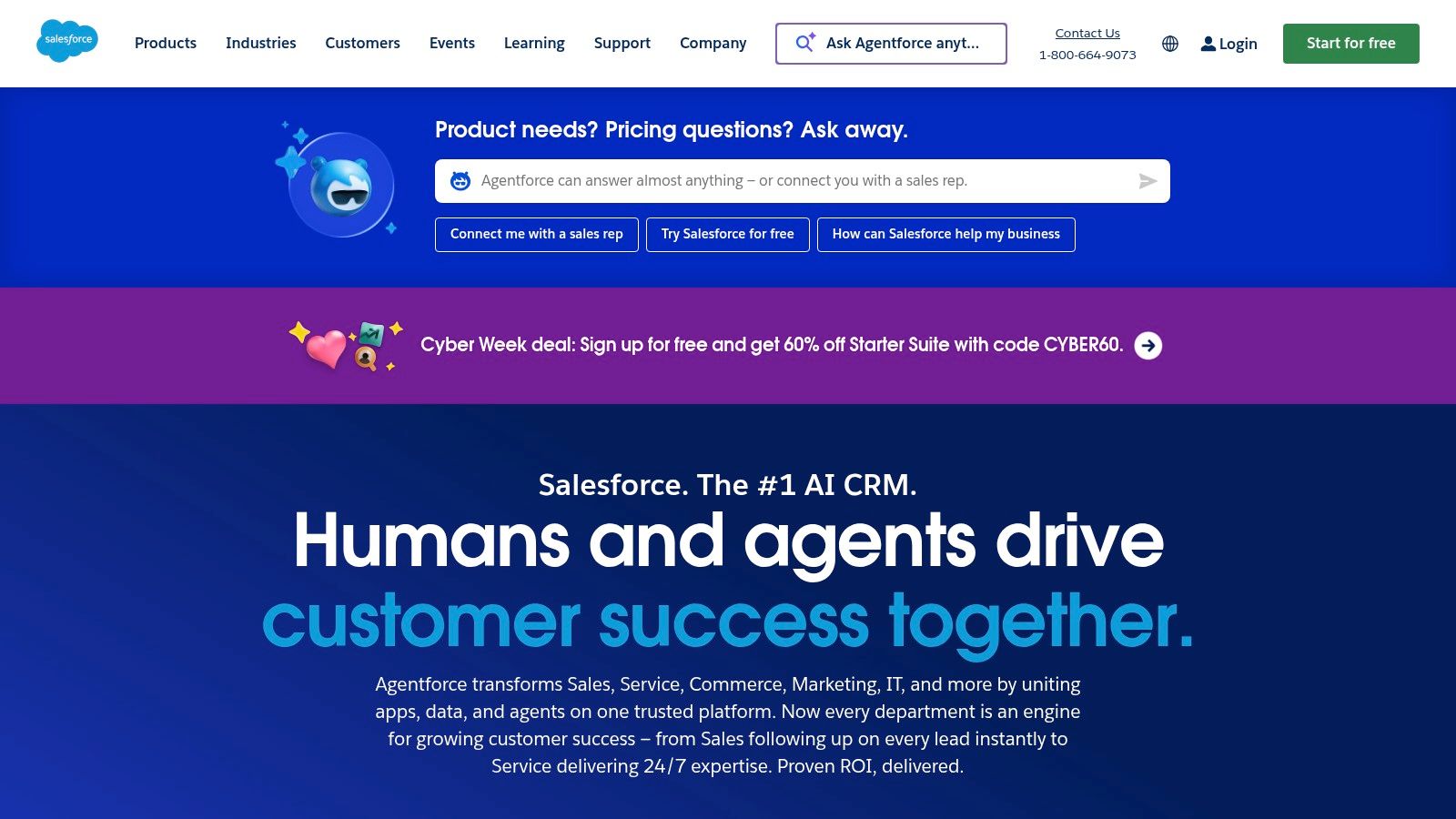
Salesforce represents the enterprise-grade end of the spectrum, offering unparalleled customization and power for service businesses with complex needs or ambitious growth plans. While known for its sales focus, its platform can be precisely tailored for service delivery, making it a contender for the best crm for service based business that needs more than an out-of-the-box solution. It excels at handling intricate workflows, from multi-stage service projects to managing franchise or multi-location operations.
The platform's real advantage is its extensibility. A growing HVAC company could start with Sales Cloud to manage quotes and installations, then later add Service Cloud for post-installation support and Field Service for scheduling technicians. The AppExchange marketplace further allows businesses to connect specialized tools for dispatching, fleet management, or industry-specific compliance, creating a truly centralized command center for all client-facing and operational activities.
Key Features & Considerations
Salesforce is built on a foundation of robust pipeline management, deep analytics, and powerful automation that can be configured for any service model. For businesses like multi-location medical clinics or national service franchises, its advanced reporting and governance features are critical. The extensive API and AppExchange marketplace ensure you can integrate virtually any other business system, from VoIP phone systems for call logging to advanced payment processors. Higher tiers introduce AI tools that can help with forecasting service demand or automating client communication.
- Pricing: Starter plans begin around $25 per user/month (billed annually). Costs increase significantly for more advanced editions like Enterprise and Unlimited, which unlock full customization and API access.
- Best For: Mid-sized to large service businesses and those with complex, unique operational workflows that require deep customization and integration.
- Pros:
- Extremely flexible and scalable to fit any business process.
- Enterprise-grade security, reliability, and governance.
- Largest app ecosystem (AppExchange) for third-party integrations.
- Cons:
- Steeper learning curve and often requires a dedicated administrator.
- Can become very expensive, especially at higher tiers with add-ons.
3. Zoho CRM
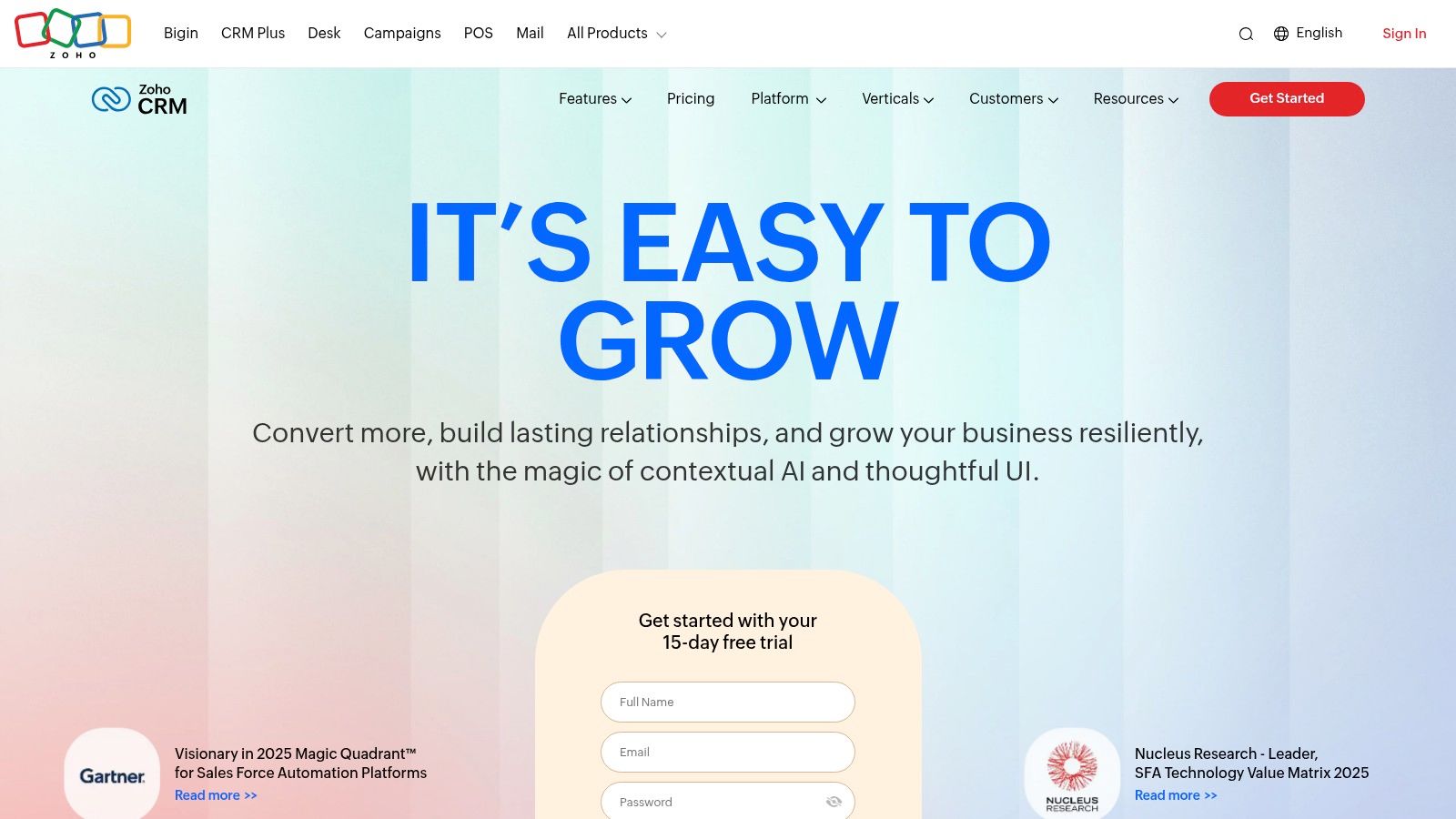
Zoho CRM delivers an impressive suite of features at a price point that is highly accessible for small to medium-sized service businesses. It offers a comprehensive solution for managing customer interactions, tracking deals, and automating sales processes. This makes it a strong contender for the best crm for service based business that needs more than just a basic contact list and wants to connect operations like billing and customer support without breaking the budget.
The platform's primary advantage is its seamless integration with the wider Zoho ecosystem. A locksmith can use Zoho CRM to track a lead, Zoho Books to send an invoice for a completed job, and Zoho Desk to manage follow-up support requests, all within a single, unified interface. This tight-knit environment eliminates the need to juggle multiple, disconnected applications, creating a single source of truth for all client and job information.
Key Features & Considerations
Zoho CRM is packed with powerful tools, including customizable sales pipelines, workflow automation, and advanced analytics. Higher-tier plans introduce Zia, an AI-powered sales assistant that can provide predictions and suggest the best times to contact clients, a useful feature for clinics or pharmacies managing patient follow-ups. The platform also has an extensive marketplace for third-party integrations, allowing businesses to connect to essential tools for payment processing, scheduling, and phone systems. The ability to build an end-to-end business management system is a significant draw.
- Pricing: A free plan is available for up to 3 users. Paid plans start at around $14 per user/month (billed annually) and scale up with more advanced features and automation.
- Best For: SMBs and multi-location businesses that need a powerful, customizable CRM and plan to leverage other integrated business apps for accounting, support, and marketing.
- Pros:
- Excellent value with feature-rich plans at competitive prices.
- Seamless integration across the extensive Zoho application suite.
- Highly customizable to fit specific service workflows.
- Cons:
- The user interface can feel complex for beginners.
- Standard customer support can be slow; premium support costs extra.
4. Pipedrive
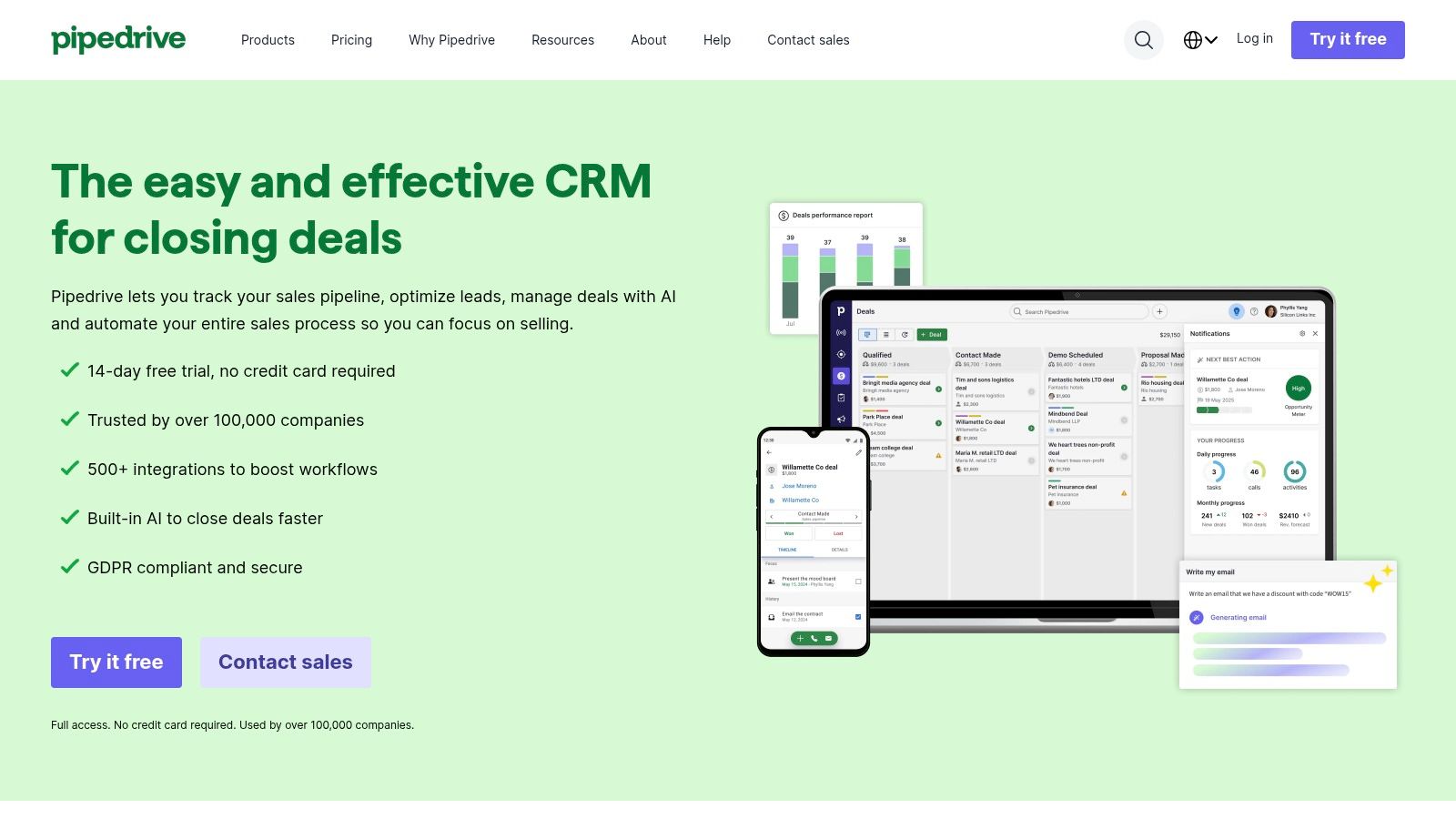
Pipedrive is designed around a single, powerful concept: the visual sales pipeline. This makes it an exceptional choice for service businesses where the client journey follows a clear, linear path from lead to completed job. For a landscaping company or a home contractor, this means you can see every potential project, from initial inquiry to quote sent, work scheduled, and invoice paid, all in one intuitive drag-and-drop interface.
While not a dedicated field-service tool, its simplicity is a major advantage. It avoids the complexity of overly broad platforms, making it one of the best CRM for service based business owners who prioritize straightforward deal and activity management. The focus is squarely on moving a client from one stage to the next, which aligns perfectly with service-based workflows like those in consulting or professional services.
Key Features & Considerations
Pipedrive excels at keeping your team focused on revenue-generating activities. Its core features include a built-in scheduler to book appointments directly from your emails or website, along with robust email sync and automation capabilities to handle follow-ups. For businesses that require signed contracts or work orders, like an event planning service, the availability of e-signature support and over 500 app integrations means you can connect it to the exact tools you already use, such as accounting or scheduling software.
- Pricing: Plans start around $14.90 per seat/month (billed annually), with tiers for advanced automation, reporting, and integrations.
- Best For: Sales-driven service businesses (e.g., consultants, agencies, contractors) that need a highly visual and easy-to-use system for tracking leads and managing client projects through a defined process.
- Pros:
- Extremely easy onboarding and intuitive day-to-day use.
- Excellent value, especially in its lower-priced tiers.
- Strong focus on activity-based selling and clear pipeline visibility.
- Cons:
- Lacks the native service ticketing and dispatching functions of specialized field-service platforms.
- Advanced reporting and permission controls are reserved for more expensive plans.
5. Keap
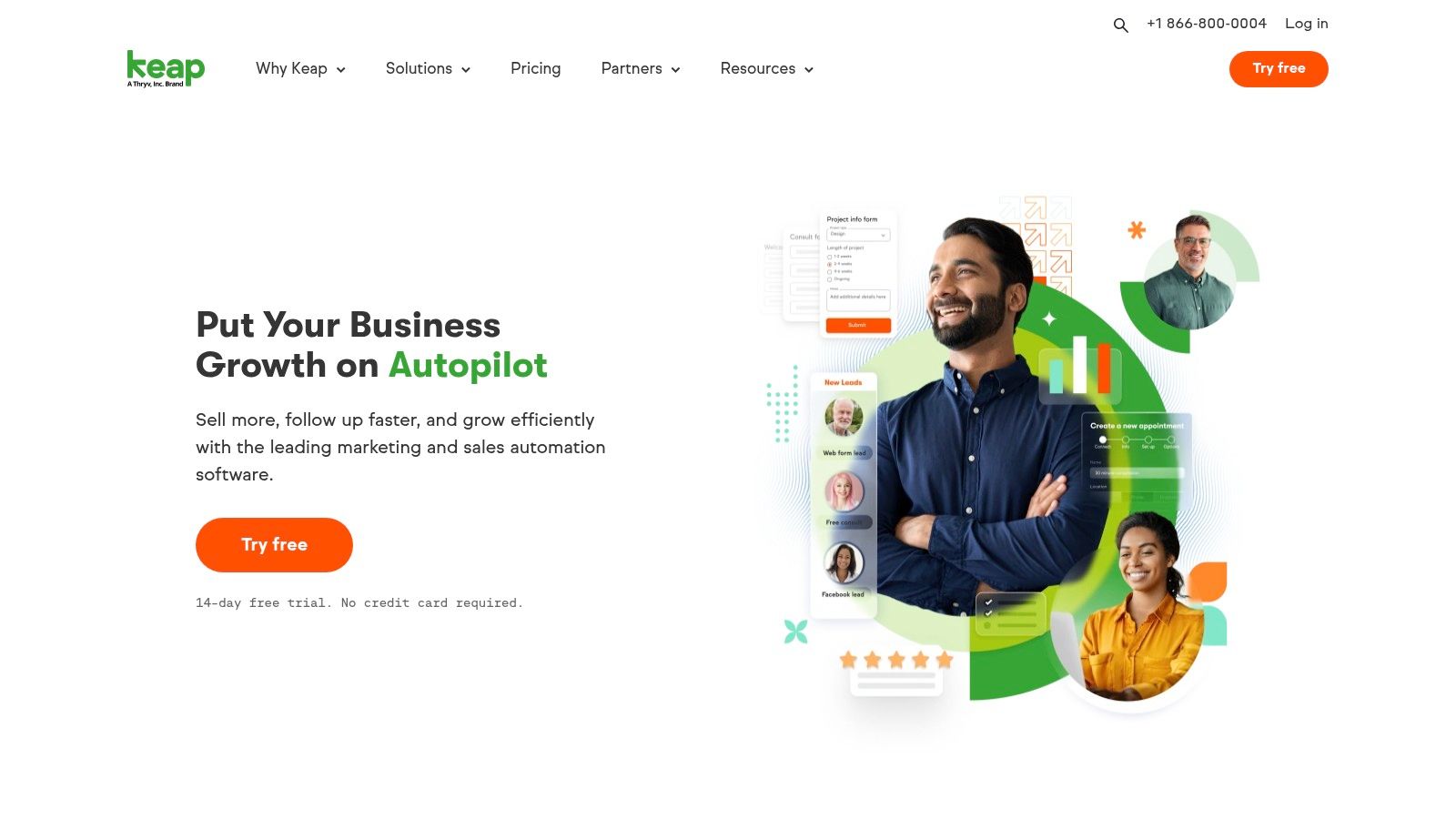
Keap is engineered for service businesses that rely heavily on automated follow-up and revenue generation from a single platform. It combines CRM, email and SMS marketing, appointment scheduling, and payment processing into one cohesive system. This integrated approach makes it one of the best CRM for service based business owners, like consultants or home repair specialists, who want to automate nurturing sequences and streamline the entire client lifecycle from lead to paid invoice.
The platform's core strength is its powerful automation engine, designed to trigger personalized communication based on client actions. For instance, a pharmacy could use Keap to send automated SMS reminders for prescription refills, or an HVAC company could set up a workflow to follow up on an estimate automatically after a set period. This focus on nurturing helps convert more leads and secure repeat business with minimal manual effort.
Key Features & Considerations
Keap centralizes client communications and sales activities with features like dedicated business phone lines, visual sales pipelines, and built-in invoicing. Its native scheduling tool syncs directly with your calendar and contact records, eliminating the need for third-party apps. The platform's emphasis on automation is evident in its "Easy Automations" builder, which simplifies creating follow-up campaigns. For those looking to dive deeper into automated processes, you can explore Keap alongside other workflow automation tools to understand its place in the market.
- Pricing: Plans start at around $159/month for two users, with pricing scaling based on the number of contacts and advanced features.
- Best For: Solo entrepreneurs and small service businesses that want to automate their sales and marketing follow-up to drive repeat business and conversions.
- Pros:
- Strong automation for nurturing leads and existing clients.
- All-in-one platform includes quotes, invoices, and payments.
- Service-friendly features like appointment scheduling are built-in.
- Cons:
- Pricing can be higher than competitors, especially as contact lists grow.
- Less suited for complex, multi-departmental teams requiring deep customization.
6. Jobber
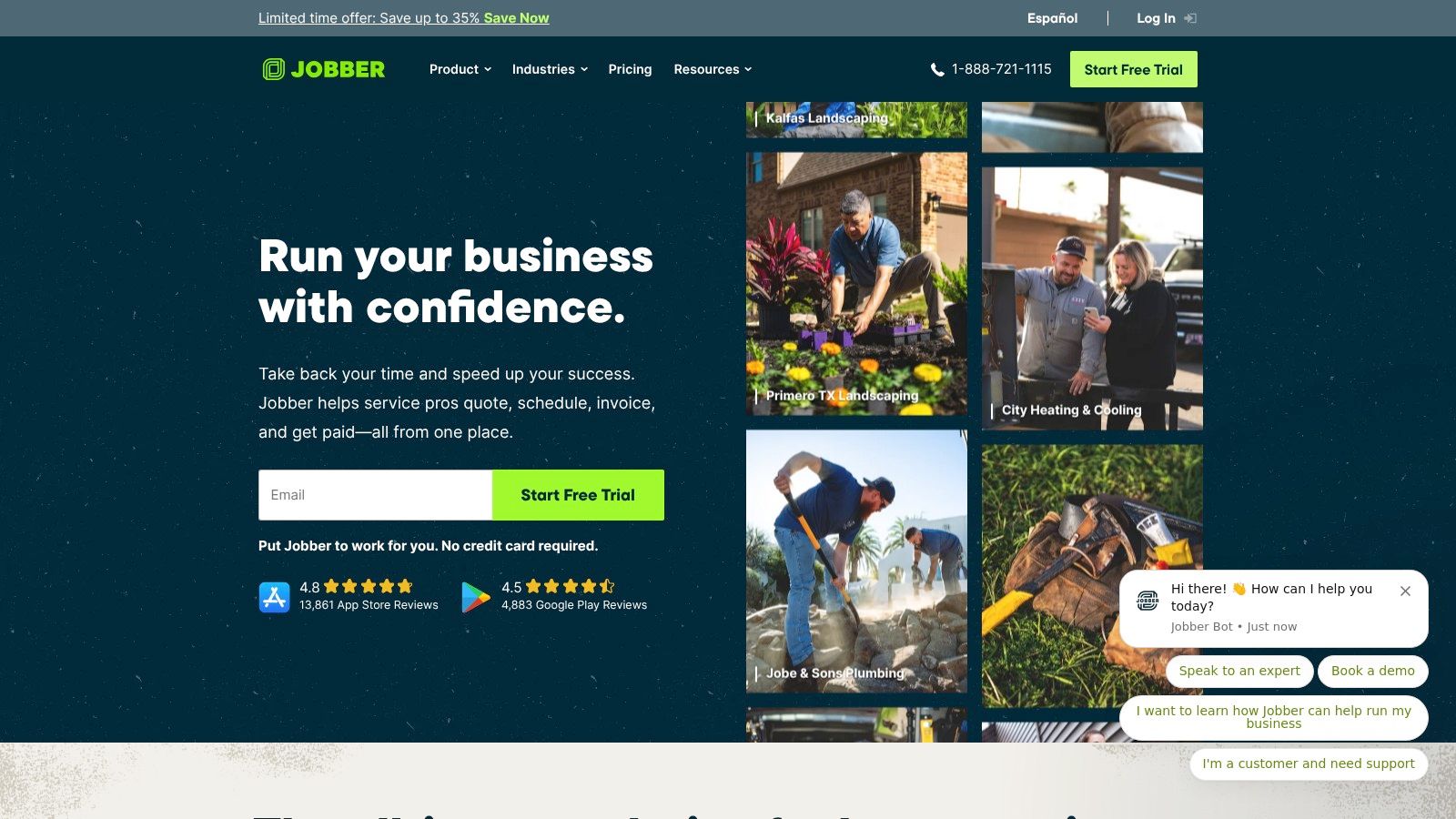
Jobber is less of a general CRM and more of a complete business management platform purpose-built for home service professionals. It combines client management with essential operational tools like scheduling, dispatching, quoting, and invoicing, making it a powerful contender for the best CRM for service based business in the trades. For businesses like lawn care, HVAC, or cleaning services, Jobber centralizes the entire workflow from the initial customer inquiry to the final payment.
The platform excels at streamlining day-to-day operations for mobile teams. A plumbing company, for instance, can use Jobber to schedule a job, dispatch a technician with all the necessary details on their mobile app, generate a quote on-site, and collect payment once the work is complete. This all-in-one approach eliminates the need to patch together multiple different software tools, saving time and reducing potential errors.
Key Features & Considerations
Jobber’s strength is its field-service focus, featuring a client manager (CRM), a self-serve client portal, and robust job forms. Its online booking and automated reminders help secure jobs and reduce no-shows. Deep integration with QuickBooks Online simplifies accounting, while operational automations handle follow-ups and invoicing. While it's a fantastic tool for many trades, you can explore more options tailored specifically for construction and contractors if your needs are more project-based.
- Pricing: Plans start at around $49/month for one user (billed annually), with higher-tier plans like "Connect" and "Grow" adding more users and advanced features.
- Best For: Solo operators and small-to-medium-sized home service businesses (e.g., trades, cleaning, lawn care) that need an all-in-one field service management solution.
- Pros:
- Excellent mobile app designed for crews in the field.
- All-in-one platform covering the entire job lifecycle.
- Tiered plans that scale from solo operators to growing teams.
- Cons:
- Lacks the deep sales and marketing automation of a traditional CRM.
- Advanced features like lead management are locked into higher-priced tiers.
7. Housecall Pro
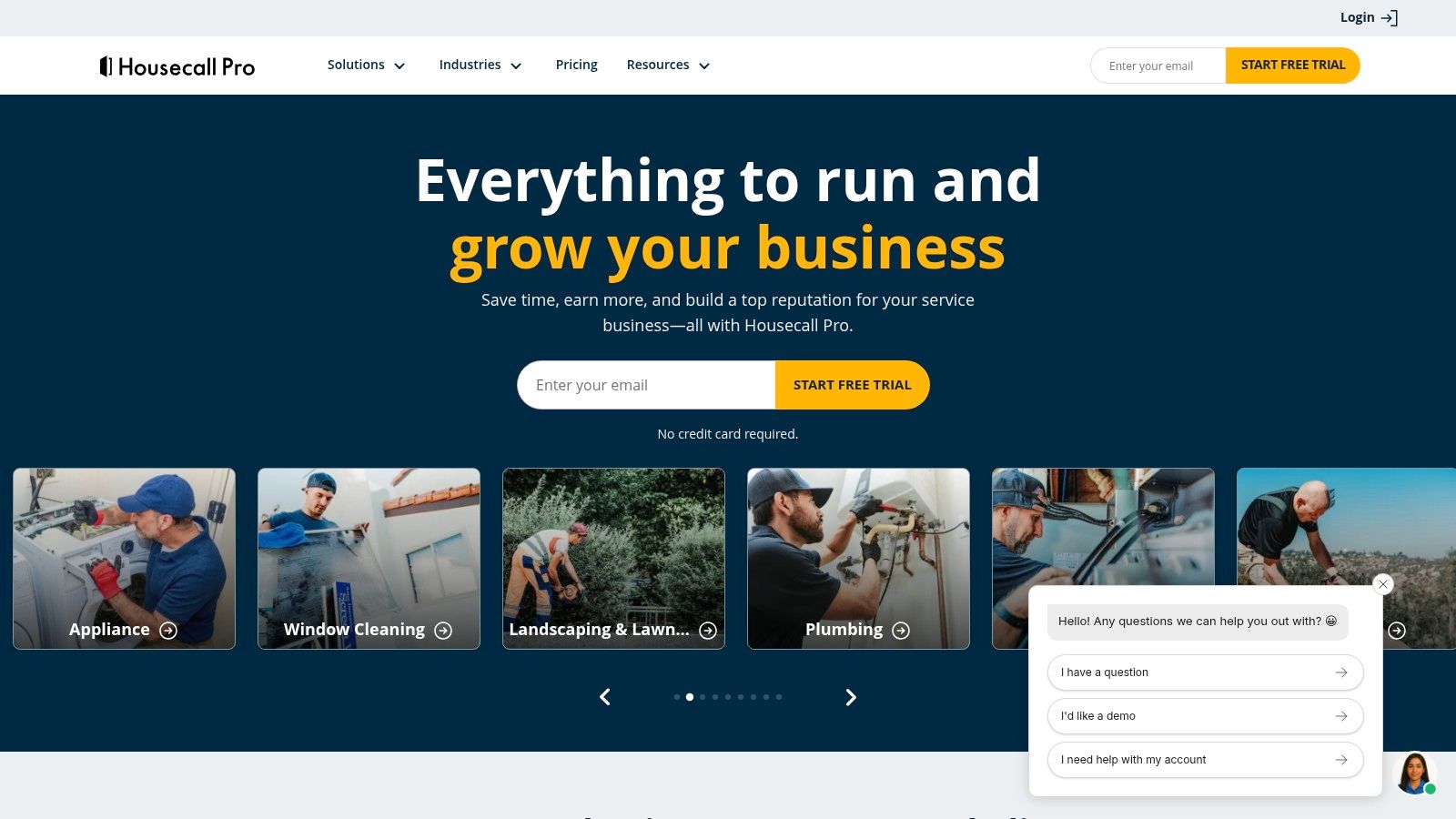
Housecall Pro is a purpose-built platform designed specifically for home service businesses like HVAC, plumbing, and electrical contractors. It moves beyond a traditional CRM by integrating core business operations into a single, cohesive system. For a small but growing cleaning service, this means managing everything from initial customer inquiry and online booking to dispatching technicians, creating on-site estimates with a visual price book, and processing payments, all within one application.
The platform is engineered for field operations, making it one of the best CRM for service based business teams that are constantly on the move. Its strong mobile app ensures technicians have all the job details, customer history, and invoicing tools they need right on their phones. This mobile-first approach streamlines the entire service lifecycle from the field back to the office, reducing paperwork and improving communication.
Key Features & Considerations
Housecall Pro's key strength is its comprehensive feature set tailored for trade services. It includes a robust scheduling and dispatch board, GPS tracking to monitor technician locations, and automated review management to help build online reputation. The deep integration with QuickBooks simplifies accounting, while the customer portal allows clients to approve quotes and pay invoices online. The platform also offers marketing tools, like postcard and email campaigns, to help drive repeat business. You can learn more about how these features come together by exploring this guide to field service automation.
- Pricing: Plans typically start around $49-$65/month for a single user, with higher tiers offering more features and user seats, often ranging from $100-$300+ per month.
- Best For: Solo owner-operators and small-to-midsize home service teams (plumbing, HVAC, electrical, cleaning) who need an all-in-one field service management tool, not just a CRM.
- Pros:
- Excellent mobile app experience for technicians in the field.
- All-in-one solution for scheduling, invoicing, and payments.
- Strong focus on features that directly impact home service workflows.
- Cons:
- Pricing can be higher than a standalone CRM.
- May be overly specific for service businesses outside of the home/trade industries.
8. ServiceTitan
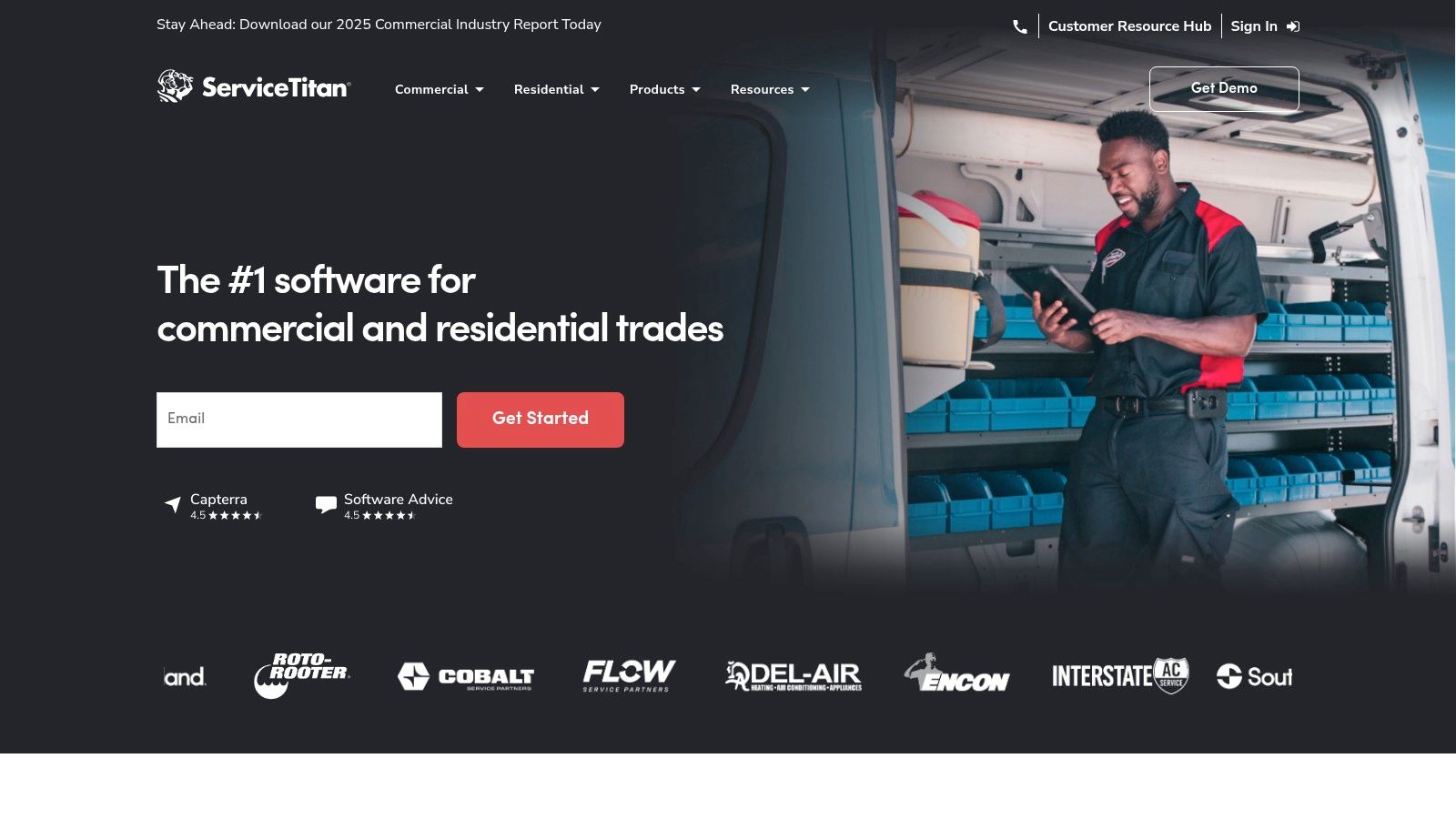
ServiceTitan is an enterprise-level platform built specifically for trade service businesses like HVAC, plumbing, and electrical contractors. It moves beyond a simple CRM, functioning as an all-in-one operational powerhouse designed to manage every aspect of the job cycle, from call booking and dispatching to invoicing and reporting. This makes it the best CRM for service based business owners who are ready to scale significantly and require deep, industry-specific functionality.
The platform excels at connecting field operations with the back office. A technician in the field can use a mobile app to build detailed estimates with photos, present a digital pricebook to a customer, and collect payment on the spot. Simultaneously, the office can track that technician's location, manage the dispatch board, and see real-time revenue data, providing unmatched operational visibility.
Key Features & Considerations
ServiceTitan’s core strength is its comprehensive feature set tailored for the trades. The system includes advanced call booking that identifies existing customers, marketing attribution to track which ads generate calls, and robust reporting on key metrics like sales conversion rates and technician performance. For businesses managing recurring revenue, its membership and service agreement management tools are particularly powerful. This level of detail is a key differentiator when evaluating it against other options; you can see how it stacks up in this field service management software comparison.
- Pricing: Custom pricing based on the number of technicians and modules needed. Generally considered a premium option, with costs significantly higher than entry-level CRMs.
- Best For: Established, multi-technician residential and commercial trade businesses (HVAC, plumbing, electrical) seeking a single platform to manage their entire operation and drive growth.
- Pros:
- Extensive, trade-specific features for dispatch, pricebooks, and memberships.
- Powerful analytics and reporting for deep business insights.
- Excellent mobile app for field technicians.
- Cons:
- High cost makes it prohibitive for small or solo operations.
- Requires significant implementation time and team-wide training.
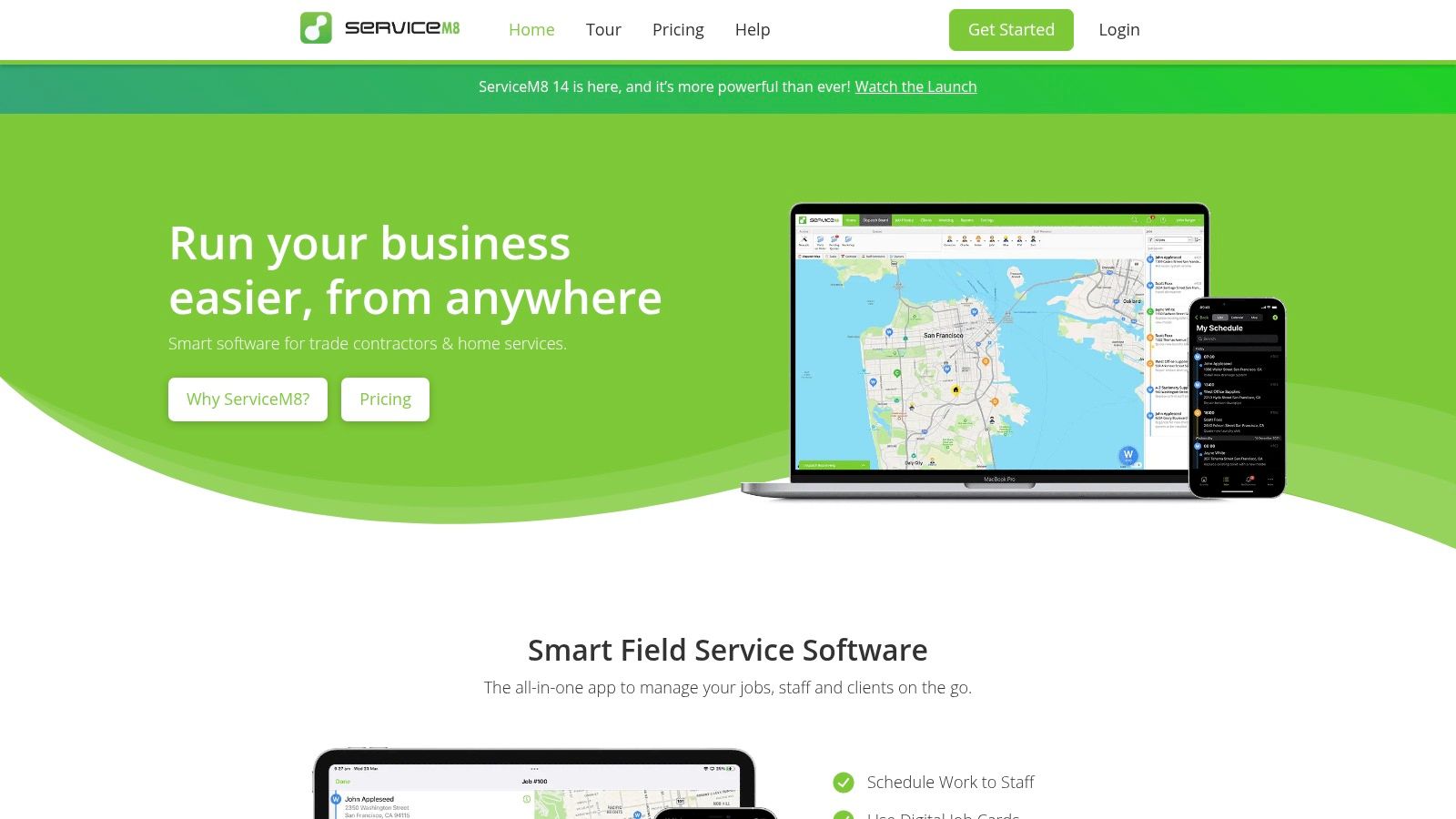
9. ServiceM8
ServiceM8 is a highly focused job management and CRM platform built specifically for small trade and home service businesses. Its core design revolves around managing individual jobs from quote to payment, making it an intuitive choice for electricians, plumbers, and cleaning services. What sets ServiceM8 apart is its user-friendly interface and a pricing model that includes unlimited users on paid plans, which is a significant advantage for growing teams.
The platform is engineered for field use, with strong mobile app functionality for quoting, invoicing, and communicating with clients on the go. This makes it one of the best CRM for service based business owners who need their team to have full operational capability from their phones or tablets. It’s less of a traditional, sales-pipeline-focused CRM and more of an operational command center for service delivery.
Key Features & Considerations
ServiceM8 packs powerful operational tools like job costing, checklists for standardized work, recurring job scheduling, and asset management into a simple package. Client communication is streamlined with built-in SMS and email templates, and it facilitates on-the-spot payments. For businesses looking to automate, its AI helper features can assist with common tasks. The platform's unique job-credit pricing model is cost-effective for businesses with a predictable workload, but could lead to extra costs during unexpectedly busy months.
- Pricing: Starts with a free plan for a single user. Paid plans begin around $10/month for 20 jobs and unlimited users, scaling up to the Premium plan at $179/month for 500 jobs. Additional jobs can be purchased.
- Best For: Small, field-based service teams (1-20 staff) in trades like electrical, plumbing, HVAC, and cleaning who need a job-centric operational tool over a complex sales CRM.
- Pros:
- Very affordable entry-level pricing.
- Unlimited users on all paid plans, making it easy to scale your team.
- Excellent mobile app for field technicians.
- Cons:
- The job-credit pricing model can be unpredictable for businesses with fluctuating demand.
- Advanced features like customizable forms and knowledge base are locked behind higher-tier plans.
10. Thryv
Thryv positions itself as more than just a CRM; it's an all-in-one business management platform designed for local service companies. It combines core CRM functionality with a comprehensive suite of tools for online presence, client communication, and payments. This integrated approach makes it one of the best CRM for service based business owners who want a single vendor to handle their entire front-office and marketing operations, from getting found online to getting paid.
The platform is built to centralize the customer journey. For a local HVAC company or locksmith, this means Thryv can manage their online business listings, run social media campaigns, capture leads through a website, schedule appointments, send invoices, and collect payments all from one dashboard. This consolidation simplifies the tech stack and reduces the need to manage multiple subscriptions.
Key Features & Considerations
Thryv’s standout feature is its breadth. The platform includes a client portal, estimates and invoicing, a unified inbox for email and SMS, and robust marketing automation. A significant benefit for business owners who are not tech-savvy is the dedicated onboarding support and 24/7 customer service, which guides users through setting up and utilizing the extensive feature set. This hands-on approach is ideal for clinics or repair shops that need to get running quickly without a steep learning curve.
- Pricing: Custom pricing based on business needs and the package selected. Expect a higher starting price than standalone CRMs, with potential onboarding fees.
- Best For: Small to medium-sized local service businesses (e.g., home services, auto repair, local clinics) that need an integrated solution for CRM, marketing, and payments and value dedicated support.
- Pros:
- Extensive, all-in-one feature set covering most front-office needs.
- Strong focus on online presence and reputation management.
- Dedicated onboarding and 24/7 support options are included.
- Cons:
- Significantly higher starting cost compared to point-solution CRMs.
- The bundled nature means you may pay for features you don't use.
11. Service Fusion
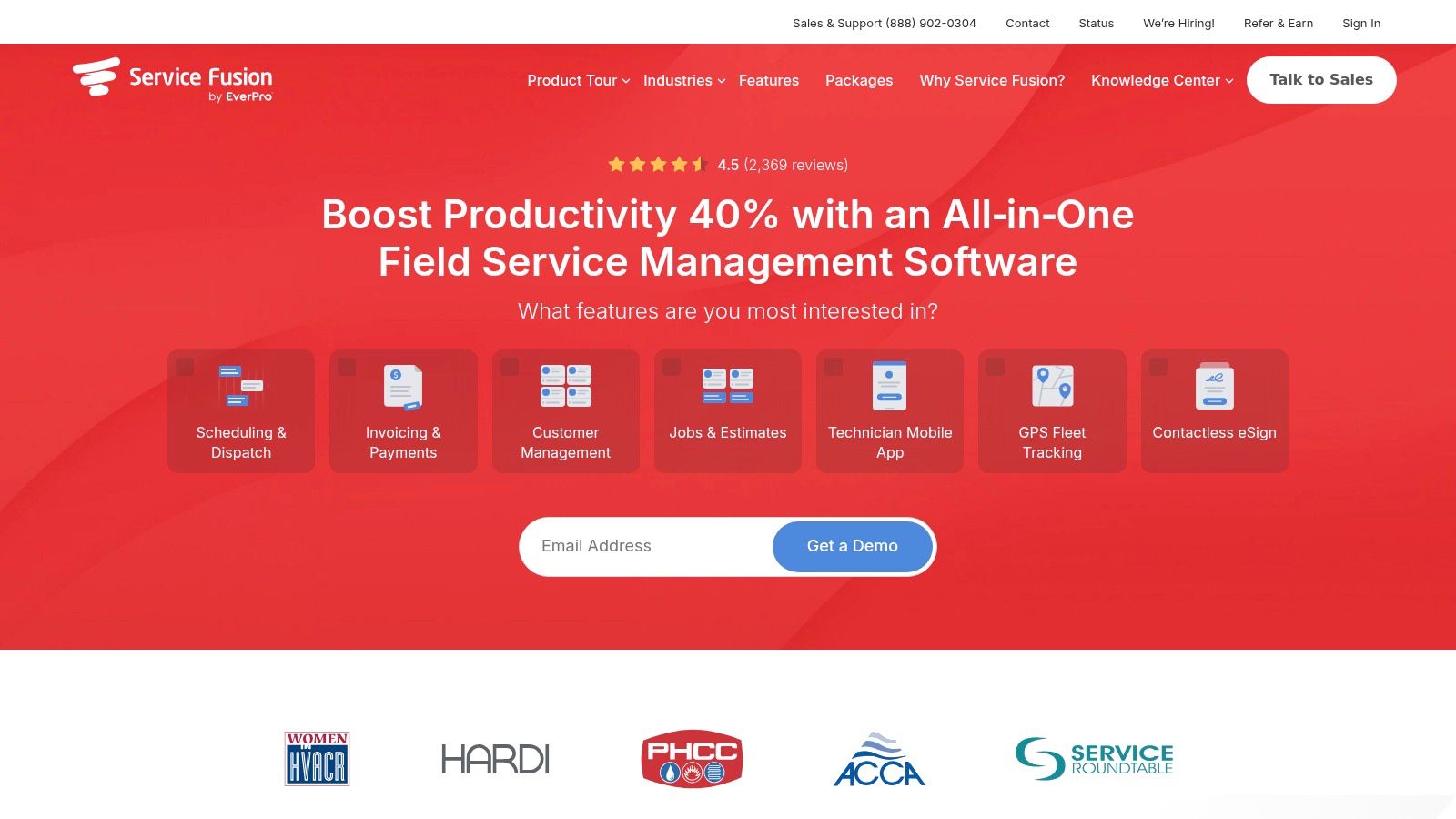
Service Fusion is designed from the ground up as a field service management platform, making it a natural fit for businesses like HVAC, plumbing, and locksmithing. Its core strength is combining CRM functionalities with essential operational tools like scheduling, dispatching, and invoicing into one system. This integrated approach makes it a top contender for the best CRM for service based business owners who need to manage technicians in the field and want predictable costs as they grow.
The standout feature is its pricing model, which offers unlimited users on every plan. For a growing service company, this removes the financial penalty of adding more technicians, dispatchers, or administrative staff to the system. You can scale your team without worrying about per-seat license fees, allowing you to focus on managing jobs and customer relationships effectively.
Key Features & Considerations
Service Fusion provides robust tools tailored for mobile workforces, including a dedicated technician app, real-time job status updates, and integrated voice/SMS communication. Its deep integration with QuickBooks simplifies accounting by syncing customer data, invoices, and payments seamlessly. This eliminates double entry and ensures financial records are always up to date with field activities. The platform is built to handle the entire service lifecycle, from the initial customer call to the final payment.
- Pricing: Plans start at around $149/month (billed annually) for the Starter tier, which includes unlimited users. Add-ons like GPS tracking and ServiceCall.ai are available for an extra fee.
- Best For: Small to mid-sized field service businesses (HVAC, plumbing, electrical) that need a comprehensive job management solution with a predictable, flat-rate pricing model for unlimited users.
- Pros:
- Unlimited users included in all plans, ideal for scaling teams.
- Strong focus on core field service workflows like dispatching and invoicing.
- Month-to-month billing is available, offering flexibility.
- Cons:
- Advanced features like a customer portal, e-signatures, and API access are locked behind higher-tier plans.
- Key communication and tracking tools (GPS, integrated calling) are paid add-ons.
12. Capterra
While not a CRM itself, Capterra is an indispensable resource for finding the right software. It's a massive software directory that allows service-based businesses to compare hundreds of tools side-by-side, making it a critical first step in your research process. Instead of providing a single solution, it empowers you to find the best CRM for service based business needs by filtering options based on industry, company size, and required features.
The platform's value comes from its aggregated user reviews and detailed feature breakdowns. A locksmith, for example, can filter for CRMs with mobile access, SMS notifications, and dispatching capabilities, then read reviews from other locksmiths. This approach helps you quickly discover niche, industry-specific tools you might otherwise overlook, moving beyond the big-name players to find a perfect fit for your unique operational workflows.
Key Features & Considerations
Capterra provides robust filtering, direct comparisons, and buyer's guides to help you create a shortlist. You can compare up to four different platforms, viewing their features, pricing models, and user ratings in a clear, organized table. This is particularly useful for businesses like HVAC or towing companies that need to evaluate specific integrations for tools like QuickBooks, scheduling apps, or payment processors. The site often links directly to free trials, allowing for a seamless transition from research to hands-on evaluation.
- Pricing: Free to use for research and comparison. Pricing for listed software varies by vendor.
- Best For: Any service business owner in the initial research phase who wants to compare a wide range of CRM options and read verified user reviews before committing.
- Pros:
- Aggregated, real-world user reviews provide honest feedback.
- Powerful filtering helps discover niche tools for specific trades.
- Free resource for creating a data-driven software shortlist.
- Cons:
- "Top" badges and rankings are influenced by Capterra's internal methodology.
- Pricing information for some vendors can be outdated or require visiting the vendor's site.
Top 12 Service CRMs — Feature & Pricing Comparison
| Product | Core features | UX / Quality (★) | Value / Price (💰) | Target audience (👥) | Unique / Standout (✨/🏆) |
|---|---|---|---|---|---|
| HubSpot | Free CRM, sales & service automation, shared inbox, app marketplace | ★★★★☆ | 💰 Free start → paid hubs; can add up | 👥 SMBs scaling across sales/marketing/service | ✨Free CRM + large ecosystem; 🏆extensive docs & academy |
| Salesforce | Robust pipeline, APIs, analytics, AppExchange, AI at upper tiers | ★★★★☆ | 💰 Enterprise-priced at upper tiers | 👥 Enterprises / complex workflows | ✨Deep customization & integrations; 🏆market leader |
| Zoho CRM | Pipelines, automations, Zia AI, integrations with Zoho suite | ★★★★☆ | 💰 Competitive; usable free tier | 👥 Budget-conscious SMBs wanting broad features | ✨Integrated Zoho stack; strong value |
| Pipedrive | Visual pipeline, email sync, automations, built-in scheduler | ★★★★☆ | 💰 Good value at lower tiers | 👥 Sales-focused SMBs & service firms | ✨Clean visual pipeline; fast onboarding |
| Keap | Email & SMS automation, quotes/invoices, payments, scheduling | ★★★☆☆ | 💰 Mid-range; add-ons (SMS) increase cost | 👥 SMBs needing marketing + payments workflows | ✨Revenue-focused automations (CRM+payments) |
| Jobber | Scheduling/dispatch, quoting, invoicing, online booking, QuickBooks | ★★★★☆ | 💰 Tiered plans for solo→teams | 👥 Trades, lawn care, cleaning & mobile crews | ✨Purpose-built field-service + strong mobile apps |
| Housecall Pro | Scheduling/dispatch, proposals, invoicing, GPS, review mgmt | ★★★★☆ | 💰 Pricing varies by plan & add-ons | 👥 Home-service SMBs (HVAC, plumbing, cleaning) | ✨Visual price book & review tools; easy deploy |
| ServiceTitan | Advanced dispatch, payroll, memberships, reporting, call booking | ★★★★☆ | 💰 High; charged per technician | 👥 Large contractors & scaling operations | ✨Enterprise field-service features; 🏆robust analytics |
| ServiceM8 | Quotes, invoicing, checklists, recurring jobs, job-credit model | ★★★☆☆ | 💰 Cost-effective for small firms; job-credit fees possible | 👥 Solo operators & very small teams | ✨Unlimited users on paid plans; mobile-first |
| Thryv | CRM + website, scheduling, invoicing, marketing & reputation tools | ★★★☆☆ | 💰 Higher starting price; packages & onboarding fees | 👥 Local services wanting one vendor for front-office | ✨All-in-one SMB suite with onboarding support |
| Service Fusion | CRM, scheduling, estimates, invoicing, integrated voice/SMS | ★★★☆☆ | 💰 Month-to-month billing; add-ons cost extra | 👥 SMB field-service teams needing predictable scale | ✨Unlimited users; integrated voice/text options |
| Capterra | Software directory, filters, side-by-side comparisons, buyer guides | ★★★★☆ | 💰 Free to use (reviews & listings) | 👥 Buyers shortlisting field-service & CRM tools | ✨Aggregated user reviews & comparison tools; 🏆discover niche vendors |
Making Your Final Decision: Choosing a CRM That Works for You
Navigating the crowded market to find the best CRM for your service-based business can feel overwhelming, but the right platform is a game-changer for your operations. We've explored a wide spectrum of tools, from general-purpose powerhouses like HubSpot and Salesforce to industry-specific titans like ServiceTitan and Jobber. Your final choice hinges not just on features but on a clear understanding of your unique business needs, operational bottlenecks, and future growth plans.
The key takeaway is that there is no single "best" CRM; there is only the best CRM for you. A solo locksmith has vastly different requirements than a multi-location HVAC company or a busy medical clinic. The ideal system must align perfectly with your daily workflow, from initial customer contact to final payment and follow-up.
Key Factors to Guide Your Selection
Before you sign any contract, distill your decision-making process down to these critical factors. Revisit your business's core challenges and measure each potential CRM against these benchmarks:
- Business Size and Scalability: Are you a one-person operation or a team of 50? Choose a system that fits your current size but has a clear, affordable path to grow with you. A platform like Pipedrive is excellent for small, sales-focused teams, while Zoho CRM offers a suite that can scale to enterprise levels.
- Industry-Specific Needs: General CRMs require customization, whereas specialized platforms like Housecall Pro or ServiceM8 come pre-loaded with features like dispatching, on-site invoicing, and equipment tracking that are essential for field service businesses. Don't underestimate the value of a purpose-built tool.
- Integration Capabilities: Your CRM should be the central hub of your business, not an isolated island of data. Prioritize systems that seamlessly connect with the tools you already use, especially your accounting software (QuickBooks, Xero), payment gateways, and most importantly, your phone system.
- Ease of Use and Implementation: A powerful CRM is useless if your team won't use it. Consider the technical skill of your staff. Platforms like Jobber and Thryv are often praised for their user-friendly interfaces, which can significantly reduce training time and increase adoption rates.
Your Actionable Next Steps
Armed with this information, it's time to move from research to action. Don't get stuck in analysis paralysis. Follow this simple, three-step plan to make a confident decision.
- Shortlist Your Top 3: Based on our reviews and your unique criteria, select three platforms that seem like the best fit.
- Request Live Demos: Engage with sales representatives from each company. Prepare a list of specific questions related to your biggest pain points. Ask them to demonstrate exactly how their software solves your problems, such as managing recurring service agreements or handling emergency dispatch calls.
- Run a Trial or Pilot: Most vendors offer a free trial. Use this period to test the software in real-world scenarios. Have one or two team members use it for a week to manage actual jobs. This hands-on experience is the ultimate test of a CRM's suitability.
Choosing a CRM is a significant step, and it's worth taking the time to get it right. For a deeper dive into the methodology of selecting a CRM that truly addresses your specific business challenges, consider this comprehensive guide on how to choose a CRM system. Ultimately, the best platform will feel less like software and more like your most reliable employee, working tirelessly to streamline operations, delight customers, and drive growth.
Ready to ensure your new CRM is fueled by a steady stream of perfectly captured leads? See how Marlie Ai can answer 100% of your calls, book appointments, and automatically create jobs or contacts in your CRM, eliminating missed opportunities for good. Discover how our AI-powered voice agent can transform your front-line communications by visiting Marlie Ai today.
