

Call Summaries Delivered Straight to Your Outlook Inbox
Marlie AI handles every inbound call and sends a structured summary to Microsoft Outlook — caller details, intent, and recommended next steps — the moment each call ends.
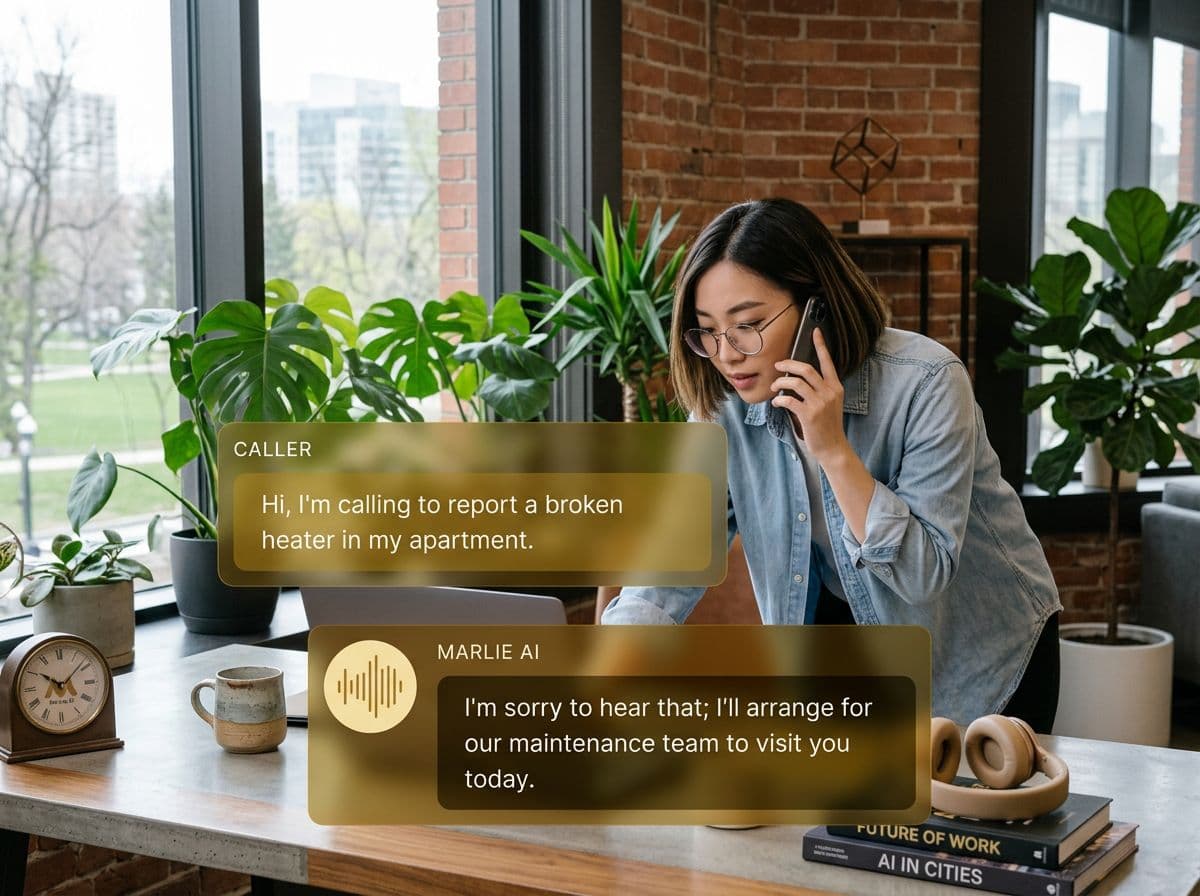
Keep your call intelligence in Outlook
Microsoft Outlook is where your team lives — email, calendar, and tasks all in one place. But calls have always been a gap: handled verbally, noted inconsistently, and too often forgotten.
Marlie AI closes that gap by turning every call into a structured Outlook email. Your inbox becomes a real-time log of every conversation — searchable, shareable, and connected to the rest of your Microsoft 365 workflow.
What You Get with Marlie + Outlook
Everything you need to connect your phone calls with Outlook — fully automated, zero manual work.
Instant Call Summaries
Receive a formatted Outlook email after every call with caller name, number, reason for calling, and key takeaways captured by Marlie.
Full Transcript Delivery
Attach complete call transcripts to each summary so your team has a verbatim record for compliance or reference.
Priority Lead Alerts
High-value leads trigger immediate Outlook notifications so sales reps can follow up while the caller is still engaged.
Smart Routing to Teams
Send call summaries to the right Outlook inbox based on call type, department, or caller intent.
Microsoft 365 Compatibility
Works seamlessly with Microsoft 365 accounts including Exchange Online, Outlook desktop, and Outlook on the web.
Follow-Up Flagging
Marlie identifies calls that need follow-up and flags them clearly so your team prioritizes their inbox effectively.
How It Works
Get up and running with Outlook in minutes — no coding required.
Connect Outlook to Marlie
Authorize Marlie AI with your Microsoft account in one click — no API keys or IT tickets required.
Set Your Notification Preferences
Configure which calls send summaries, which team members receive them, and how much detail each email includes.
Marlie Handles Inbound Calls
Marlie answers, extracts key call data, and structures a formatted summary ready for delivery.
Summaries Hit Your Inbox Instantly
Within seconds of a call ending, a clear summary lands in the right Outlook inbox — no delays, no manual logging.
Built for Real Scenarios
See how businesses use Marlie + Outlook to capture more leads and streamline operations.
Enterprise Sales Teams
A sales team using Microsoft 365 receives dozens of inbound calls per day and can't manually log each one in CRM.
Every call becomes an Outlook email with full context, enabling reps to triage and follow up from their inbox without switching tools.
Professional Services Firms
A law firm receives new client inquiries by phone while attorneys are in meetings.
Marlie captures the inquiry details and delivers a structured summary to the intake coordinator's Outlook inbox immediately.
Property Management Companies
A property manager uses Microsoft 365 and receives maintenance requests by phone from tenants.
Each request is summarized and routed to the correct maintenance coordinator's Outlook inbox with urgency flagged.
Frequently Asked Questions
Common questions about the Marlie AI + Outlook integration.
How does Marlie connect to Microsoft Outlook?
Does this work with on-premise Exchange servers?
Can I route different call types to different inboxes?
Are transcripts included in Outlook emails?
Is this integration compatible with Outlook mobile apps?
Related Integrations
Marlie AI connects with more than just Outlook. Here are a few closely related tools, or browse the full integrations catalog.

Ready to connect Marlie AI with Outlook?
Eligible new customers get 14 days free. Add a card at checkout with $0 due today, then place your first real phone test minutes later.
What Our Customers Say

“Marlie has dramatically improved our reservation process, reducing missed calls by 40%.”

“Our takeout orders increased by 25% since implementing Marlie to handle busy call times.”

“Student enrollment is up 30% with Marlie handling after-hours inquiries about our programs.”

“Marlie has become an essential part of our customer service strategy across all our places.”

“The AI voice agents integrate seamlessly with our existing systems, creating a truly omnichannel experience.”
Get set up in minutes
Create your receptionist in 15 minutes and start receiving calls immediately. Try it for 2 weeks risk-free with our money-back guarantee.
