

Every Call Summarized and Delivered to Your Gmail
Marlie AI answers your calls and sends structured summaries straight to Gmail — caller name, intent, key details, and next steps — so your inbox becomes your command center.
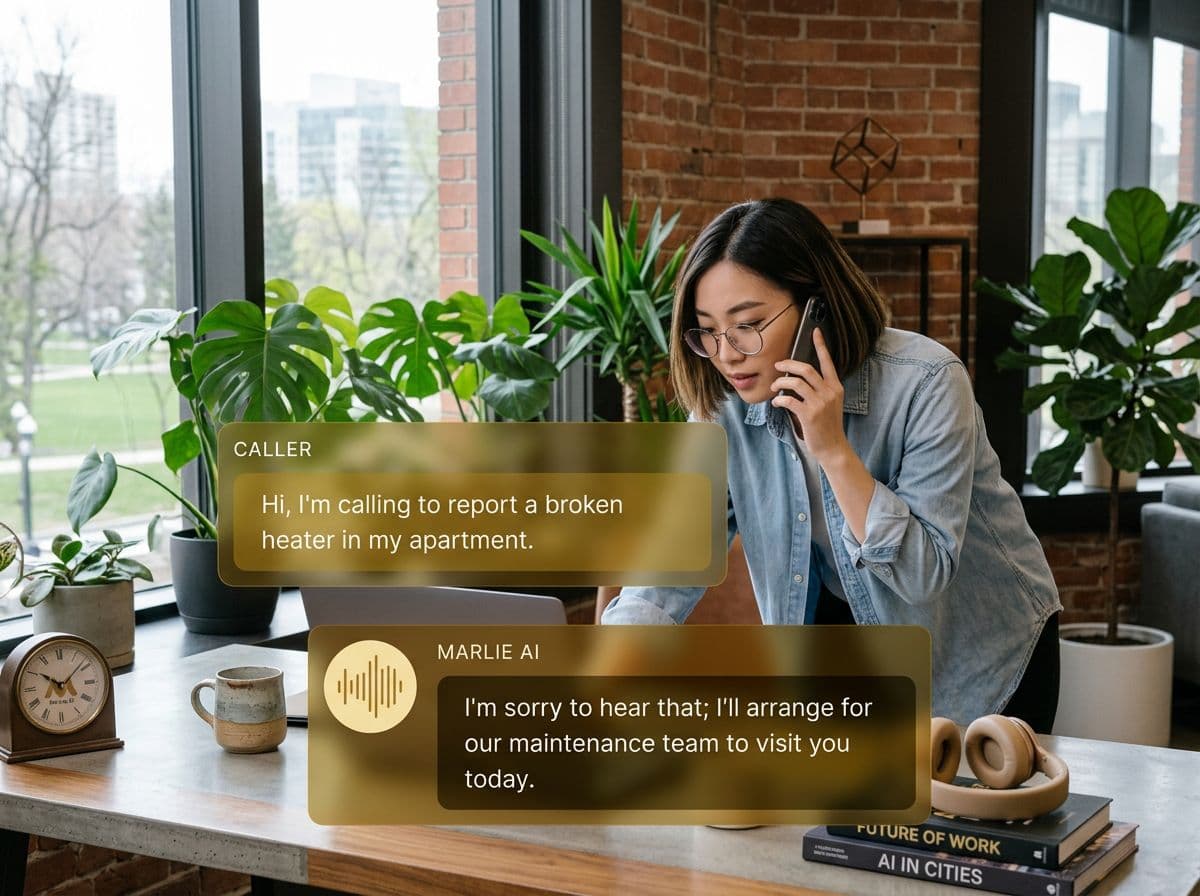
Your calls, organized in your inbox
Most call notes live in scattered notebooks, voicemail inboxes, or nowhere at all. By the time someone follows up, details are fuzzy and context is lost.
With the Marlie AI + Gmail integration, every call automatically generates a structured email summary — delivered to your inbox the moment the call ends. Caller details, key questions asked, and recommended next steps are all there, searchable and shareable.
What You Get with Marlie + Gmail
Everything you need to connect your phone calls with Gmail — fully automated, zero manual work.
Instant Call Summaries
Receive a formatted email after every call with caller name, phone number, reason for calling, and key details captured by Marlie AI.
Full Transcripts
Attach full call transcripts to each summary email so your team has every word spoken for reference or compliance.
Lead Notifications
Get priority email alerts for high-value leads so your sales team can follow up within minutes, not hours.
Team Forwarding
Route call summaries to the right teammate's Gmail based on department, topic, or caller type.
Searchable History
Every call summary is indexed in Gmail, making it easy to search by caller name, date, or keyword.
Follow-Up Reminders
Marlie flags calls that require follow-up and includes suggested actions so nothing slips through the cracks.
How It Works
Get up and running with Gmail in minutes — no coding required.
Connect Gmail to Marlie
Authorize Marlie AI to send to your Gmail in one click from your Marlie dashboard — no setup code needed.
Configure Notification Rules
Choose which calls trigger emails, which team members receive them, and what detail level each notification includes.
Marlie Handles the Calls
Marlie AI answers inbound calls, extracts key information, and structures a clean summary ready to email.
Summaries Arrive Instantly
Seconds after each call ends, a formatted summary email appears in the right Gmail inbox with all the details your team needs.
Built for Real Scenarios
See how businesses use Marlie + Gmail to capture more leads and streamline operations.
Solo Business Owner
A plumber is on a job and can't answer calls. New customers are calling for quotes.
Marlie answers, captures the request, and emails a full summary so the owner can call back between jobs with full context.
Sales Team Follow-Up
A prospect calls and asks detailed questions about enterprise pricing that Marlie can't fully resolve.
The sales rep receives an email with the full transcript and lead score, and follows up within minutes with a personalized response.
Customer Support Triage
Multiple customers call reporting the same issue with a product shipment.
Each call generates a Gmail summary; the support team spots the pattern quickly and escalates to operations.
Frequently Asked Questions
Common questions about the Marlie AI + Gmail integration.
How does Marlie send summaries to Gmail?
Can I customize the email format?
Can summaries go to multiple Gmail addresses?
Are call transcripts included in the emails?
Does this work with Google Workspace accounts?
Related Integrations
Marlie AI connects with more than just Gmail. Here are a few closely related tools, or browse the full integrations catalog.
Ready to connect Marlie AI with Gmail?
Eligible new customers get 14 days free. Add a card at checkout with $0 due today, then place your first real phone test minutes later.
What Our Customers Say

“Marlie has dramatically improved our reservation process, reducing missed calls by 40%.”

“Our takeout orders increased by 25% since implementing Marlie to handle busy call times.”

“Student enrollment is up 30% with Marlie handling after-hours inquiries about our programs.”

“Marlie has become an essential part of our customer service strategy across all our places.”

“The AI voice agents integrate seamlessly with our existing systems, creating a truly omnichannel experience.”
Get set up in minutes
Create your receptionist in 15 minutes and start receiving calls immediately. Try it for 2 weeks risk-free with our money-back guarantee.
