

Turn Every Call Into a Calendly Booking — Automatically
Marlie AI checks your Calendly availability during calls, books the meeting, and sends the invite — converting callers to booked meetings without any manual steps.
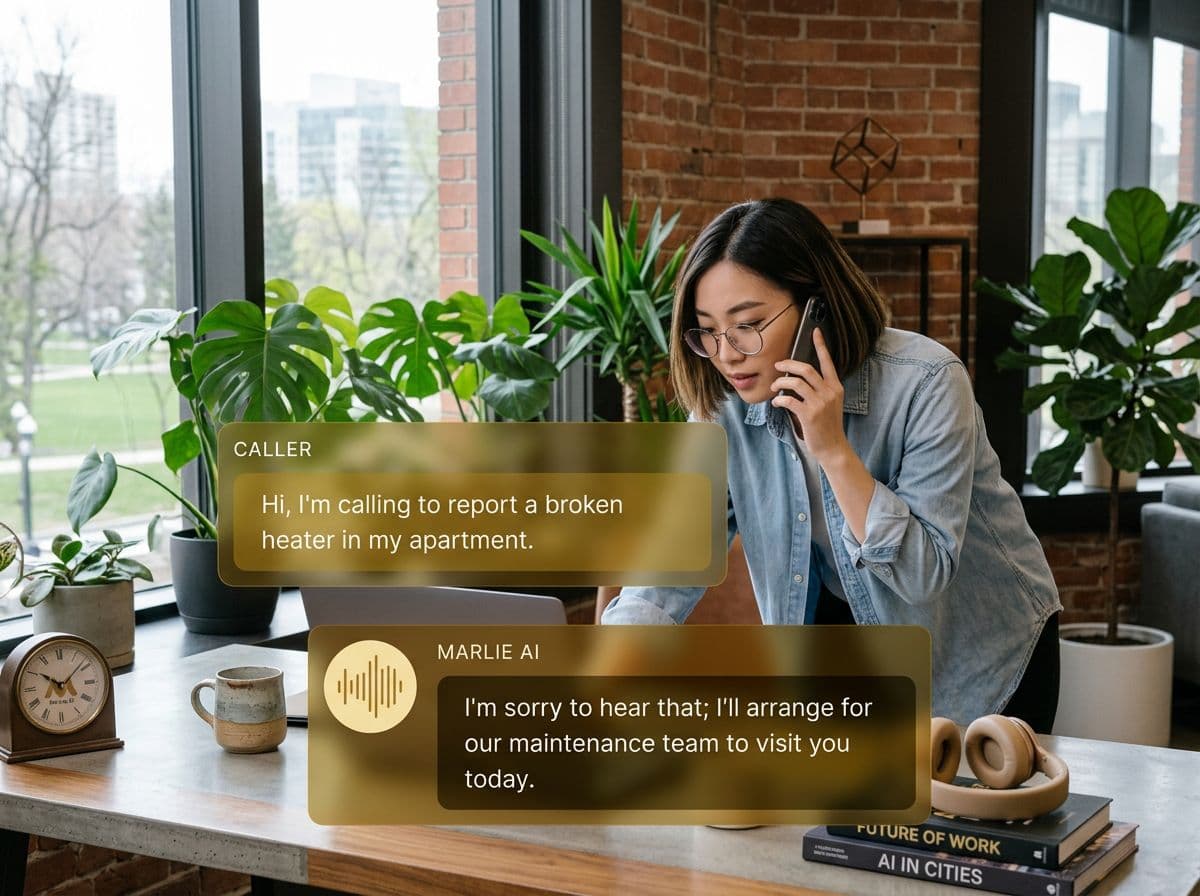
Calendly bookings, driven by phone conversations
Calendly is the gold standard for frictionless scheduling — but it only works when prospects actually visit your link. Many of your highest-intent leads call instead of clicking.
Marlie AI bridges the gap: when a caller wants to schedule a meeting, Marlie checks your Calendly availability in real time, secures the slot verbally, and confirms the Calendly invite — all on the call. No follow-up email, no lost leads.
Also useful: appointment scheduling.
What You Get with Marlie + Calendly
Everything you need to connect your phone calls with Calendly — fully automated, zero manual work.
Live Availability Check
Marlie queries your Calendly event types in real time so it only offers slots that are actually open.
Meeting Booking on the Call
Marlie confirms the meeting verbally and triggers the Calendly booking workflow — the invite is sent before the call ends.
Automated Invites & Reminders
Calendly's native confirmation and reminder emails go out automatically — no duplicate setup required.
Event Type Routing
Map different call intents to different Calendly event types — demos, discovery calls, onboarding sessions, and more.
Pre-Meeting Intake
Marlie can collect qualifying information during the call and append it to the Calendly event as notes for the host.
No-Show Follow-Up
If a caller doesn't show up to their Calendly meeting, Marlie can trigger an automated outreach sequence.
How It Works
Get up and running with Calendly in minutes — no coding required.
Connect Calendly to Marlie
Link your Calendly account to Marlie AI from the dashboard. Marlie will have read access to your event types and availability.
Map Your Event Types
Tell Marlie which Calendly event type to offer based on call intent — discovery calls, demos, consultations, etc.
Marlie Books During the Call
When a caller wants to meet, Marlie checks availability, confirms a time verbally, and creates the Calendly booking.
Invites Go Out Automatically
Calendly sends the meeting invite and reminders to both parties automatically — no manual steps needed.
Built for Real Scenarios
See how businesses use Marlie + Calendly to capture more leads and streamline operations.
SaaS Sales Teams
A prospect calls your sales line wanting to see a product demo but your AE is in another call.
Marlie qualifies the prospect and books a demo directly into the AE's Calendly — the invite lands before the call ends.
Freelancers & Consultants
A potential client calls to discuss a project but you're unavailable during business hours.
Marlie handles the call, captures the project brief, and books a Calendly discovery call at a time that works for both parties.
Real Estate Agents
A buyer calls to schedule a property showing but the agent is showing another property.
Marlie gathers the buyer's criteria, books a showing slot in the agent's Calendly, and sends both parties the invite.
Frequently Asked Questions
Common questions about the Marlie AI + Calendly integration.
Which Calendly plans does this integration support?
Can Marlie book different event types based on the call?
What if my Calendly calendar has no availability?
Does the caller receive a Calendly confirmation?
Can meeting notes collected during the call be passed to Calendly?
Related Integrations
Marlie AI connects with more than just Calendly. Here are a few closely related tools, or browse the full integrations catalog.

Ready to connect Marlie AI with Calendly?
Eligible new customers get 14 days free. Add a card at checkout with $0 due today, then place your first real phone test minutes later.
What Our Customers Say

“Marlie has dramatically improved our reservation process, reducing missed calls by 40%.”

“Our takeout orders increased by 25% since implementing Marlie to handle busy call times.”

“Student enrollment is up 30% with Marlie handling after-hours inquiries about our programs.”

“Marlie has become an essential part of our customer service strategy across all our places.”

“The AI voice agents integrate seamlessly with our existing systems, creating a truly omnichannel experience.”
Get set up in minutes
Create your receptionist in 15 minutes and start receiving calls immediately. Try it for 2 weeks risk-free with our money-back guarantee.
