

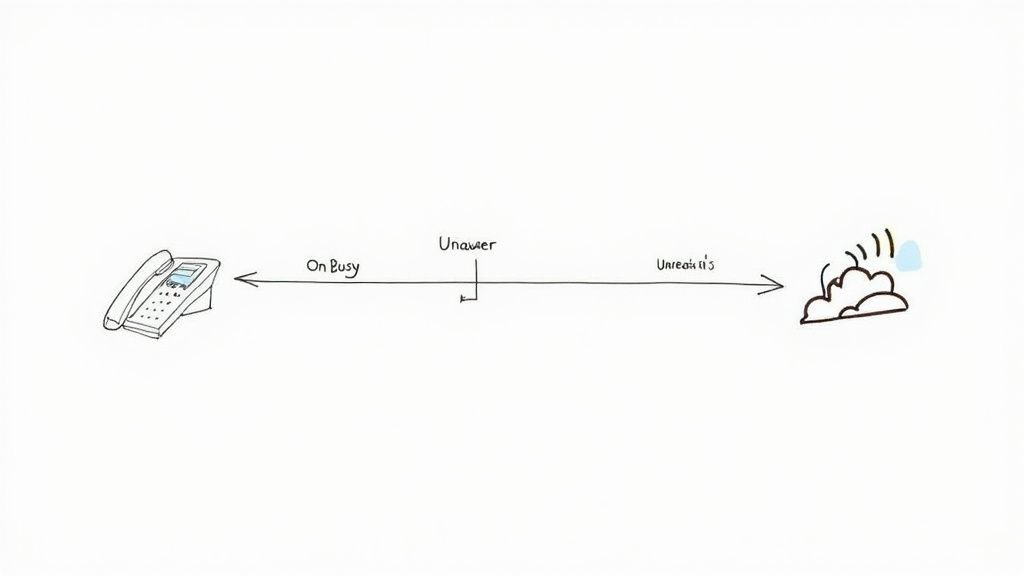
Conditional call forwarding, often called CCF, is a smart phone feature that kicks in to reroute your calls, but only when certain things happen. Instead of just sending every single call to another number, it’s more of a strategic safety net. It jumps into action when your line is busy, you don't answer, or your phone is unreachable.
This selective approach is what makes it such a powerful tool. You can manage your calls without completely giving up control of your main line.
Understanding the Power of Conditional Forwarding
Think of conditional call forwarding as an intelligent assistant for your phone. It works on a simple "if-this-then-that" basis.
If you're already on another call, then the new call gets forwarded to your partner's phone. If you don't pick up after, say, four rings, then it bounces over to your voicemail or an answering service. This built-in flexibility is the key difference between CCF and its more blunt cousin, unconditional call forwarding.
(We cover the basics in more detail in our guide on what call forwarding is, if you want a refresher.)
To help you see the difference clearly, here's a quick breakdown of how these two types of forwarding stack up against each other.
Conditional vs Unconditional Forwarding At a Glance
| Feature | Conditional Call Forwarding | Unconditional Call Forwarding |
|---|---|---|
| How it Works | Forwards calls only when specific conditions are met (busy, no answer, unreachable). | Forwards all incoming calls to another number, without exception. |
| Your Phone | Still rings first, giving you a chance to answer before the forward happens. | Does not ring at all. Calls go straight to the designated number. |
| Best For | Capturing missed calls, managing overflow, and ensuring backup coverage. | Vacations, out-of-office periods, or dedicating a line to a specific purpose. |
| Flexibility | High. You set the rules and maintain primary control of your line. | Low. It's an all-or-nothing approach until you turn it off. |
Ultimately, the choice depends on your goal. If you need a safety net, conditional is the way to go. If you need to completely step away, unconditional has you covered.
Key Scenarios for Activation
This feature isn't just a technical toggle; it's a practical solution to everyday business headaches. By setting up a few simple rules, you can make sure no opportunity falls through the cracks.
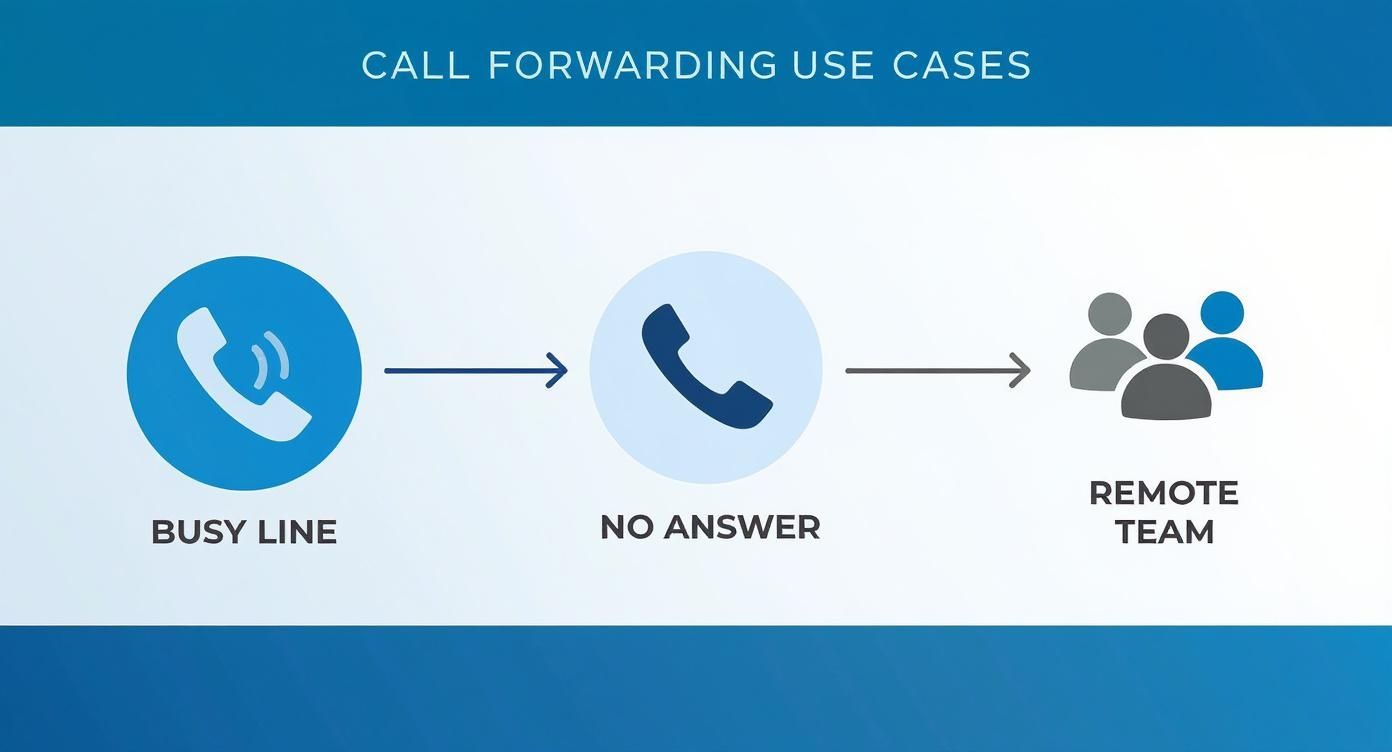
There are three main conditions that trigger it:
- On Busy: When you’re already on a call, any new caller is instantly sent to a backup number. This is a game-changer for avoiding that frustrating busy signal.
- No Answer: If a call rings for a set amount of time—say, 20 seconds—and goes unanswered, it automatically forwards. This is perfect for when you step away from your desk for a coffee.
- Unreachable: If your phone is off, out of a service area, or in airplane mode, calls are sent to another line. This guarantees the caller can always connect with someone, even if you’re off the grid.
Why Businesses Prefer Conditional Logic
It's no surprise that call forwarding on conditional settings has become so popular, especially for small and mid-sized businesses. It’s all about control.
A 2023 survey revealed that 77% of small business owners use some form of call forwarding, with a strong preference for conditional options because of their flexibility. The top reasons? Avoiding missed calls (86%) and managing call volume more efficiently (72%).
This strategic approach ensures every lead gets a response and every customer query is handled. That’s how you build a reputation for being reliable.
When to Use Conditional Forwarding in Your Business
Knowing the technical details of conditional call forwarding is one thing, but seeing it solve real-world problems is where it really clicks. This isn't just some feature buried deep in your phone settings; it’s a smart tool for fixing the communication hiccups that cost businesses money. The whole point is to give your callers a seamless experience, making sure you never lose an opportunity just because you couldn't grab the phone at that exact moment.
Let's walk through a couple of common situations where this kind of intelligent routing is a total game-changer.
Maximizing Opportunities for Solo Entrepreneurs
If you're a consultant, freelancer, or running any kind of one-person show, every single call is a potential new client or a critical project update. You’re constantly juggling everything—doing the actual work, managing the books, and trying to make sales. This is where conditional forwarding really proves its worth.
Think about a real estate agent in the middle of a property showing. Her phone buzzes with a new lead, but she can't possibly answer. Instead of that call going to a generic voicemail, the 'no answer' rule kicks in and forwards it to an AI assistant. That assistant can ask qualifying questions, schedule a viewing, and capture all the lead’s information. The potential buyer gets an immediate, professional response, and the agent secures a hot lead without disrupting her current meeting.
Pro Tip: Set your 'no answer' condition to forward after just three or four rings. Some studies show that 80% of callers who hit voicemail just hang up without leaving a message. A quick forward to a live person or a smart AI service can make all the difference in actually capturing that business.
Managing High Volume for Retail and Service Businesses
Now picture a local HVAC company during a surprise heatwave, or a retail shop on Black Friday. The phone is ringing completely off the hook, and your team is already stretched to its limit. When every line is tied up, new callers get that frustrating busy signal and usually just move on to the next company on their list.
'On busy' forwarding makes this problem vanish. The second all your primary lines are occupied, any new incoming calls are automatically sent somewhere else.
This could be:
- A secondary phone line handled by a dedicated team member.
- A partner company that helps you manage overflow during peak seasons.
- A smart answering service that can handle common questions or take detailed messages for you.
This simple strategy prevents customer frustration and, more importantly, protects your revenue. It makes sure every single person who tries to call you gets an answer, which builds a professional and reliable image for your business, even when things get chaotic. For businesses that need around-the-clock coverage, exploring a 24/7 answering service is a natural next step to build on this setup.
Getting Conditional Forwarding Fired Up on Your Devices
Activating call forwarding on conditional settings is more straightforward than you might think. Don't let the technical term fool you; whether you're dealing with a major carrier or a specific smartphone, it usually just involves dialing a special code or navigating a few simple menus.
Once you’re set up, you have precise control over how and when your calls get rerouted. This is the key to making sure you never miss an important connection again. The good news is that most carriers and device makers have standardized these processes, so once you learn the basic logic, you can apply it pretty much anywhere.
Carrier-Specific Star Codes: The Old-School, Fastest Way
For a lot of people, the quickest method is still using star codes, sometimes called MMI codes. These are the short codes you punch into your phone’s keypad to activate, deactivate, or just check the status of your forwarding features. They are nearly universal across the big players like Verizon, AT&T, and T-Mobile.
Think of them as direct commands to the carrier's network. Here are the essential codes you'll want to keep handy:
- Forward When Unanswered (*61): This one’s for when you can’t get to the phone in time. It redirects the call after a set number of rings. To set it up, just dial
*61*[10-digit number]#and hit the call button. - Forward When Unreachable (*62): Perfect for when your phone is off, in airplane mode, or you're driving through a dead zone. Use
*62*[10-digit number]#to activate it. - Forward When Busy (*67): This kicks in when you’re already on another call, preventing the caller from getting a busy signal. The code is
*67*[10-digit number]#.
Need to turn one of them off? Just dial the corresponding code without the number, like #61#, #62#, or #67#. If you want a clean slate, dialing ##004# is the master code that cancels all conditional forwarding at once.
It's worth remembering that these codes work at the network level. You're telling your carrier what to do with your calls before they even hit your voicemail, which is what makes this method so powerful and reliable.
Setting Things Up on iOS
If you’re an iPhone user and prefer a more visual approach, you can manage some settings directly on your device. However, Apple keeps things pretty simple. iOS has an easy toggle for unconditional forwarding, but setting up the more nuanced conditional rules often still relies on the carrier star codes we just covered.
You can find the main Call Forwarding screen in your iPhone's settings. It’s a good place to check if any forwarding is currently active, but for the heavy lifting of conditional rules, those star codes are still your best bet. If you want a deeper dive, our guide on how to forward calls to a cell phone has some extra tips.
Adjusting Settings on Android
Android devices tend to offer a bit more fine-grained control right within the phone’s menus, although the exact path can vary a little between manufacturers like Samsung and Google.
Generally, you’ll find the options this way:
- Open your Phone app.
- Tap the three-dot menu icon and find Settings or Call Settings.
- Look for a section called Supplementary services or Call forwarding.
- Inside, you should see separate options to set forwarding numbers for when your line is busy, unanswered, or unreachable.
This menu-driven approach on Android is a user-friendly way to manage your call forwarding on conditional rules without having to memorize star codes. It's a small feature, but it reflects a massive demand for smarter communication tools. The global market for these underlying services, known as conditional access systems, was valued at USD 5.7 billion in 2024 and is on track to nearly double by 2033. It’s clear this kind of flexibility is becoming less of a nice-to-have and more of a necessity.
Integrating With VoIP and AI Answering Services
This is where conditional call forwarding really starts to shine. Moving beyond basic phone settings and pairing it with tools like VoIP systems and AI assistants is how you build a seriously powerful, automated workflow that captures every single opportunity.
Suddenly, a simple phone feature becomes the backbone of your entire customer service strategy.
The magic usually happens inside your VoIP provider's dashboard, whether you're using a system like RingCentral, Nextiva, or something similar. Forget the old-school star codes. These platforms give you a clean, user-friendly interface to manage some pretty sophisticated call routing.
Configuring Forwarding in a VoIP System
Think of your VoIP system as a control panel for your business calls. You’ll usually find these settings under "call handling" or "user rules." This is where you can lay out exactly what happens when a call comes in, but with far more detail than your mobile carrier offers.
You can set up custom rules that fit your exact workflow. For instance:
- During business hours: If my line is busy, send the call straight to the main sales queue so a teammate can grab it.
- After hours: If I don't answer a call after 15 seconds, forward it to our after-hours AI assistant to handle it.
- Specific callers: If a call is from a VIP client's number, bypass everything and make all my devices ring at once.
This level of control is precisely why businesses love VoIP. You can craft a call flow that perfectly mirrors how your team actually operates.
But the real power move isn't just sending calls to another phone—it's routing them to a smart service. This is where AI receptionists and intelligent answering services change the game, turning a potentially missed call into a genuinely productive interaction.
The Smart Handoff to an AI Receptionist
Connecting an AI answering service like Marlie.ai is surprisingly simple. Your AI service gives you a dedicated phone number, and that number becomes your forwarding destination. All you have to do is plug it into your VoIP's conditional forwarding rules for "unanswered" or "busy" calls.
Once that's set, any call that meets your conditions gets handed off instantly. And the AI doesn't just take a boring message. It can:
- Book appointments directly on your calendar.
- Answer common questions about your services, pricing, or hours.
- Gather all the essential info from new leads, like their name, contact details, and what they need.
It’s a massive upgrade from a standard voicemail box. You can learn more about how an AI phone answering service can streamline your front desk. And if you're exploring this, understanding what virtual assistant services offer can give you even more context on automating business tasks.
Don't Skip the Test Run
Once you have everything configured, there's one last crucial step: test it.
Grab a different phone and call your main business number. First, let it ring until the "no answer" rule kicks in. Then, call again while your primary line is busy. You need to confirm the call routes perfectly to your AI assistant and that the AI responds exactly as you planned. It’s a simple check that ensures your system is ready for the real world.
Best Practices for a Flawless Forwarding Experience
Getting your conditional call forwarding rules set up is really just the starting point. To make the system truly work for you—without creating a whole new set of headaches—you’ll want to adopt a few best practices. These are the small, practical things that ensure a smooth handoff for your callers and help you sidestep the common frustrations that can completely undermine the setup.
Effective implementation is more than just punching in codes. It’s about creating a professional and reliable experience for anyone trying to reach you.
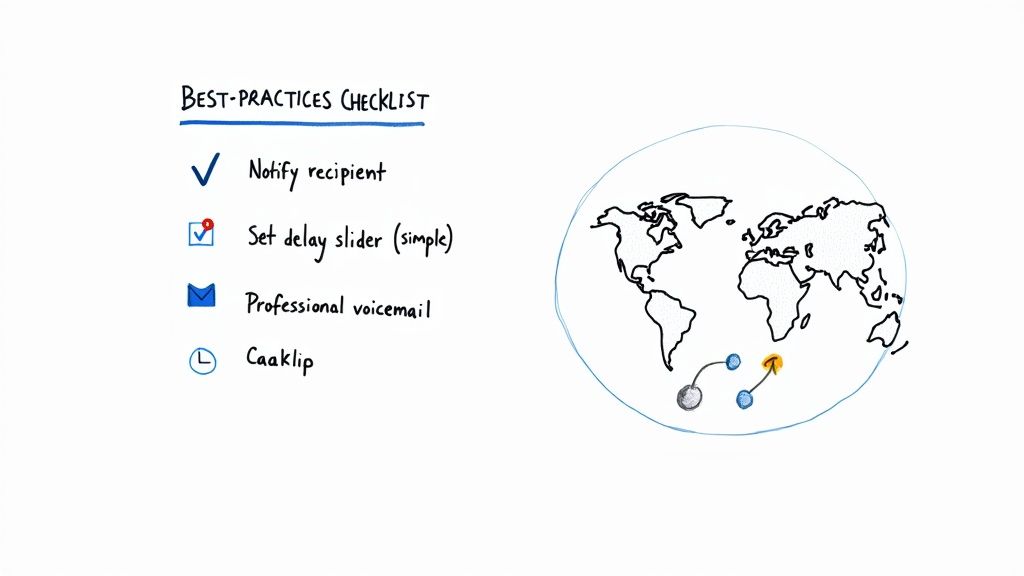
The first, and most often overlooked, step is simple communication. Always let the person, department, or service at the forwarding destination know that they’ll be receiving your calls. A surprise forwarded call is almost always a mishandled one, leading to confusion for both your caller and your backup.
Fine-Tune Your Timing
One of the most critical settings you'll touch is the delay for the "no answer" condition. You’re looking for that sweet spot between giving yourself enough time to actually answer and not making the caller wait an eternity.
- Too Short: A delay of just one or two rings might not even give your phone enough time to connect before the call gets whisked away. I’ve seen this happen countless times.
- Too Long: Here’s the reality: most callers will hang up after 20-25 seconds, which is about four to five rings. If your delay is longer than that, you almost guarantee they'll be gone before the forward even kicks in.
A great starting point is a delay of around 15 seconds (or three rings). This gives you a fair shot at picking up but quickly reroutes the call if you can't. Tweak it from there based on what works for you.
Prepare the Final Destination
Remember, that forwarded call has to land somewhere. If that destination is another person's generic voicemail or a robotic answering service greeting, the experience feels disjointed and unprofessional.
Make sure the final destination line has a customized, professional voicemail greeting. If you're forwarding to a colleague, their greeting should ideally mention that they also handle calls for you. If you're using an AI assistant like Marlie, its script needs to be polished and ready to engage callers effectively.
For a deeper dive into creating a positive caller journey from start to finish, check out our guide on call handling best practices.
Go Global with Smart Routing
For businesses with a global footprint, conditional forwarding is an incredibly powerful tool for offering seamless, 24/7 support. You can use it to intelligently route calls to different regional teams based on their time zones.
Imagine this: calls coming in after 5 PM in New York get automatically forwarded to a support team in London that’s just starting their day. This strategy not only delivers round-the-clock coverage but also prevents any single team from getting burned out.
In my experience, businesses that really optimize these multi-location forwarding strategies often see a 30% increase in customer satisfaction—a powerful metric that proves the value of smart call routing. You can read more about how this improves global communication on alohaa.ai.
A Few Common Questions About Conditional Call Forwarding
Once you start using conditional forwarding, a few practical questions almost always pop up. Getting these details straight helps you use the feature confidently and avoid any surprises—whether it's an unexpected charge on your bill or a critical call that doesn't go where you intended.
Let's clear up some of the most common ones I hear.
Is Call Forwarding the Same as Call Routing?
This is a frequent point of confusion, but the answer is pretty straightforward.
Think of call routing as the big-picture strategy for directing all your incoming calls. It's the entire playbook. Call forwarding, on the other hand, is just one specific, powerful play within that book.
Call routing can get complex, involving things like interactive voice response (IVR) menus that send callers to different departments or rules based on the time of day. Call forwarding is much simpler: it’s the direct act of sending a call from one number to another.
So, while all call forwarding is a form of routing, not all routing is call forwarding.
In essence, forwarding is the tool, and routing is the strategy you build with it. For most small businesses, mastering conditional forwarding is the single most impactful routing strategy you can implement.
Does Conditional Call Forwarding Cost Extra?
Generally, the feature itself is included in most mobile and VoIP service plans at no extra charge. Your carrier won't typically bill you just for setting up rules for when your line is busy, unanswered, or unreachable.
However—and this is a crucial detail—airtime or per-minute charges might still apply as if you were making an outbound call yourself.
If your plan has limited minutes and you forward a call, the duration of that forwarded call could be deducted from your monthly allowance. This is especially true if you forward calls to an international number, which can get expensive fast.
It's always a good idea to double-check your provider's terms just to be sure.
How Can I Test My Setup?
Never just set your rules and assume they work. A simple test run can save you from missing an important call later on, and it only takes a minute.
You’ll just need a second phone to place the calls.
Here’s how to check each condition:
- Test "No Answer": From your second phone, call your main number and just let it ring. Don't pick up. After the number of rings you specified, it should forward to your backup number or service.
- Test "On Busy": Get on a call with your main number (you can call a friend or even your own voicemail). While you're on that call, have someone else call you from the second phone. It should forward immediately, without ever ringing your primary line.
- Test "Unreachable": This one's easy. Just put your main phone into airplane mode or turn it off completely. Call it from the second phone. The call should be instantly rerouted exactly as you planned.
This quick verification process gives you peace of mind that your communication safety net is actually in place and working correctly.
Ready to build a smarter, more responsive front desk without the high cost? Marlie Ai is a 24/7 AI phone assistant that answers every call, books appointments, and captures leads so you never miss an opportunity. See how it works at https://www.marlie.ai.
