

In today’s competitive landscape, small businesses are constantly searching for an edge. Artificial intelligence has rapidly shifted from a futuristic buzzword to a practical, indispensable asset for boosting efficiency, enhancing customer engagement, and driving revenue. For instance, small businesses can gain a significant competitive edge by leveraging AI for SEO to improve their online visibility and rankings. The challenge isn’t whether to adopt AI, but which tools deliver real value without a steep learning curve or enterprise-level budget.
This guide cuts through the noise. We provide a detailed breakdown of the 12 best AI tools for small business owners in 2026, specifically for those in service-based industries like plumbing, towing, or HVAC. Many owner-operators and emergency service providers lose critical jobs simply because they can’t answer every call while on a job or after hours. The right AI can solve this problem, ensuring no lead is ever missed.
We will move beyond generic feature lists to offer practical use cases, honest limitations, and clear implementation advice. Each review includes screenshots and direct links to help you choose the right solutions to automate tasks, save precious time, and ultimately, grow your bottom line.
1. Marlie Ai
For owner-run and multi-location service businesses, a missed call is more than a missed opportunity; it’s lost revenue. Marlie.ai directly addresses this critical pain point by providing a sophisticated 24/7 AI phone assistant that ensures no call goes unanswered. It instantly picks up in under two seconds with a remarkably human-like voice, making it an indispensable tool for businesses where immediate response is crucial, such as towing services, locksmiths, and emergency plumbers.
Marlie.ai is far more than a simple answering service. It is engineered to perform the tasks of a highly efficient human receptionist. This AI can book jobs directly into your calendar, gather essential customer details, schedule appointments, and even process payments over the phone. Its intelligent system also filters out spam calls, saving you valuable time and focus. This comprehensive call management is why Marlie.ai is one of the best AI tools for small business owners aiming to enhance efficiency and capture every lead.

Key Features & Use Cases
What truly sets Marlie.ai apart is its practical design tailored for the real-world needs of service professionals. It’s not just about answering calls but about converting them into profitable jobs.
- Intelligent Call Handling: The AI is trained specifically on your business information to answer common questions, qualify leads, and schedule service calls. For an HVAC business, it can differentiate between a routine maintenance query and an urgent “no heat” emergency, prioritizing accordingly.
- Seamless Human Handoff: A standout feature is the smart transfer capability. A caller can press ‘0’ or use a keyword like “agent” at any time to be instantly connected to a live person. This ensures complex or sensitive issues receive a human touch, preventing customer frustration.
- Cost-Effective Scalability: The platform operates on a pay-as-you-go model, a significant departure from costly traditional answering services. This structure is ideal for seasonal businesses like snow removal or landscaping that experience fluctuating call volumes.
- Automated Communication: After a call, Marlie.ai can send automatic text messages to the customer, confirming their appointment details or providing a link for payment. This professional follow-up enhances the customer experience and reduces no-shows.
Why It’s a Top Choice
Marlie.ai delivers tangible results, with clients reporting a 20-60% increase in booked jobs and saving 10-15 hours of administrative work per week. Its setup is quick and requires no extra hardware. For an in-depth look at how this technology stacks up, you can explore the benefits of a virtual receptionist for your small business.
| Feature | Benefit |
|---|---|
| Instant 24/7 Answering | Capture every lead, day or night, without staffing costs. |
| Pay-as-you-go Pricing | Drastically lower overhead compared to traditional call centers. |
| Smart Agent Transfer | Maintain excellent customer service with an easy escape hatch to a human. |
| Job & Appointment Booking | Automate scheduling to fill your calendar without manual intervention. |
Pros:
- Instant call pickup in under 2 seconds with a natural, friendly voice
- Books jobs, schedules appointments, collects info, blocks spam, and processes payments
- Smart call transfer to a live agent anytime via keypress or keyword
- Pay-as-you-go pricing at $0.25 per minute is highly cost-effective
- Proven to increase booked jobs by 20-60% and save 10-15 hours weekly
Cons:
- Pay-as-you-go pricing may become costly for businesses with extremely high, constant call volumes
- Designed for businesses up to 50 locations, so it may not suit large enterprises
Pricing: Starts at $49/month plus a pay-as-you-go rate of $0.25 per minute. A 14-day free trial is available.
Website: https://www.marlie.ai
2. OpenAI – ChatGPT
OpenAI’s ChatGPT is a foundational AI tool that has become indispensable for countless small businesses. While many know it as a public chatbot, its paid plans unlock powerful features specifically designed for professional environments, making it one of the best AI tools for small business operations. The platform offers direct access to its most advanced models for tasks ranging from drafting marketing copy and generating social media posts to analyzing customer feedback and creating business plans.
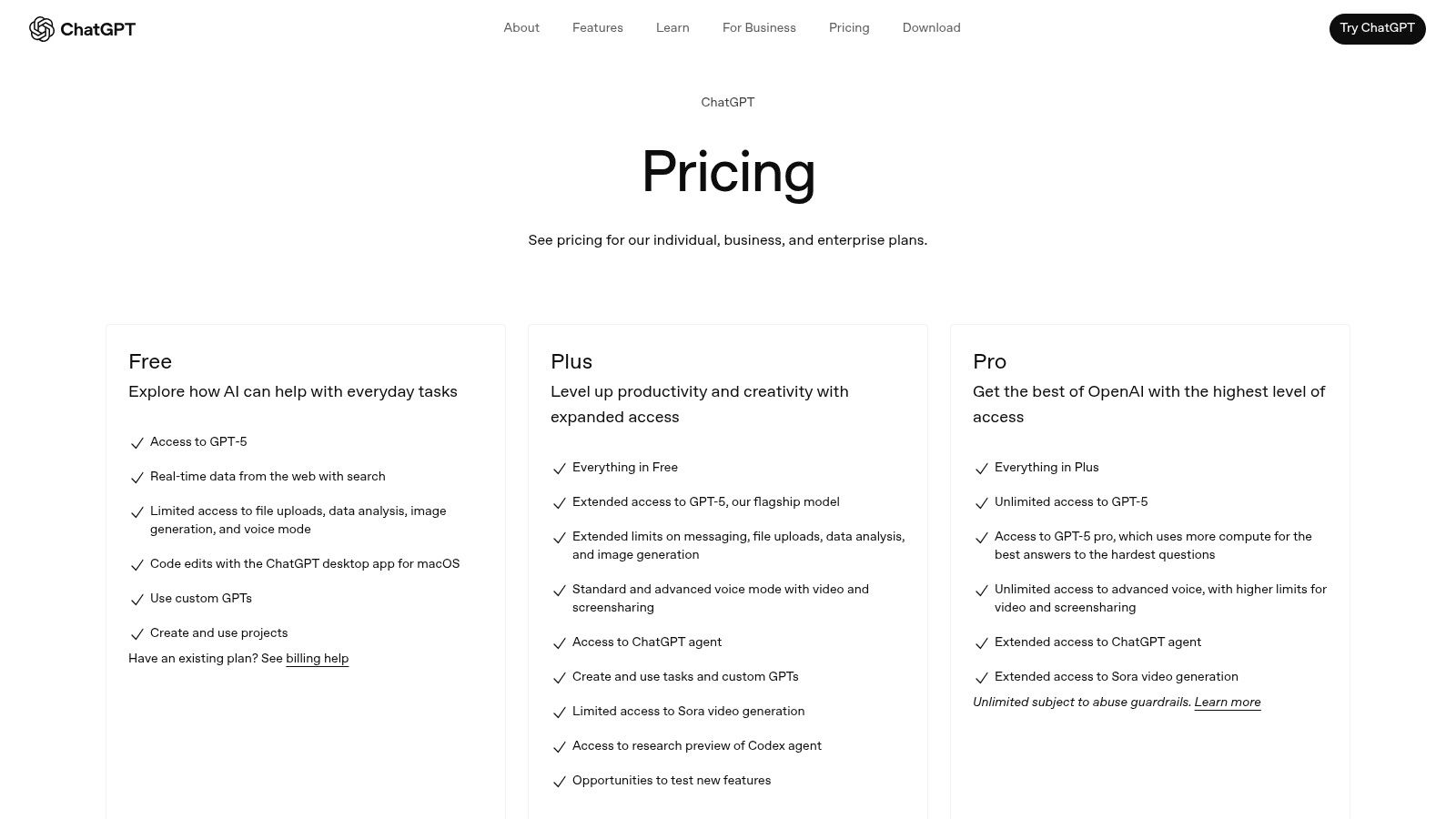
The Business (Team) plan is particularly useful, providing a shared workspace where teams can collaborate on projects while maintaining data privacy. Unlike the free version, business data is not used for model training by default. Its strong ecosystem of customizable GPTs and advanced data analysis capabilities, including file uploads, allow businesses to create tailored AI assistants for specific workflows.
Key Features & Pricing
- Best For: Content creation, brainstorming, data analysis, and workflow automation.
- Pricing: Starts with the Plus plan at $20/user/month. The Team plan is $25/user/month (billed annually) and adds a secure workspace and administrative controls.
- Pros: Very fast to set up, widely integrated with other business software, and features a vast library of user-created GPTs for specialized tasks.
- Cons: The per-user cost can add up for small teams, and some of the more advanced features are still evolving.
For small businesses, ChatGPT acts as a versatile digital team member, capable of handling diverse administrative and creative tasks with minimal oversight.
Website: https://openai.com/pricing
3. Microsoft 365 + Copilot for Microsoft 365
For small businesses already integrated into the Microsoft ecosystem, Copilot for Microsoft 365 is a powerhouse AI tool. Instead of being a standalone application, Copilot is woven directly into the familiar Office apps like Word, Excel, PowerPoint, and Outlook. This deep integration allows it to perform contextual tasks such as summarizing long email threads in Outlook, generating entire presentations from a Word document, or creating complex data visualizations in Excel using natural language prompts.
This tool shines by grounding its responses in your company’s internal data, ensuring relevance and security. Because it leverages your existing Microsoft 365 tenant, it adheres to enterprise-grade compliance and privacy standards from day one. By bringing AI assistance directly into the applications your team uses daily, it significantly streamlines workflows and boosts productivity without a steep learning curve. As one of the best AI tools for small business, it excels at turning routine software into an intelligent work partner, helping you learn more about how to increase business efficiency.
Key Features & Pricing
- Best For: Businesses deeply embedded in the Microsoft 365 ecosystem for document creation, communication, and data management.
- Pricing: Requires a qualifying Microsoft 365 Business Standard or Business Premium plan. The Copilot for Microsoft 365 add-on is $30/user/month.
- Pros: Seamless integration with familiar Microsoft apps, strong security and compliance posture, and grounds responses in your business data.
- Cons: The total cost per user can be high, and it requires a prerequisite Microsoft 365 subscription.
For companies committed to the Microsoft suite, Copilot transforms everyday tools into an indispensable AI-powered productivity hub.
Website: https://www.microsoft.com/en-us/microsoft-365-copilot/pricing/enterprise
4. Google Workspace (with Gemini AI features)
For small businesses already embedded in Google’s ecosystem, the integration of Gemini AI directly into Workspace is a game-changer. This approach eliminates the need for a separate AI subscription, embedding powerful features like writing assistance, data summaries, and image generation directly within familiar tools like Gmail, Docs, and Sheets. This makes it one of the best AI tools for small business teams seeking to boost productivity without a steep learning curve or complex new software.
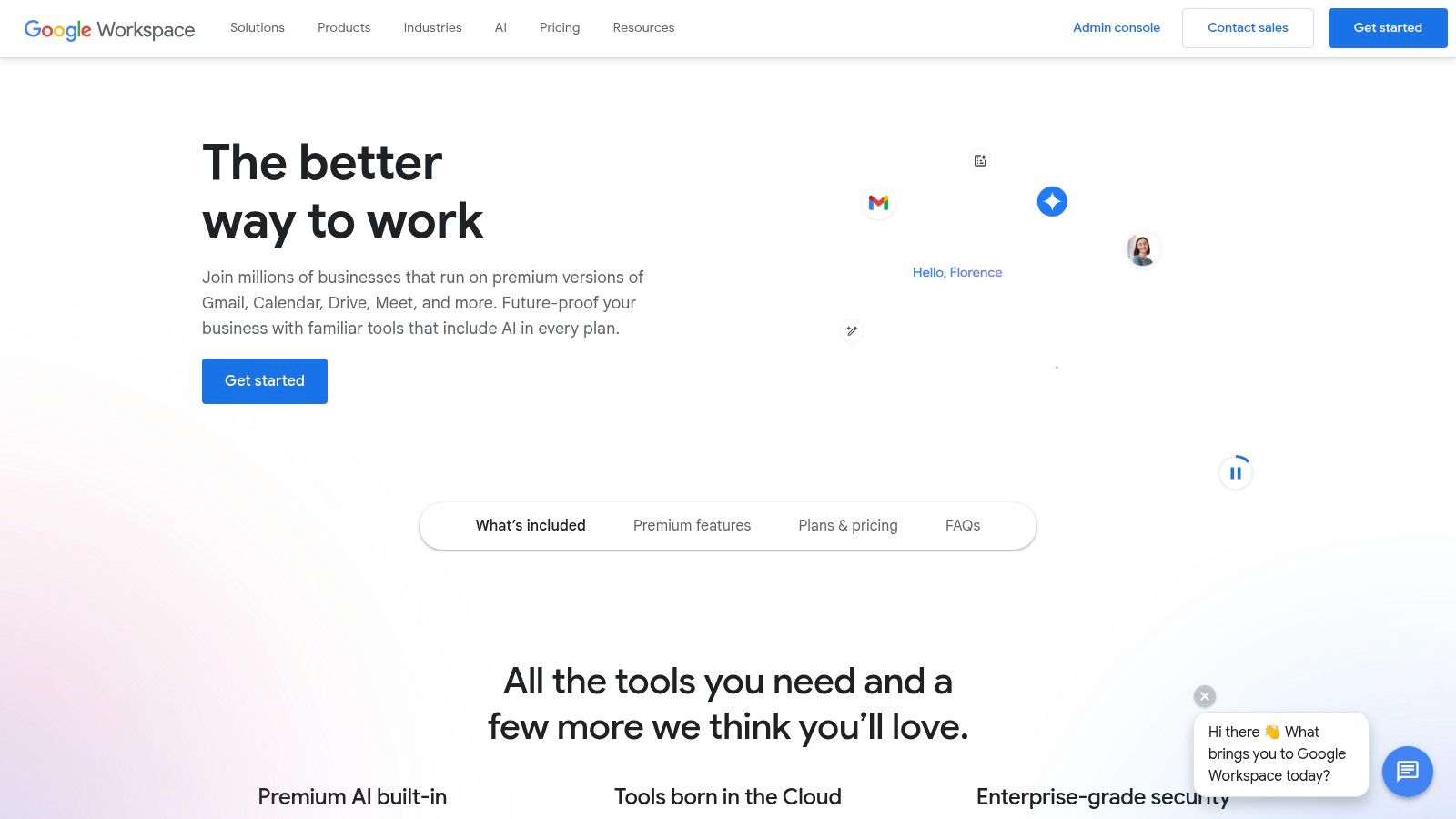
The key advantage is seamless adoption; teams can leverage AI to draft emails, analyze spreadsheet data, or create presentations without leaving their workflow. Google also prioritizes data security, ensuring that customer domain data is not used for model training by default, and provides enterprise-grade compliance certifications. This bundled solution simplifies AI rollout and cost management for any small business.
Key Features & Pricing
- Best For: Teams already using Google Workspace, enhancing productivity in daily tasks, and secure AI adoption.
- Pricing: Gemini features are included in Business Standard plans and above, starting at $12/user/month. Note that price increases are expected for many plans in 2026.
- Pros: AI is conveniently bundled into familiar tools, offering predictable per-seat pricing and a straightforward rollout. Strong security and admin controls.
- Cons: Upcoming price increases in 2026 may affect budget planning, and the timing of these changes could vary for different businesses.
Google Workspace with Gemini empowers small businesses to integrate AI practically and efficiently, enhancing existing processes rather than replacing them.
Website: https://workspace.google.com
5. Shopify App Store
For ecommerce-focused small businesses, the Shopify App Store is an essential marketplace of AI-powered tools designed to enhance online stores. Instead of being a single product, it offers a vast ecosystem of third-party and first-party applications that leverage AI to solve specific merchant challenges. This makes it one of the best AI tools for small business owners in the retail space, providing everything from AI-driven product recommendations and automated customer service chatbots to SEO optimization and fraud detection.
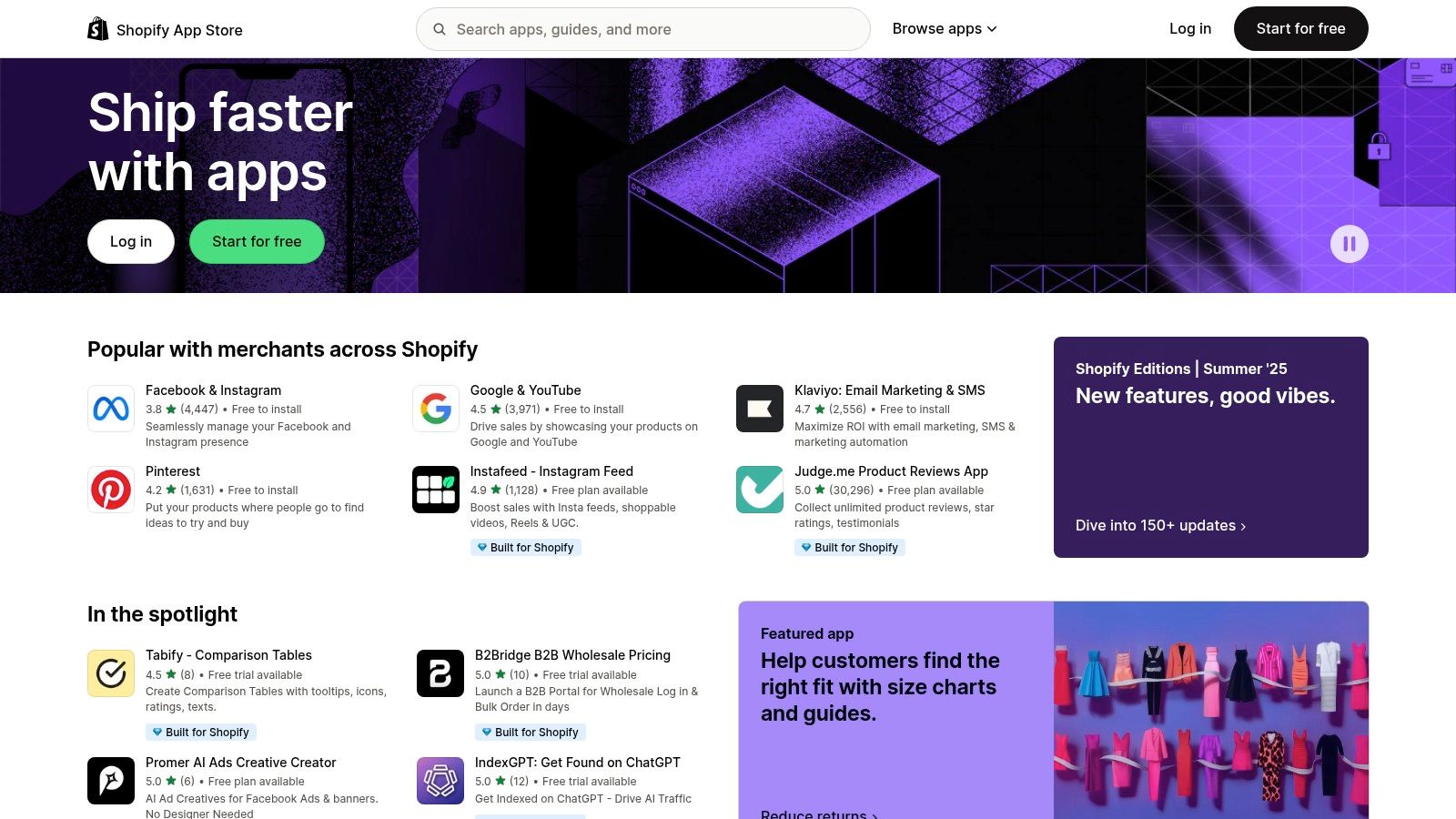
The primary advantage is seamless integration. Apps are installed directly into the Shopify admin, eliminating complex technical setups. This allows merchants to quickly deploy AI features like product description generators or personalized shopping experiences. Shopify’s own AI features, part of its “Shopify Magic” suite, are also increasingly integrated, offering native tools to streamline store management and marketing tasks directly within the platform.
Key Features & Pricing
- Best For: Ecommerce automation, marketing personalization, and customer support.
- Pricing: Varies by app. Many offer a free plan or trial, with paid plans ranging from $5 to over $100 per month.
- Pros: Direct integration with Shopify admin for low setup friction, a massive selection of tools for any ecommerce need, and many apps offer free plans or trials to test.
- Cons: Quality varies by app vendor so users must vet reviews carefully, and ongoing fees across multiple apps can accumulate quickly.
By leveraging the App Store, Shopify merchants can build a custom AI toolkit that directly addresses their unique operational and growth challenges.
Website: https://apps.shopify.com
6. Zapier
Zapier has evolved from a simple automation tool into an AI-powered hub, making it one of the best AI tools for small business process management. It allows businesses to connect over 6,000 apps and create automated workflows, known as “Zaps,” without writing any code. With the recent integration of AI steps, users can now embed intelligence directly into their automations, such as summarizing customer emails, routing support tickets, or generating social media content automatically.
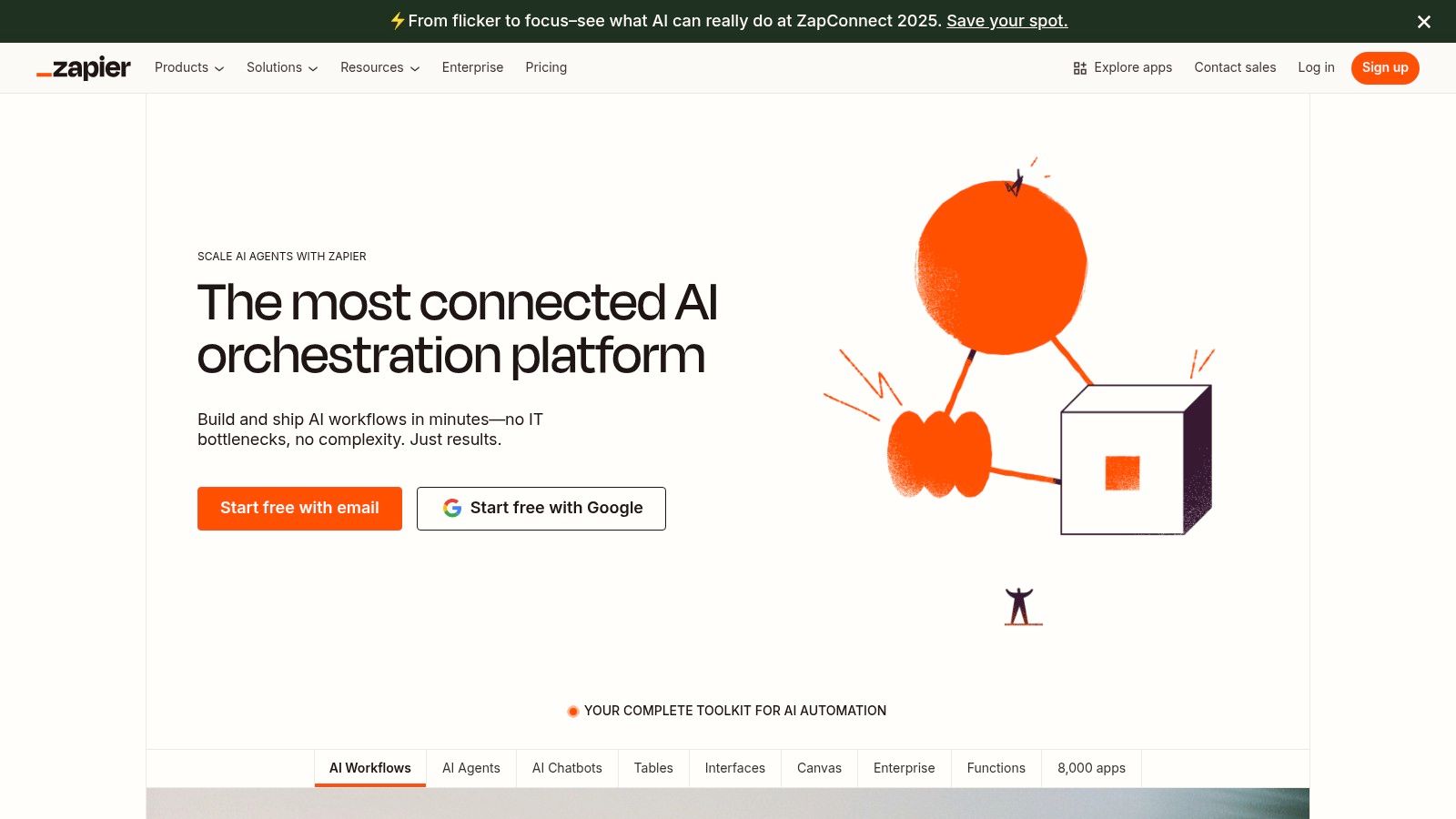
This no-code platform empowers SMBs to automate repetitive tasks across sales, marketing, and operations. For example, a new lead in a CRM can trigger a Zap that uses AI to draft a personalized follow-up email and schedule it for sending. This ability to link disparate systems with an intelligent layer of automation saves significant time and reduces manual errors, a crucial advantage for resource-strapped small businesses. You can learn more about how to automate business processes to streamline your operations.
Key Features & Pricing
- Best For: Workflow automation, system integration, and automating repetitive back-office tasks.
- Pricing: Free plan available with limited tasks. Paid plans start at $19.99/month (billed annually), with costs scaling based on task volume and feature access.
- Pros: Enormous ecosystem of over 6,000 app integrations, visual workflow builder is easy for non-developers, and allows for rapid prototyping of complex automations.
- Cons: Costs can escalate quickly with high task volumes, and the pricing of some third-party AI app integrations can lack transparency.
Zapier acts as the digital glue for a small business’s tech stack, enabling different applications to communicate and execute tasks intelligently.
Website: https://zapier.com
7. HubSpot
HubSpot has evolved from a marketing automation leader into an all-in-one AI-powered CRM platform, making it one of the best AI tools for small business growth. It integrates marketing, sales, and service tools with embedded AI agents that assist with content creation, predictive lead scoring, and customer support automation. This unified approach consolidates the tech stack, providing a single source of truth for all go-to-market activities and customer interactions.
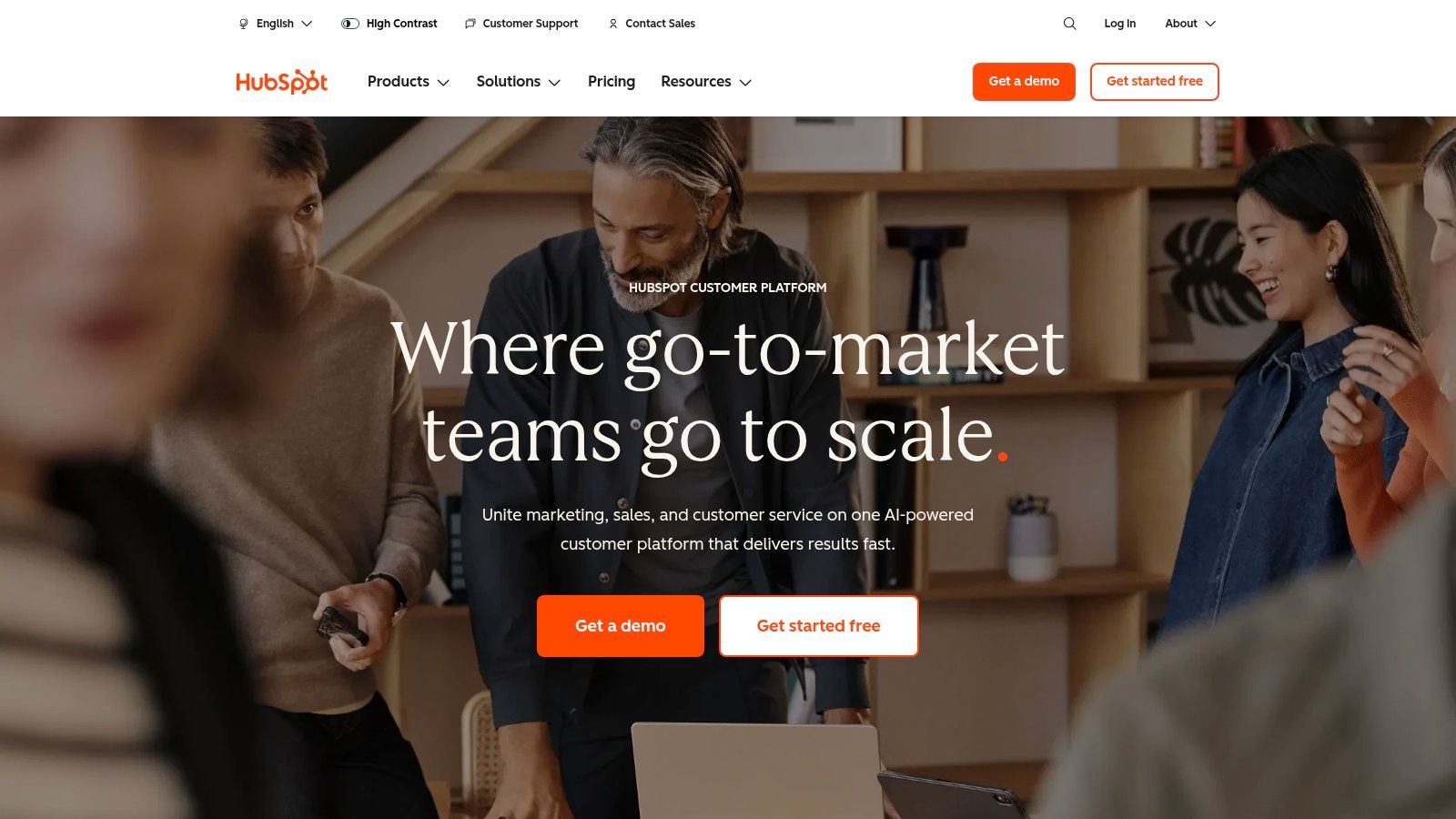
The platform’s AI features are built directly into existing workflows, helping teams generate campaign copy, build reports, and forecast revenue more efficiently. For service teams, AI can power chatbots and build knowledge bases, which is a key part of modern AI call center software solutions. This native integration means businesses don’t need to patch together multiple tools, reducing complexity and ensuring data flows seamlessly across departments for a complete view of the customer journey.
Key Features & Pricing
- Best For: Unifying sales, marketing, and service operations with embedded AI capabilities.
- Pricing: Offers a free tier with basic tools. Paid plans start with the Starter plan at $20/month (billed annually). Professional plans offer more advanced automation and AI features.
- Pros: The unified Smart CRM reduces tool sprawl, and it has a strong reputation with extensive community support and a large app marketplace.
- Cons: Professional and Enterprise tiers can become expensive for small businesses, and some advanced plans may require onboarding fees.
HubSpot serves as a central nervous system for a small business, using AI to enhance productivity and drive smarter, data-backed decisions.
Website: https://www.hubspot.com
8. AWS Marketplace
For small businesses already invested in the Amazon Web Services ecosystem, the AWS Marketplace is a powerful resource for deploying production-ready AI. It serves as a curated digital catalog where you can discover, purchase, and deploy third-party AI software and agents directly onto your AWS infrastructure. This makes it one of the best AI tools for small businesses needing enterprise-grade security and scalable solutions like AI chatbots, summarization tools, and custom business assistants.
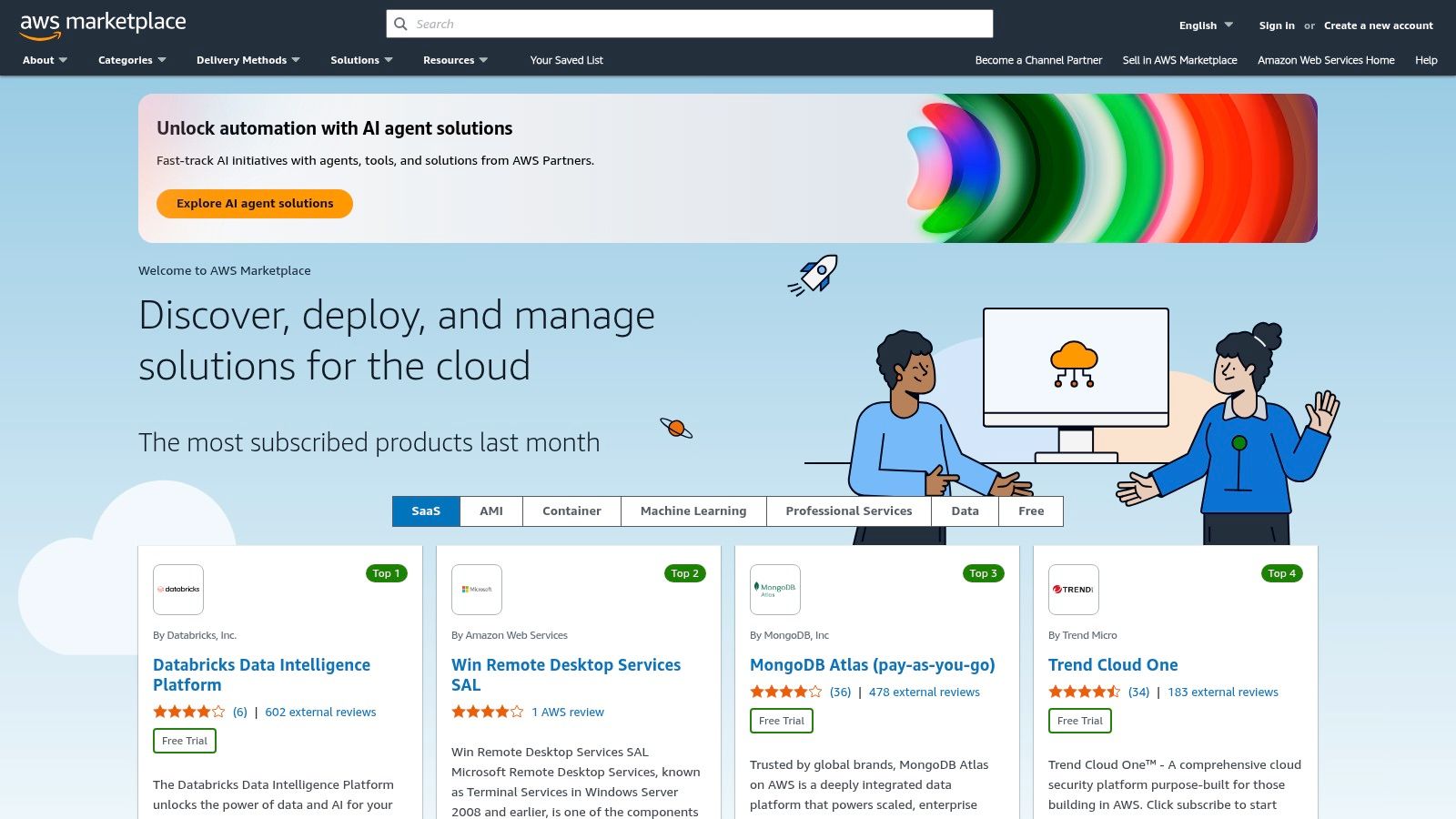
The platform streamlines procurement by integrating billing into your existing AWS account and offers flexible purchasing options, from usage-based pricing to long-term contracts. Businesses can also access powerful native tools like Amazon Q, an AI-powered business assistant, alongside specialized third-party solutions. This centralized approach simplifies managing multiple AI vendors while ensuring robust security and compliance.
Key Features & Pricing
- Best For: Tech-savvy SMBs, businesses on AWS, and companies needing secure, scalable, and pre-vetted AI solutions.
- Pricing: Varies widely by vendor; includes usage-based, subscription, and contract pricing. AWS infrastructure costs apply separately.
- Pros: Centralized procurement on a scalable cloud platform, and enterprise-grade security inherited from AWS.
- Cons: Can be overly complex for businesses not already on AWS, and additional infrastructure charges may apply beyond the software costs.
AWS Marketplace is ideal for small businesses that need to deploy specialized AI functions quickly without building them from scratch, all within a secure and familiar environment.
Website: https://aws.amazon.com/marketplace
9. AppSumo
AppSumo isn’t a single AI tool but rather a dynamic marketplace that has become a secret weapon for savvy small businesses. The platform offers heavily discounted, often lifetime, deals on emerging software, including a vast array of AI-powered applications. This makes it one of the best AI tools for small business owners who want to experiment with new technology without committing to expensive monthly subscriptions. It’s the ideal place to discover AI writers, video editors, chatbots, and analytics tools at a fraction of their standard cost.
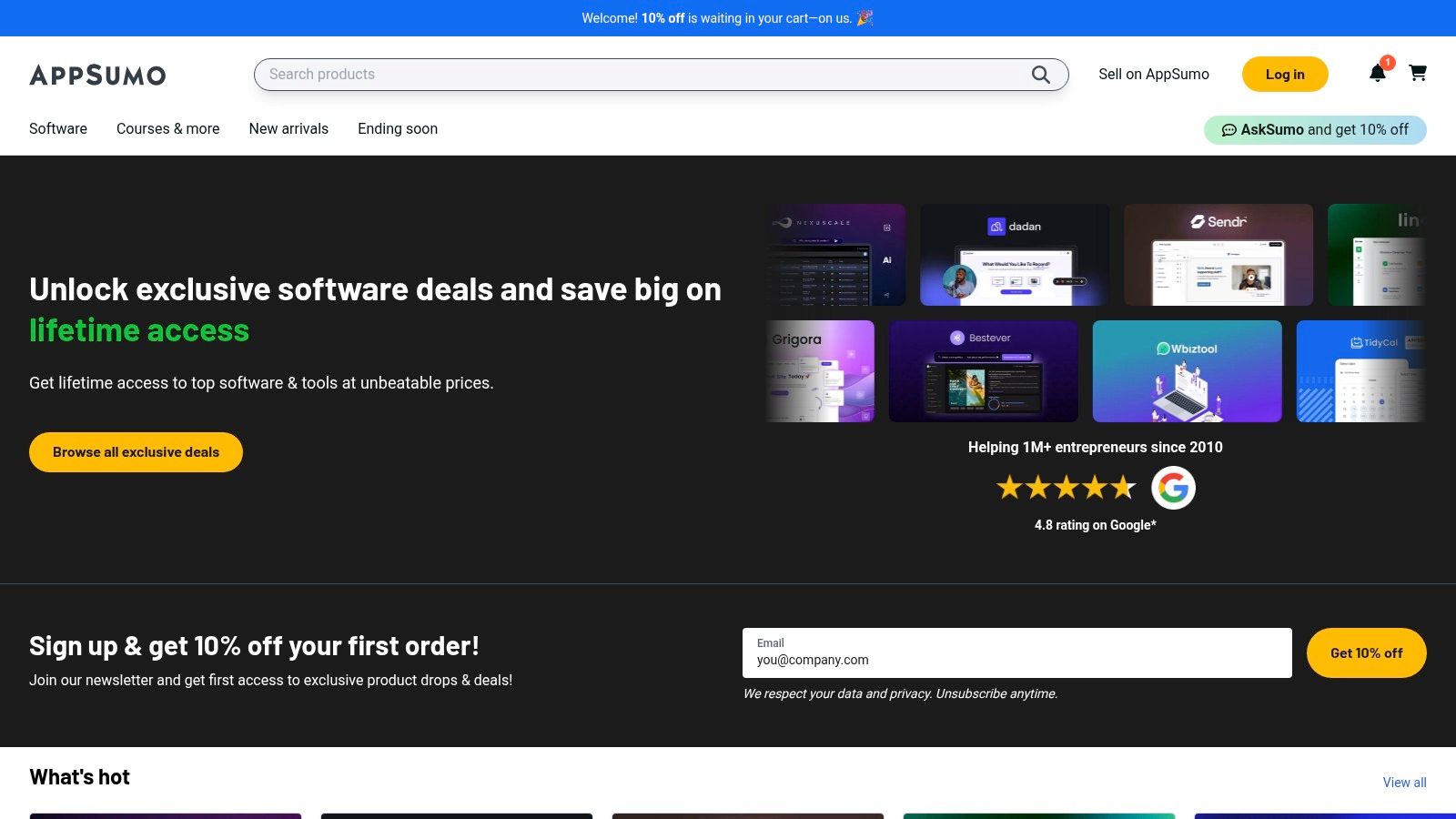
The value for small businesses lies in its low-risk, high-reward model. You can test a promising new AI marketing tool with a lifetime license, explore its features, and if it doesn’t fit your workflow, most deals come with a 60-day money-back guarantee. The active user review and Q&A sections provide crucial community insights, helping you gauge a tool’s real-world performance and vendor reliability before purchasing.
Key Features & Pricing
- Best For: Experimenting with new AI tools on a budget and securing lifetime software deals.
- Pricing: Varies significantly by deal, with lifetime licenses typically ranging from $39 to $99+ (one-time payment).
- Pros: Extremely low cost of entry for building a diverse AI toolkit, generous refund policies reduce purchase risk, and active community reviews help vet new products.
- Cons: Vendor quality and long-term support can be inconsistent, requiring careful due diligence before buying.
For a small business, AppSumo is less a tool and more a strategic resource for affordably acquiring a powerful suite of AI capabilities.
Website: https://appsumo.com
10. G2
G2 is not an AI tool itself but an essential research platform where small businesses can find and compare the best AI tools for their specific needs. It serves as a comprehensive peer-review marketplace, offering detailed buyer guides and category pages filtered specifically for small business AI solutions. This allows decision-makers to move beyond marketing hype and evaluate options based on authentic user feedback and side-by-side comparisons.
The platform’s “Grids” are particularly valuable, presenting ratings, pricing snippets, and key features in an easily digestible format. You can quickly explore categories like AI chatbots or AI agents, see how different vendors stack up, and read in-depth reviews from verified users in similar industries. For any small business looking to invest in technology, G2 is a crucial first stop to shortlist options confidently.
Key Features & Pricing
- Best For: Researching, comparing, and selecting AI software based on real user reviews.
- Pricing: Free for users to browse reviews and compare products.
- Pros: Broad coverage of AI vendors and solutions, and quick access to pros and cons from real users.
- Cons: Sponsored placements can influence visibility, requiring users to verify details directly on vendor sites.
G2 empowers small business owners to make informed purchasing decisions by leveraging the collective experience of their peers.
Website: https://www.g2.com
11. Capterra
While not an AI tool itself, Capterra is an essential resource for finding the right software, making it a crucial first stop when searching for the best AI tools for small business needs. It’s a comprehensive software review and comparison marketplace that allows you to filter specifically for AI-powered solutions like chatbots, conversational AI, and writing assistants. For a small business owner overwhelmed by options, Capterra provides structure and clarity.
The platform excels at demystifying the market by organizing tools into clear categories with detailed feature lists, pricing snapshots, and user reviews, often from other small business owners. Its side-by-side comparison feature is particularly useful for shortlisting vendors and making a well-informed decision without visiting dozens of different websites. It streamlines the research process, saving valuable time and effort.
Key Features & Pricing
- Best For: Researching, comparing, and discovering AI software tailored to small business needs.
- Pricing: Free to browse and compare software listings.
- Pros: Easy to scan pricing tiers and shortlist vendors, wide coverage including niche SMB-focused AI solutions, and features helpful comparison matrices.
- Cons: Some listings are vendor-managed or sponsored, so cross-referencing reviews and claims with other sources is recommended for validation.
For any small business starting its AI adoption journey, Capterra serves as an indispensable, unbiased guide to navigate the crowded software landscape.
Website: https://www.capterra.com
12. Canva – Magic Studio
Canva’s Magic Studio integrates a suite of powerful AI tools directly into its user-friendly design platform, making it an essential asset for small businesses needing to create professional marketing materials quickly. It empowers teams to generate on-brand social media content, ads, and sales collateral without needing specialized design skills. Tools like Magic Write for text generation, along with AI-powered image and video creation, streamline the entire creative process from concept to completion.
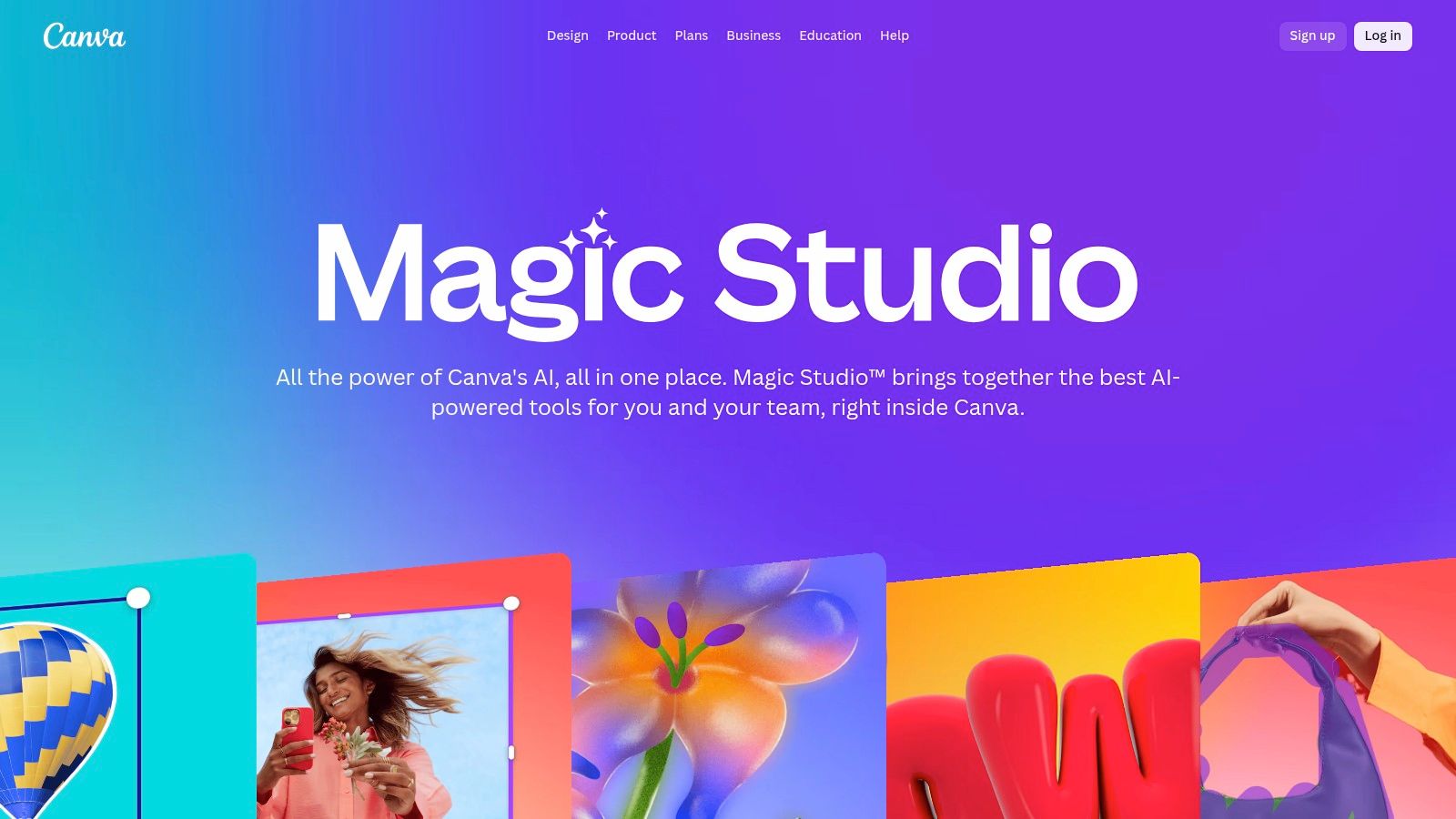
This all-in-one approach is what makes Canva one of the best AI tools for small business marketing. Instead of juggling multiple applications for writing, image editing, and video production, businesses can do it all within a single, collaborative environment. Features like Brand Kits ensure every asset remains consistent with company branding, while an extensive library of templates and stock media accelerates content creation.
Key Features & Pricing
- Best For: Marketing teams, content creators, and entrepreneurs needing to produce on-brand visual content efficiently.
- Pricing: A generous Free plan includes limited AI credits. The Pro plan starts at $14.99/user/month with significantly more credits and features. Teams plans start at $29.99/month for the first 5 people.
- Pros: Extremely accessible for non-designers, combines design, document, and AI tools in one platform, and offers excellent collaboration features.
- Cons: The price for the Teams plan has increased, and some users report occasional inconsistencies when accessing certain AI features.
Canva’s Magic Studio effectively democratizes design, allowing small businesses to compete visually with larger enterprises without the associated costs.
Website: https://www.canva.com/magic/
Top 12 AI Tools for Small Business: Feature Comparison
| Product | Core Features / Capabilities | User Experience / Quality ★ | Value Proposition 💰 | Target Audience 👥 | Unique Selling Points ✨ |
|---|---|---|---|---|---|
| 🏆 Marlie Ai | Instant call pick-up, books jobs, payments, spam blocking | 94% caller satisfaction ★★★★☆ | $0.25/min pay-as-you-go, saves 10–15 hrs/wk | Small service businesses (1–50 sites) | Smart transfer to human, no extra hardware needed |
| OpenAI – ChatGPT | GPT access, team workspaces, admin controls | Fast, strong ecosystem ★★★★☆ | Plus and Business plans, can be pricey 💰 | SMBs needing AI for drafting/research | Custom GPTs, data privacy focus |
| Microsoft 365 + Copilot | AI in Office apps, enterprise-grade security | Deep app integration ★★★★ | Requires MS 365 license, added cost 💰 | SMBs using Microsoft 365 | Copilot Studio, robust compliance |
| Google Workspace (Gemini AI) | AI in Gmail, Docs, Sheets + Gemini chat app | Familiar tools, solid security ★★★★ | Per-seat pricing, price increases coming 💰 | SMBs on Google Workspace | Built-in Gemini AI; admin data controls |
| Shopify App Store | AI apps for ecommerce: chatbots, recommendations | Mixed quality, many free trials ★★★ | Varies by app; can add up 💰 | Ecommerce merchants | Native Shopify integration |
| Zapier | Workflow automation, 6000+ app integrations, AI steps | Broad ecosystem ★★★★ | Task-based pricing, can grow expensive 💰 | SMBs automating biz processes | AI agents + Python logic support |
| HubSpot | AI-powered CRM with marketing, sales, support | Strong SMB reputation ★★★★ | Seat-based pricing, can be costly 💰 | SMBs needing unified CRM | AI for content, lead scoring, support automation |
| AWS Marketplace | Curated AI software with AWS infra & security | Enterprise-grade ★★★★ | Usage & contract pricing + infra costs 💰 | SMBs on AWS or needing cloud AI | Scalable cloud, Amazon Q assistant |
| AppSumo | Discounted/lifetime deals on various AI tools | Budget-friendly, variable quality ★★★ | Low cost entry, refund window 💰 | SMBs experimenting with AI | Lifetime licenses, frequent promos |
| G2 | Peer reviews, SMB-focused AI tool guides | Real user feedback ★★★★ | Free to browse | SMB buyers and researchers | Side-by-side vendor comparisons |
| Capterra | Software reviews & pricing snapshots | User-friendly ★★★★ | Free, vendor-managed listings 💰 | SMB buyers exploring AI | SMB-filtered categories, feature matrices |
| Canva – Magic Studio | AI design tools for text, image, video | Fast, accessible ★★★★ | Free and Pro plans; recent price hikes 💰 | SMB marketing teams | Multi-format AI tools, brand kits |
Choosing the Right AI Mix for Your Business
Navigating the landscape of AI can feel overwhelming, but integrating these powerful systems into your operations doesn’t have to be complex. As we’ve explored, the journey isn’t about adopting every trend; it’s about making strategic, targeted choices that solve your most pressing business challenges. The true power of the best AI tools for small business lies in their ability to automate repetitive tasks, unlock new efficiencies, and ultimately, drive growth. From handling critical after-hours calls to streamlining content creation, the right AI stack acts as a force multiplier for your team.
The key takeaway is to start with a clear problem. Are you a plumber, locksmith, or tow operator losing high-value jobs because calls go to voicemail? An AI phone agent like Marlie Ai offers a direct solution with a clear return on investment. Are you spending too much time drafting social media posts or marketing emails? A generative AI tool like ChatGPT or Canva’s Magic Studio can reclaim those hours. The most successful AI adoption strategies begin by identifying a single, significant pain point and implementing a tool designed specifically to solve it.
Building Your AI Toolkit: A Practical Approach
Instead of a complete technological overhaul, think of building your AI capabilities as an incremental process. A practical strategy involves a few key steps:
- Audit Your Workflow: Pinpoint the most time-consuming, repetitive, or inefficient parts of your daily operations. Is it customer intake, data entry, content scheduling, or lead follow-up?
- Start with One Core Tool: Select a single AI solution that addresses your biggest bottleneck. For service businesses where a missed call means lost revenue, this is often an AI phone assistant. For others, it might be a CRM with AI features like HubSpot.
- Measure the Impact: Before and after implementing a tool, track key metrics. This could be the number of calls answered, leads captured, time saved on administrative tasks, or customer satisfaction scores. Tangible data will validate your investment and guide future decisions.
- Integrate and Expand: Once you’ve seen success with a foundational tool, use platforms like Zapier to connect it to your other systems, creating a seamless, automated workflow that enhances your entire business operation.
Final Thoughts on AI Implementation
Remember that AI is not a replacement for human expertise but a powerful assistant that enhances it. The goal is to free yourself and your team from mundane tasks to focus on strategic growth, customer relationships, and the skilled work that defines your business. Whether you are a solo entrepreneur juggling roadside assistance requests or a multi-location franchise aiming for consistent service, the right combination of AI tools can provide a significant competitive edge. By starting small, focusing on specific problems, and measuring your results, you can build an intelligent, efficient operation poised for success in the modern marketplace. For a practical guide on integrating intelligent systems into your content strategy, explore how various AI content generation tools can transform your workflow.
Ready to ensure you never miss another high-value customer call? Discover how Marlie Ai can provide 24/7 professional phone coverage, capture every lead, and integrate seamlessly with your business. Stop losing jobs to voicemail and see how our specialized AI phone agent can transform your customer service and boost your bottom line.
