

Give Your Google Voice Number an AI Receptionist
Forward calls from Google Voice to Marlie AI and never miss a lead again. Same number, smarter answering — callers won't know the difference.
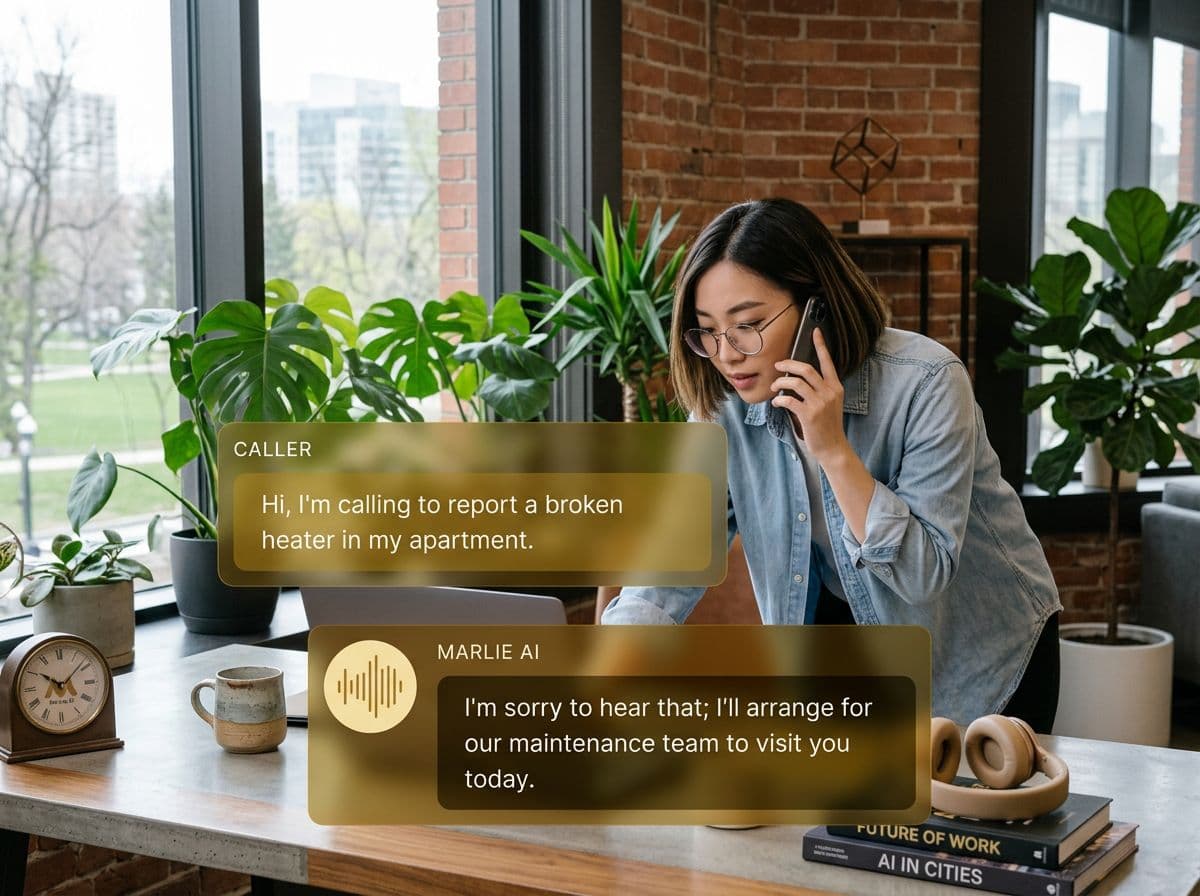
Keep your Google Voice number, upgrade your answering
Google Voice is one of the most popular business phone solutions — affordable, reliable, and easy to set up. But it doesn't answer calls for you. When you're busy, in a meeting, or off the clock, calls go to a basic voicemail that most people hang up on.
With the Marlie AI + Google Voice integration, unanswered calls are forwarded to your AI receptionist. Marlie picks up instantly, has a natural conversation with the caller, captures their details, and sends you a summary. Your Google Voice number stays the same — callers just get a much better experience.
Also useful: 24/7 answering service.
What You Get with Marlie + Google Voice
Everything you need to connect your phone calls with Google Voice — fully automated, zero manual work.
Simple Call Forwarding
Set up conditional forwarding from Google Voice to Marlie in minutes. No technical skills or porting needed.
Keep Your Number
Your existing Google Voice number stays unchanged. Callers dial the same number they always have.
Natural AI Conversations
Marlie answers with your business greeting and handles calls naturally — taking messages, answering FAQs, and qualifying leads.
Instant Call Summaries
Get a notification with a full call summary, transcript, and caller details the moment the call ends.
After-Hours Answering
Set Google Voice to forward to Marlie outside business hours so you're always covered without being always available.
Overflow Handling
When you're on another call, Google Voice automatically sends the next caller to Marlie instead of voicemail.
How It Works
Get up and running with Google Voice in minutes — no coding required.
Get Your Marlie Number
Sign up for Marlie AI and receive a dedicated forwarding number in your Marlie dashboard.
Set Up Forwarding in Google Voice
In Google Voice settings, add your Marlie number as a forwarding destination. Choose when to forward — always, when busy, or after hours.
Customize Your AI Receptionist
Tell Marlie how to greet callers, what questions to ask, and how to handle different call types for your business.
Calls Are Answered Automatically
Forwarded calls are picked up by Marlie instantly. You get a summary and the caller gets a professional experience.
Built for Real Scenarios
See how businesses use Marlie + Google Voice to capture more leads and streamline operations.
Small Business Owner
You use Google Voice as your business line but can't answer during client meetings. Calls go to voicemail and leads slip away.
Marlie catches every forwarded call, captures the lead, and texts you a summary — so you follow up the moment your meeting ends.
Freelancer or Consultant
You're a solo consultant who needs a professional phone presence but can't afford or justify a full receptionist service.
Marlie gives your Google Voice number a professional AI receptionist for a fraction of the cost, qualifying leads and scheduling callbacks.
Side Business After Hours
You run a side business and can't take calls during your day job. Evenings and weekends aren't enough to catch every inquiry.
Google Voice forwards to Marlie during work hours. Every lead is captured and waiting for you when you're free to follow up.
Frequently Asked Questions
Common questions about the Marlie AI + Google Voice integration.
Do I need to change my Google Voice number?
How do I set up call forwarding from Google Voice?
Will callers know they're talking to AI?
Can I still answer calls myself sometimes?
Does this work with Google Workspace (business) Voice?
What happens to my Google Voice voicemail?
Related Integrations
Marlie AI connects with more than just Google Voice. Here are a few closely related tools, or browse the full integrations catalog.

Ready to connect Marlie AI with Google Voice?
Eligible new customers get 14 days free. Add a card at checkout with $0 due today, then place your first real phone test minutes later.
What Our Customers Say

“Marlie has dramatically improved our reservation process, reducing missed calls by 40%.”

“Our takeout orders increased by 25% since implementing Marlie to handle busy call times.”

“Student enrollment is up 30% with Marlie handling after-hours inquiries about our programs.”

“Marlie has become an essential part of our customer service strategy across all our places.”

“The AI voice agents integrate seamlessly with our existing systems, creating a truly omnichannel experience.”
Get set up in minutes
Create your receptionist in 15 minutes and start receiving calls immediately. Try it for 2 weeks risk-free with our money-back guarantee.
